
Do Twitter memes help you grow on X? They can help when the joke fits your audience, because they earn engagement signals, yet no format guarantees a follower.
Timeline meme, posted on impulse: fast to share, easily missed, and rarely tied to your account. Circleboom: schedules a reviewed meme post on X at a chosen time, as an official X Enterprise developer.
→ Prepare your Twitter memes in X Post Planner before the joke goes stale
Below: a fit test, a frequency answer and the media limits.
What Twitter memes do for an account on X
Twitter memes mainly earn attention and low-effort reactions. A visual fills more of the timeline than one line of text, and a reaction GIF signals tone in a second, so lighter posts tend to invite replies and quote posts.
Those are engagement signals, and they are the honest extent of the claim.
Three things memes do not do by themselves:
- Guarantee new followers.
- Deliver a fixed lift in impressions.
- Explain what your account offers.
The gap between attention and follows is where most advice goes vague.
A follow needs a second step: the reader has to want more from you specifically.
Accounts on lists of funny Twitter accounts to follow earn that step with a consistent voice over many posts, and one lucky format cannot stand in for it.
So treat a meme as an entry point to your profile.
Circleboom handles the operational part on X, so you can plan Twitter memes ahead of time alongside your other posts.
They then support a wider plan rather than interrupt it. For the wider picture of gaining more followers on Twitter organically, memes are one input among several.
A four-question fit test for memes on your account
A meme fits your account when it passes all four questions below. Treat one "no" as a reason to rewrite, and two as a reason to skip.
| Question | Pass | Fail |
|---|---|---|
| Audience | Followers get the reference | Only outsiders get it |
| Topic | About your field or work | About nothing in particular |
| Timing | Still true when it publishes | Tied to an hour that passed |
| Risk | Safe beside your other posts | Awkward next to serious news |
The timing row is the one most likely to stop a draft. A joke tied to a live moment needs to go out quickly, so scheduling it days ahead is a mistake.
Evergreen jokes about your field are the ones worth preparing in batches.
The fit also changes by account type, and this is the part generic lists miss:
- Creator or meme account: humor can be the core format, as long as a recognizable voice carries across posts.
- Founder or niche expert: use humor about the trade, and keep the useful posts as the main reason to follow.
- Brand: keep it on-brand and check the visual for outdated logos or unapproved claims.
- Legal, finance, or support account: stay restrained, and skip memes when tone matters more than a casual moment.
The test matters more than the format: a meme that fails it should not ship, however popular the template is.
Are memes just engagement farming on X?
A meme is engagement farming when its only purpose is collecting reactions. Engagement farming means content made specifically to generate high levels of interaction, and a generic template with a broad caption meets that description.
A meme with a point about your niche is different in one checkable way: its reactions come with information about you.
Test this by asking what a stranger would know about your account after seeing the post.
If the answer is nothing, it is reach without a reason to follow.
When you should skip Twitter memes
Skip a meme whenever a serious topic is live in your feed or your field. A joke scheduled days earlier cannot read the room, so check your queue when news breaks and pull anything that would land badly beside it.
Scheduled posts publish whether or not the mood has changed.
Skip it when the visual carries a problem, too. Three common ones:
- Copyrighted material you have no right to publish.
- Private details, such as a customer name in a screenshot.
- Text too small to read on a phone.
Also skip the format when plain words would do better. A short, sharp line often works without any picture, and adding a stock reaction image can weaken it.
This is the hardest call for accounts that have just discovered memes, since every post starts to look like it needs one.
Which meme format suits which goal
The right format depends on what you want the reader to do. A format chosen for its own sake tends to produce the generic post the fit test rejects.
| Format | Best for | Watch out for |
|---|---|---|
| Image with a caption | A niche joke with a clear setup | Small text on a phone |
| Reaction GIF | Tone on a casual post | Vague meaning, 1 GIF per tweet |
| Up to 4 images | A before-and-after or a sequence | Weak last image |
| Image of your own tweet | Text-first humor | Long text gets hard to read |
Reaction GIFs suit posts that want replies, because they signal tone quickly and leave the reader something easy to answer.
A four-image sequence asks more of the reader, so it suits a joke that has real steps, such as what a plan looked like and what happened to it.
An image of your own words keeps the humor attached to your account, which makes it the safest of the four for rights.
Whichever you choose, keep the design consistent if the meme is a recurring series. Using the same Canva template each week makes a series easier to recognize in the timeline.
How often should you post memes on X?
Start with one or two meme posts a week, then adjust from your own data. That number is my judgment call rather than a platform rule.
A useful reference comes from a mixed week of 14 posts: 6 single tweets, 2 threads, 2 polls and 4 visual posts. Memes can take one or two of those four visual slots without crowding out the formats that earn bookmarks and votes.
Going beyond that makes sense mainly for accounts where humor is already the core format.
Evergreen and timely memes also need different handling. An evergreen joke about your field can sit in the queue for weeks and may suit Auto Retweet later.
A timely joke should go out while the reference is live, and it should never be set to repost, because the repeat would arrive after the moment has passed.
Consistency matters more than volume. An account posting three times a week at steady times builds more momentum than one posting ten times a week for three weeks and then going silent.
A meme habit you can keep beats a burst you cannot.
Timing has one rule of thumb. Use your best time to post on Twitter as a starting point, never a guarantee, and adjust once you have your own results.
What are the file limits for meme images and GIFs on X?
A tweet in X Post Planner holds up to 4 JPG or PNG images at 5 MB each, or 1 GIF up to 15 MB.
| Format | Maximum per tweet | File limit |
|---|---|---|
| Image, JPG or PNG | 4 | 5 MB each |
| GIF | 1 | 15 MB |
| Video | 1 | 512 MB, 2 minutes 20 seconds |
Images and video cannot share one tweet, so choose the format before you start the design. A poll takes the same slot, which is why a meme and a scheduled Twitter poll have to be separate posts.
Dimensions and crops are a separate concern from file size. Check them against this overview of social media image sizes, then confirm that any text inside the image reads clearly on a phone.
If your meme is a video clip or a looping reaction, this walkthrough on how to schedule a video tweet or GIF tweet covers that route.
Can AI write the caption if you are not naturally funny?
Yes, AI can draft the caption, but you should treat its output as raw material. Circleboom's funny tweet generator creates humorous tweets or threads for X. It works from a username, a block of text, or a URL. Its styles include Funny and Sarcastic.
Inside X Post Planner, the AI writer can also generate from a free-form prompt and offer quick actions such as More Punchier and Condense.
Two habits improve the result. Generate several variants, since humor often takes a few angles before one works. Then add one concrete detail from your own work, because that detail is what makes the joke pass the topic row of the fit test.
Review every draft for accuracy and tone, too. Generated text does not post itself in the composer, so nothing reaches your followers until you schedule or publish it.
How to use Twitter memes in X Post Planner
To use Twitter memes in a planned way, write the caption, attach a visual from Canva, an upload or a GIF search, and then schedule the post for a slot your followers are active in. X Post Planner has no meme maker or template library, so it handles the attaching, the review and the timing.
The four steps below run in order.
Connect your X account to Circleboom
- Log in to Circleboom Twitter and authorize your X account.
Open the planner and start a draft
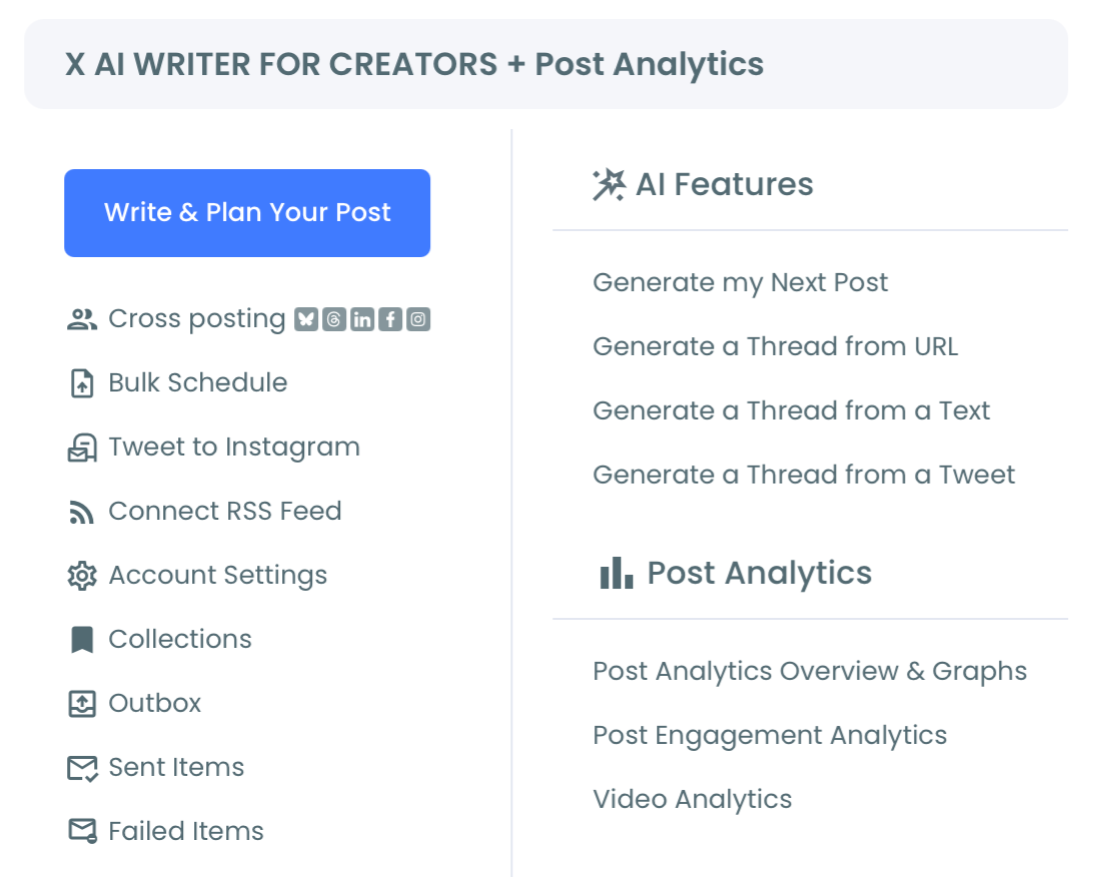
- Navigate to the X Post Planner menu and open the post editor.
Write the caption and attach the visual
- Type the caption, then click the image icon to add a GIF, upload a file, or design on Canva.
Choose a slot and schedule the post
- Click Schedule and pick a date and time at least 15 minutes ahead, or select one of the 6 slots from Find your best posting time.
This order keeps the fit test ahead of the calendar. By the time you reach Schedule, you have already seen the caption and visual together, which is where most mistakes get caught.
At a glance: connect, open the planner, draft with a visual, schedule.
Unlike posting from the timeline in the moment, this process gives a meme a review window and a chosen time. You can schedule Twitter memes for your active hours in one session instead of stopping work each time.
Circleboom is also listed on X's official Enterprise developers list, which matters when you let a tool publish to your account.
A posted meme is not finished, either.
When an evergreen one had a high engagement rate but low impressions, it probably went out at a weak time.
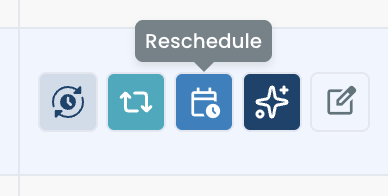
Reschedule it from the per-post buttons in X Post Analytics, in a Best Time to Post slot.
For text-first humor, a tweet converted to an image is a simple meme format that needs no design work at all.
Your meme checklist before the next post
Run through these actions before any meme goes on your calendar:
- Answer the four fit questions, and rewrite on one "no."
- Set a weekly number, starting at one or two posts.
- Confirm the file fits the media limits and reads clearly on a phone.
- Add one detail only someone in your field would know.
- Check the results against your own average, then repeat what worked.
Memes can help you grow on X when they give people a reason to look at your profile.
The planning is the part you control, and it keeps a good joke from going stale in your notes.
→ Plan your next Twitter memes in X Post Planner
Twitter memes FAQ
How do I make a meme without design software?
Use Canva from the image icon in Circleboom's X Post Planner, and the finished design attaches to your tweet draft. The Twitter post design page shows that route, and you can also upload an image or search for a GIF.
How do I know whether a meme helped my account?
Compare the meme with your own average in Circleboom's engagement analytics for X, looking at engagement rate, replies, bookmarks and profile clicks. High impressions with few profile clicks mean people saw the joke without becoming curious about you.
Judge a run of posts, because one result can be luck.