
One day you open Twitter (X), check your follower count, and you notice it dropped.
And what makes it annoying is that nothing actually changed on your side.
You’re still posting the same type of content. You didn’t do anything controversial. You didn’t stop tweeting. You didn’t spam anyone.
So the first thought is always the same:
“Why did this person follow me… and then unfollow me?”
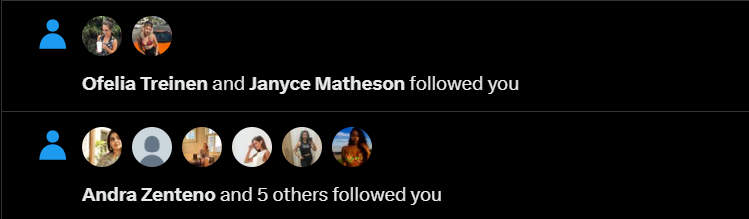
After managing accounts for a long time, I can tell you the answer is usually not personal. In most cases, it’s not because they disliked your content.
➡️ It’s simply because follow-unfollow is a strategy people use to grow faster on X.
And yes, it’s basically a trick.
 infocircleboom.com
What “Follow Then Unfollow” Means on Twitter (X)
The follow-unfollow method is simple.
Someone follows you, waits a bit, and hopes you will follow them back.
They are not following because they genuinely want to see your tweets in their feed. They follow you because they want to trigger a reaction from you. Their goal is to make you think:
“Oh, they followed me. Let me follow them back.”
And if you don’t follow them back, most of the time, they unfollow you quickly.
This is why you’ll sometimes see people following you today and disappearing tomorrow.
But here’s the more annoying part…
Even if you follow them back, they can still unfollow you
Because for many people, the strategy doesn’t end at “getting your attention.”
It ends with getting the follow back.
Once they feel like they “completed” their goal, they move on and unfollow you anyway. In their mind, it’s like:
“Okay, this one is done. Next.”
That’s why you can do everything “right” and still get unfollowed.
Why People Follow Then Unfollow You on Twitter (X)
There are a few common reasons behind this behavior, and once you understand them, it becomes much easier to stop caring about it emotionally and start handling it logically.
1) They want fast growth without real effort
Organic growth on Twitter takes time. You need consistency, you need content that matches the right audience, and you need patience.
Some people don’t want that.
They want the shortcut version of growth, where numbers go up quickly even if it doesn’t mean anything.
So they try to “collect” followers through this method, hoping a percentage of people will follow back.
2) They treat people like numbers, not a community
This is the biggest difference between real creators and “growth hackers.”
Real creators follow people they enjoy reading.
Follow-unfollow users follow anyone who might follow back.
 Altug Altug
That’s why it feels random sometimes.
You’ll be followed by accounts that have nothing to do with your content, your niche, or even your language.
3) They use it as a visibility trick
Following someone can create small visibility.
Sometimes you see the notification, check their profile, and they get a profile visit. They might get an extra impression, maybe even a follow.
It’s basically a cheap way to force attention.
 Arif Akdogan
4) Some of them automate it
This part is important.
Not everyone is doing it manually. Some accounts use automation or aggressive growth tools to follow hundreds of people, wait, unfollow later, repeat.
That’s why the behavior looks so robotic.
They don’t even remember who they followed. They just run a system.
Why This Strategy Is Hazardous for Your Account
On paper, the follow-unfollow strategy is their problem.
But in reality, it becomes your problem too if you react to it the wrong way.
Because the biggest damage happens when you follow these people back without tracking what happens after.
Your “Following” number grows while your followers stay unstable
If you follow everyone who follows you, you’ll slowly build a huge following list.
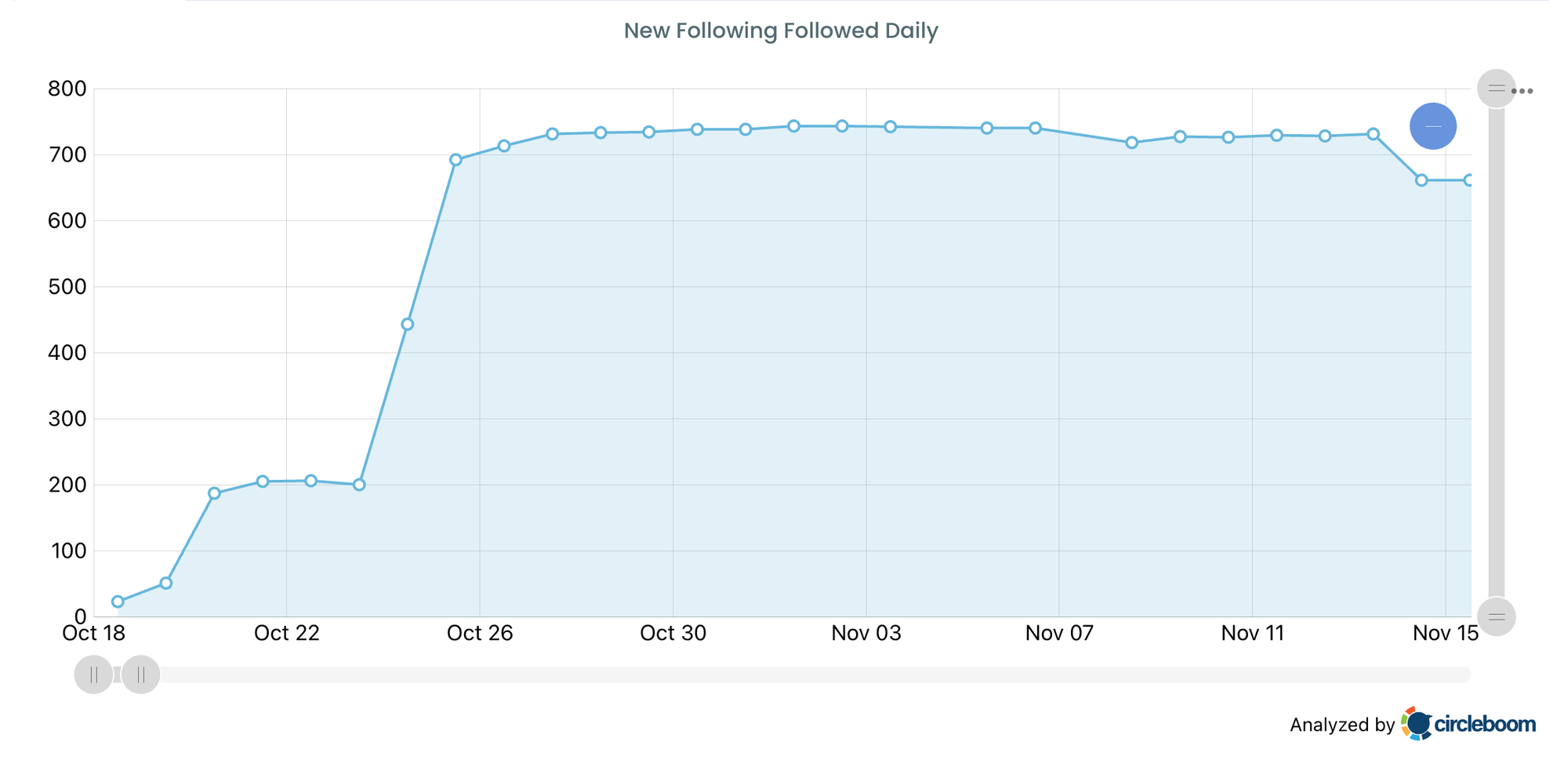
But many of those accounts were never real followers in the first place.
So after a while, your account starts to look like this:
- Your following count increases
- Your follower count stays inconsistent
- Your ratio becomes worse
- Your following list becomes full of accounts that don’t care about you
This is exactly how people end up with a strange-looking profile where they follow 5,000 accounts but only have 800 real followers.
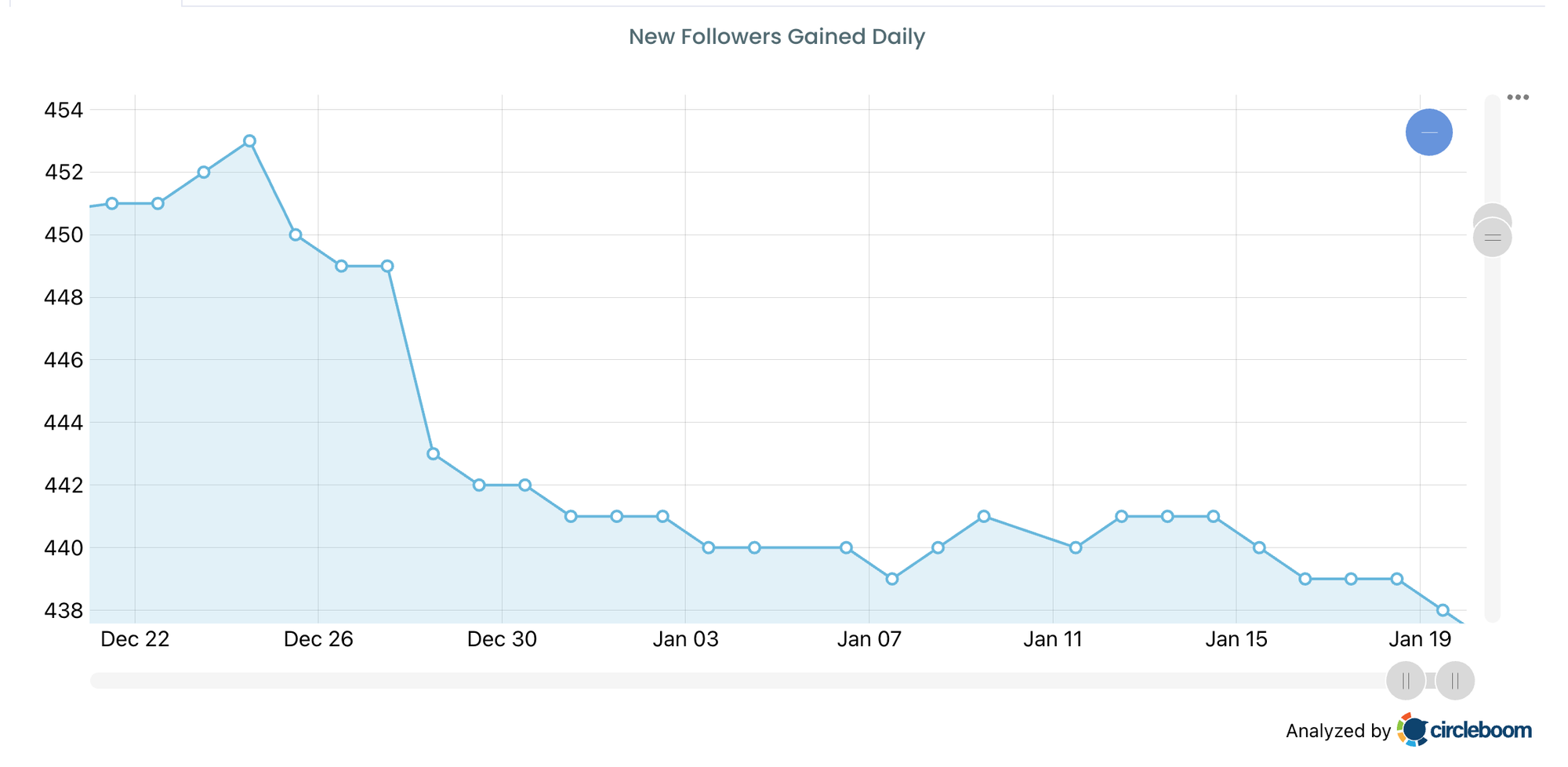
And the worst part is: it happens slowly, so you don’t notice it until it looks messy.
The Rule I Started Using: If They Unfollow Me, I Unfollow Them
At some point I stopped trying to “guess” why someone unfollowed.
I stopped thinking:
“Maybe I posted too much.”
“Maybe they didn’t like my last tweet.”
“Maybe my niche is different now.”
Because most of the time, it wasn’t about that.
It was just the follow-unfollow trick.
So I built a simple rule for myself:
✅ If someone unfollows me, I unfollow them too.
Not in a revenge way. Not emotionally.
Just as a clean-up rule to protect the quality of my following list.
Because if someone doesn’t want to stay connected with me, there’s no reason for me to keep following them either.
And when you consistently do this, your account stays clean.
 Altug Altug
Why I Use Circleboom Twitter to Handle Unfollowers
Here’s the real problem:
❌ Twitter (X) doesn’t give you a clean “unfollowers” list.
Yes, you can see your follower count go up and down. But Twitter won’t tell you who left. There’s no notification, no history, and no way to compare yesterday’s follower list with today’s follower list in a simple way.
So when your number drops, you’re stuck with one frustrating question:
“Who exactly unfollowed me?”
And if you try to figure it out manually, it turns into a waste of time really fast.
That’s exactly why I started using Circleboom Twitter.
Circleboom Twitter is an official X Enterprise Developer, which is a big deal because it means it works through X’s official infrastructure instead of relying on unsafe methods.
And more importantly, it’s not just a random “unfollower tracker.” It’s a full Twitter/X management tool designed to help you actually control your audience and account health.
With Circleboom Twitter, I can instantly see a clear list of:
✅ Who unfollowed me
✅ When they unfollowed (depending on updates)
✅ Their account details, so I’m not guessing who they are
Instead of just showing a username, Circleboom gives more context so you can make a smarter decision, like:
- Is this account active or inactive?
- Does it look real or low-quality?
- Are they doing follow-unfollow with everyone?
- Is this someone I actually want to keep following?
And the best part is what happens next:
If someone unfollows me, Circleboom doesn’t make me jump through extra steps.
It allows me to unfollow them with one click, directly from the same screen.
So instead of turning unfollowers into a stressful situation or a time-wasting habit, it becomes something simple and controlled:
❇️ Check the list → remove the unfollowers from my following → keep my ratio clean and my account healthy.
That’s the difference. Circleboom doesn’t just show you what happened.
It lets you take action immediately.
How to See Who Unfollowed You and Unfollow Them (Step by Step)
This is the exact way I do it.
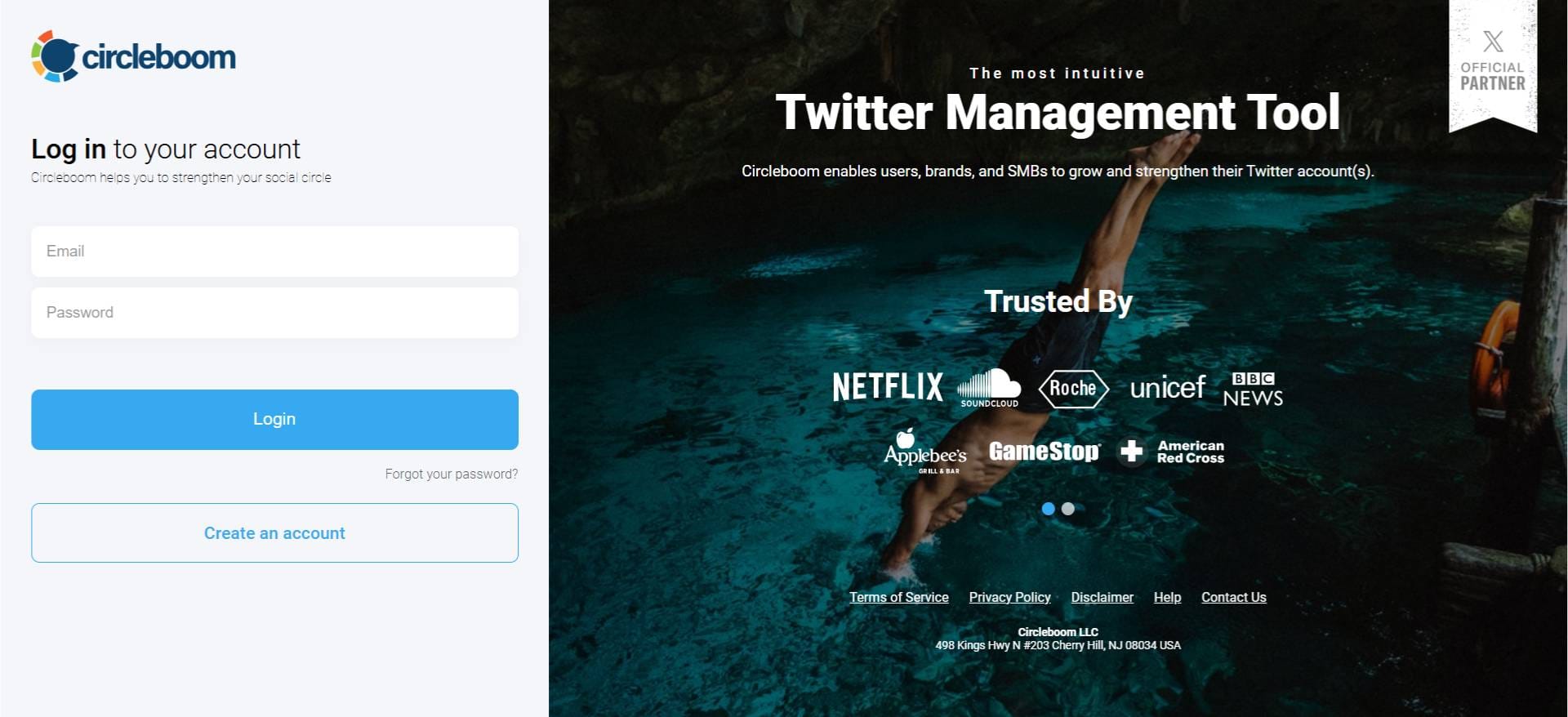
Step#1: As the first step, please go to Circleboom Twitter and login with your active e-mail address.
If you haven't got a Circleboom account yet, you can get one in almost no time!
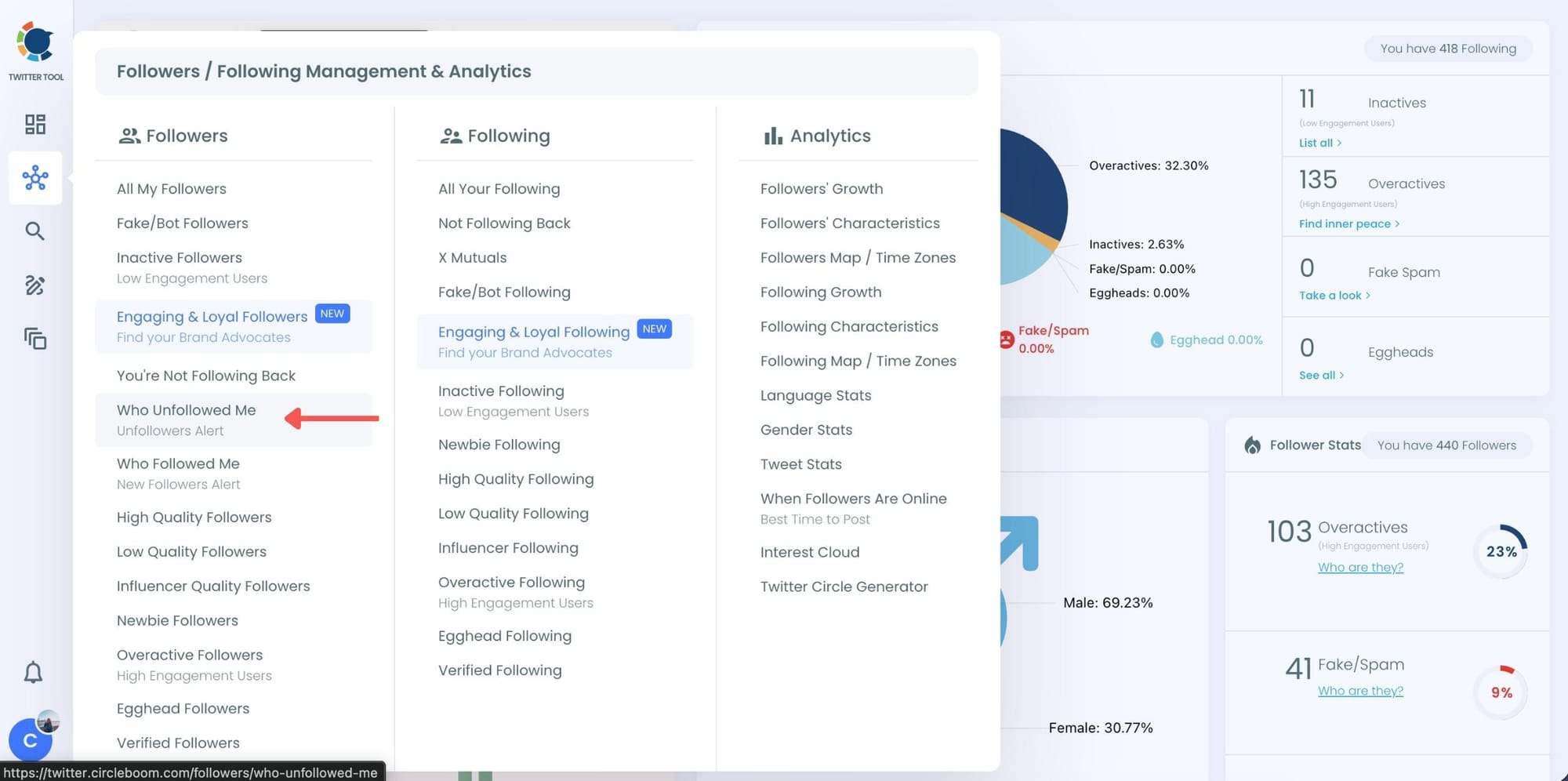
Step#2: You will see the "Followers" tab on the left. Navigate to it!
Then you will see the "Who Unfollowed Me?" option there.
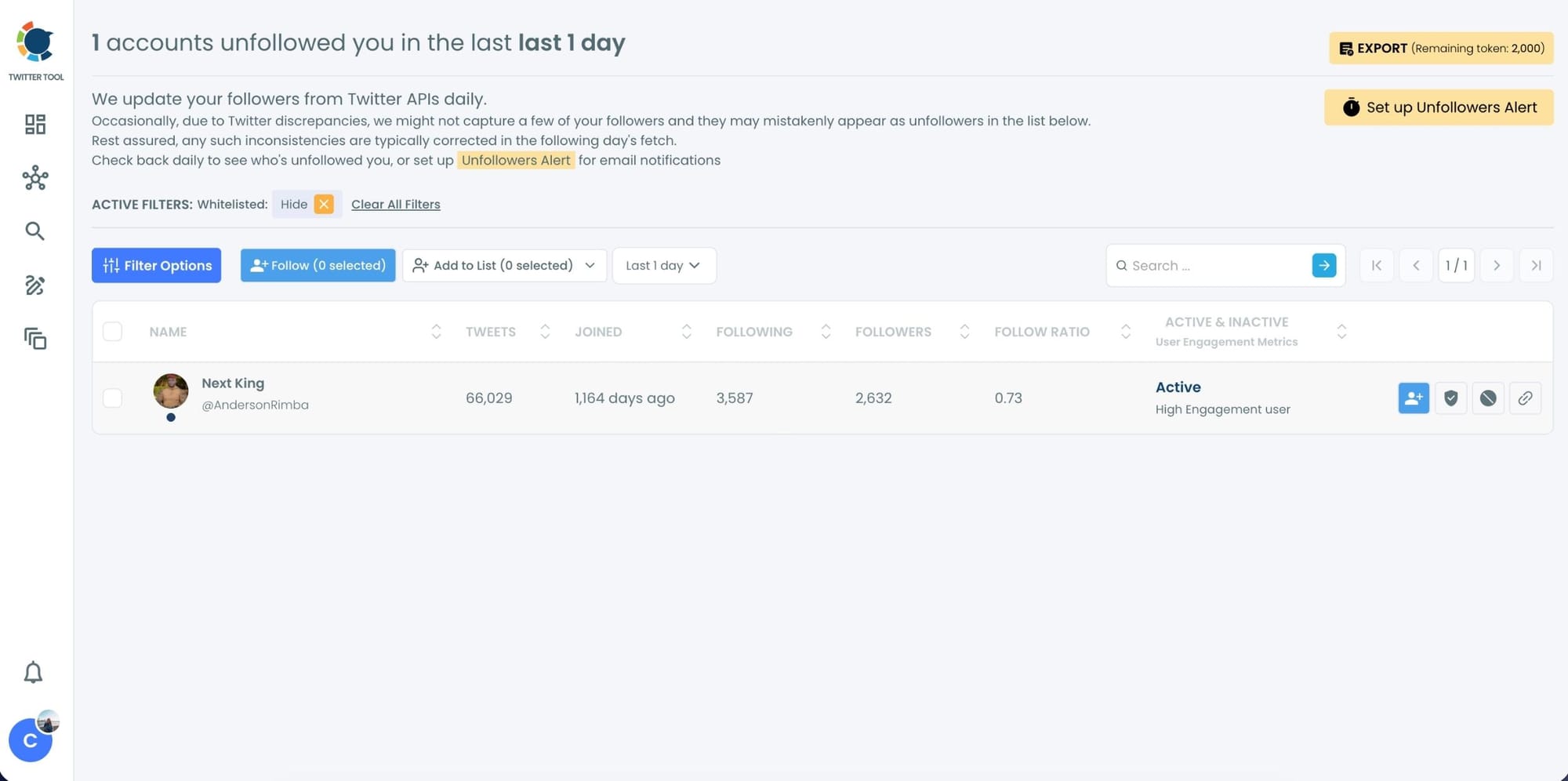
Step #3: You will be able to check your Twitter unfollowers. If you wish, you can visit their Twitter profile and unfollow them!
Here are your Twitter unfollowers identified by Circleboom:
And, you can set up "Unfollowers Alert" to get notified immediately as someone unfollows you on Twitter!
Set Up Unfollower Alerts (Daily or Weekly)
If you don’t want to check manually, Circleboom also offers Unfollower Alerts.
These alerts:
- Track unfollowers automatically
- Send you daily or weekly email reports
- Show exactly who unfollowed you during that period
How to Set Up Alerts:
1. Choose Unfollower Alert
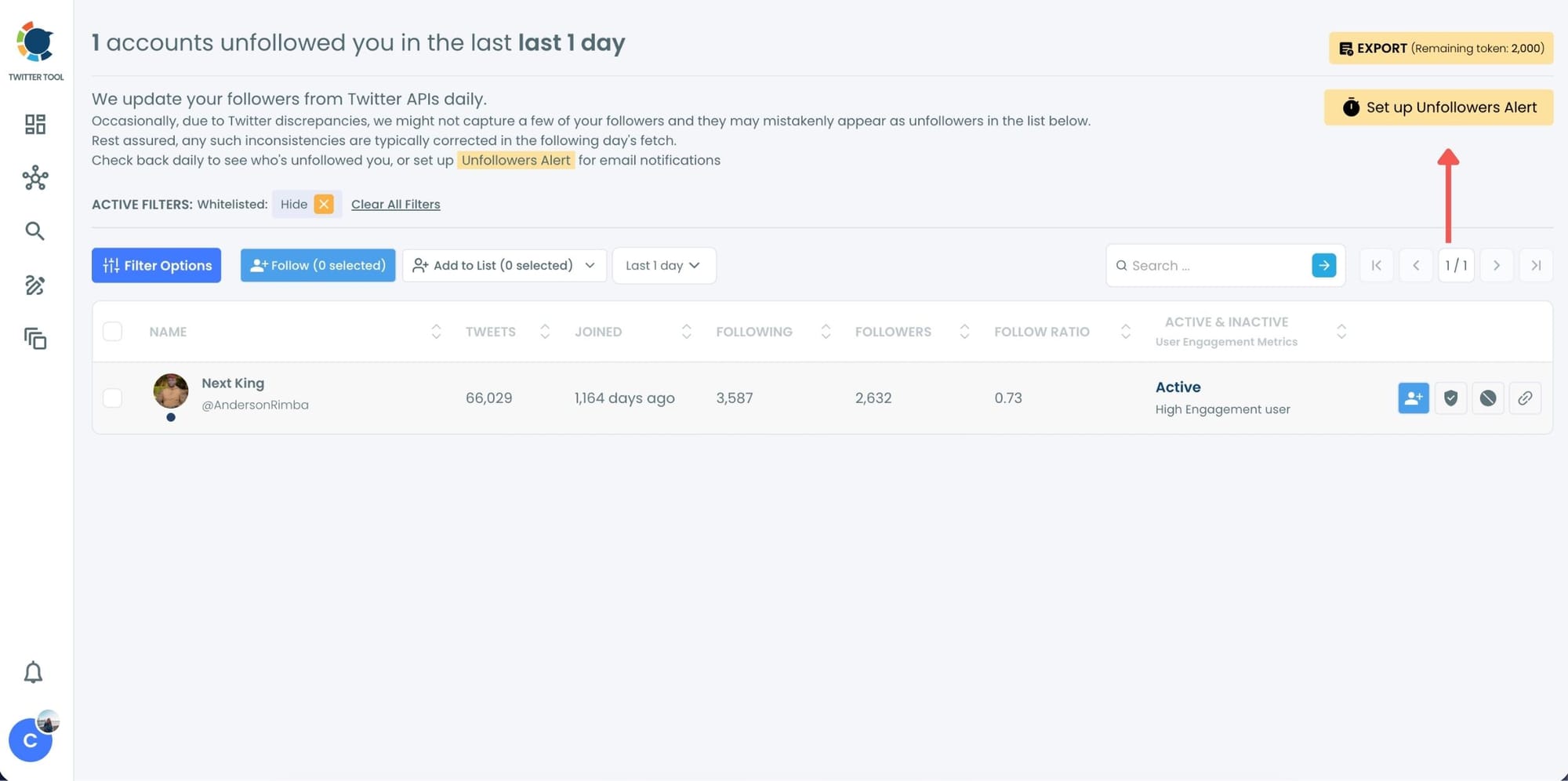
2. Select daily or weekly frequency
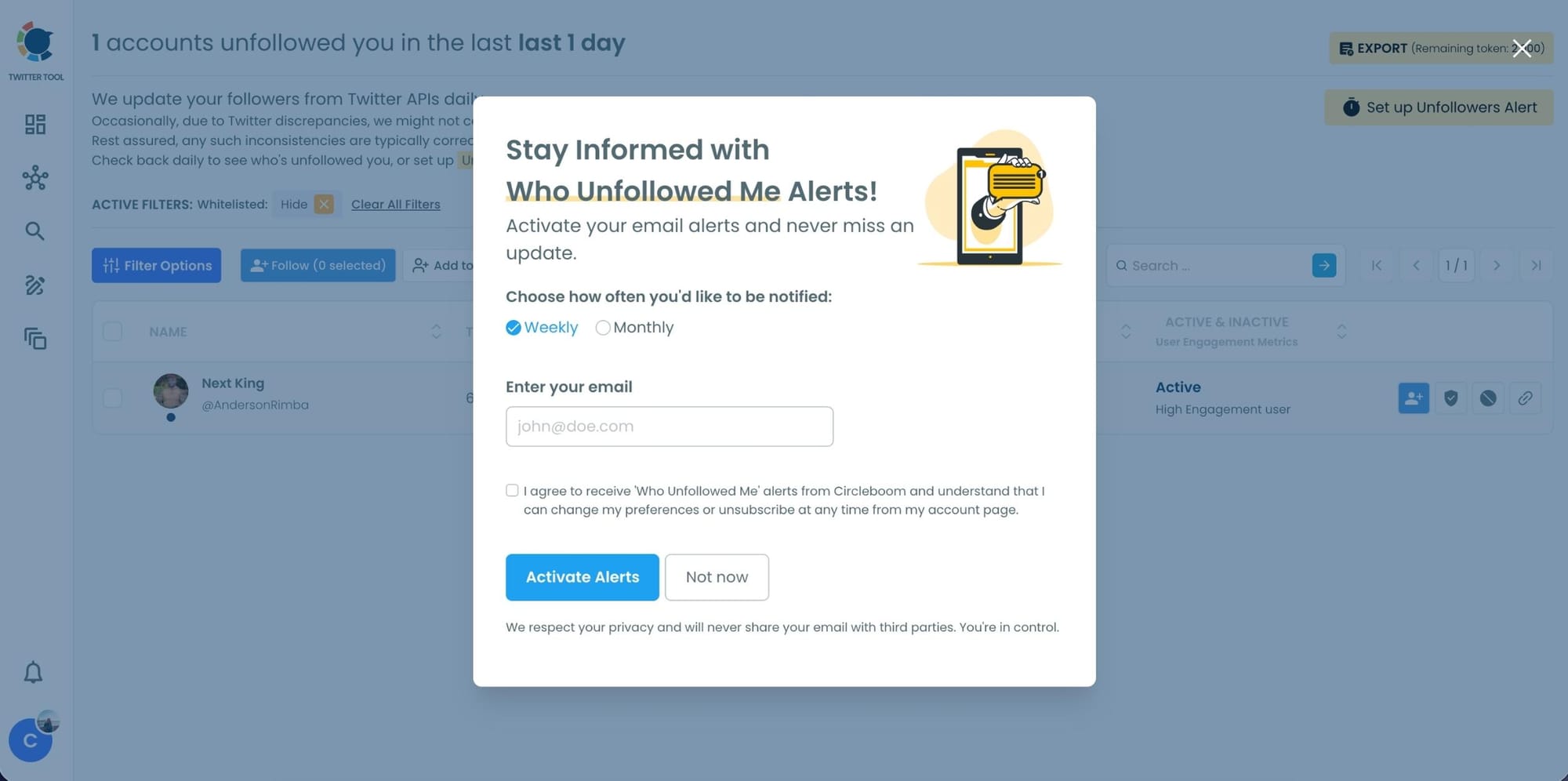
3. Receive email updates without logging in
A Quick Tip: Don’t Let Follow-Unfollow Control Your Decisions
The biggest mistake people make is changing their entire content strategy because of unfollowers.
They post less. They post safer opinions. They stop experimenting. They become obsessed with “keeping everyone.”
But when follow-unfollow is involved, you’re not losing real followers.
You’re losing people who were never there for your content.
So instead of stressing about it, treat it like this:
➡️ Build your audience slowly with the right people
➡️ Ignore the trick strategies
➡️ Clean your following list regularly
➡️ Keep your account healthy and focused
Because in the long run, the quality of your followers matters more than the follower count.
Final Thoughts
People follow then unfollow on Twitter (X) mostly because they’re chasing a shortcut.
They follow you hoping you will follow back, and if you don’t, they unfollow.
Even if you do follow back, many still unfollow because the goal was never to support your content. The goal was to boost their own numbers.
And if you let this behavior stack up, it can quietly damage your account by increasing your following count and making your profile look messy over time.
That’s why I use Circleboom Twitter to track who unfollowed me and remove them from my following list with one click.
It turns something annoying into something easy and controlled.


%3F)


