
An X suspension leaves you with one practical question: do you wait it out, or do something to end it? That depends on which kind you're under, since each kind of suspension ends on a different event.
X sets no fixed Twitter suspension length: a suspension lasts until you clear what X asks for or X grants your appeal, and a permanent one never ends on its own.A suspension that comes with a phone or email prompt lifts as soon as you complete it.A suspension without one lasts until X accepts the appeal you file from the suspended account, and X's help pages give no review time.Timed locks and limits run for the period X's notice states, which varies with the violation.
The sections below cover each kind, how to read the length off your own notice, and what to check on your followers once you're back.
How long does a Twitter suspension last, and what ends each kind?
How long a Twitter suspension lasts depends on the event X ties it to, not on a count of days. X's help page on suspended accounts describes several ways back without putting a number of days on any of them.
That gives five situations, and each one has its own finish line.
X suspensions that end when you verify your phone or email
Some suspensions end the moment you finish a check. X's help page says that if you log in and see prompts to provide your phone number or confirm your email address, following those instructions gets the account unsuspended.
For this kind, the Twitter suspension length is the time you take to answer the prompt.
Spam is the most common reason X gives for suspensions in general. X's page puts spammy or fake accounts behind most of its suspensions, and it promises to work with anyone suspended by mistake until the account is restored.
For the other causes and their fixes, see this rundown of three reasons a Twitter account gets suspended.
Security suspensions that end once the Twitter account is secured
If X suspects an account was hacked or compromised, it may suspend the account until it can be secured and restored to its owner. Here, the length of your Twitter suspension is however long the securing takes.
X's page on locked and limited accounts says a message about an account locked for security purposes comes with instructions to restore access by changing your password. X also sends those instructions to the email address on the account, and if you can't log in at all, the page points you to X's support team.
Suspensions that last until X grants an appeal
No prompt at login means there's nothing to verify, and if you think the suspension is an error, only an appeal ends it. The wait is however long X takes to decide.
X's help page sets the order:
- Log in to the suspended account.
- Open a new browser tab.
- File the appeal.
X's help pages publish no review time. The nearest thing is a post from X's Safety account in April 2023, which said it was handling most appeals in under 48 hours.
Read that as a 2023 statement about most cases, not a promise about how long your Twitter suspension will last.
Permanent X suspensions, which never expire
A permanent suspension has no end date.
X's page on account notices calls it the most severe enforcement action. X takes the account out of view and doesn't let its owner open new ones, and it tells the owner which policy and which content led to the decision.
It lasts until an appeal succeeds, if one does. The appeal can go in through the platform interface or as a report, and if X upholds the suspension, its answer spells out which policy was violated.
Some accounts arrive here with no earlier warning. X's enforcement philosophy names violent threats among the violations that bring immediate, permanent suspension, and X's authenticity policy suspends accounts permanently at first detection for severe spam and platform manipulation.
Twitter locks and limits that run on a timer
X's help pages attach a timer to locks and limits only, and X sets the length case by case. The help page on suspended accounts says an account may be temporarily disabled after reports of spammy or abusive behavior, for example by being prevented from posting for a specific period of time.
Limits follow the same pattern. X's page on locked and limited accounts says aggressive following or engagement brings a limit for a specified time, which varies with the nature of the violation.
A limit over a possible rule break may not start its countdown until you finish the actions X asks for, such as deleting a post.
If fast following got you here, read this explainer on whether mass following and unfollowing can get a Twitter account suspended. It covers X's daily follow limits and why bulk follow bursts draw enforcement.
The "12 hours to 7 days" range repeated in many guides is a Twitter-era figure. Twitter's old enforcement page gave it for read-only mode until mid-2023, and a 2021 COVID-19 strike system used 12-hour and 7-day locks.
X's current pages give neither, which leaves your own notice as the only source for a timed Twitter suspension length.
The one X lock with a published length
The only lock X's help pages put a number on isn't a penalty at all. Enter the wrong password too many times and X's help page on temporary lockouts says sign-in is blocked, even with the correct password.
The block lasts about an hour and then lifts by itself.
Still locked after an hour? X's advice is to turn off any third-party apps that sign in for you, give it one more hour, and then sign in at x.com.
How to find out how long your Twitter suspension will last
To find out how long your Twitter suspension will last, read the notice X shows when you log in, along with any email X sends. The wording tells you which state you're in, and any stated time or requested action tells you what ends it.
Four checks cover it.
- Sign in on x.com or in the X app, and read the notice to the end. Wording such as "Your account has been locked" or a notice that some account features are temporarily limited points to one of the sections above.
- Look for a stated time. A limit for aggressive following or engagement names a specified time, and pressing Continue to X sets its countdown running. A limit over a possible rule violation may start counting only after you complete the actions X lists.
- Note every action the notice asks for. Passing a phone, email or captcha check ends a lock, and deleting a flagged post can be the step that starts a limit's clock.
- Search the inbox tied to your X account, junk, spam and social tabs included. X sends lock instructions by email as well as in the app.
Starting from the notice matters because X sets each length case by case. A lock waiting on a phone code ends when you enter the code, while a suspension waiting on an appeal runs until X answers.
How X locks and limits move your follower count
A lock can move your follower count on X even when nobody unfollows you. X's following FAQ says it removes locked accounts from follower counts across profiles, so a follower of yours getting locked lowers the total on your profile.
The rule runs the other way too. X's page on account notices says that while you owe X a challenge, such as a phone number, your account is taken out of follower counts, reposts and likes, and it comes back once the number is in.
While you're locked, every account you follow shows one follower fewer.
Limits slow the other side. While your account is limited, X says only your followers may see your activity, which leaves fewer new people to find you until the limit ends.
What X shows you afterward is a single figure. A profile lists only the current Following and Followers totals, and X sends no notification when someone unfollows you.

X Premium adds one more view for subscribers. A June 2024 post from X's Premium account showed account analytics with a New followers tile and ranges from 7 days to a year.
Tracking your X follower count after the suspension ends
Whatever the length of your X suspension, the question afterward for an account you use to reach people is whether the audience stayed, and the profile number can't settle it:
- It mixes real unfollows with followers X locked.
- It shifts again as those accounts verify.
- It only ever shows today.
The Twitter Follower Tracker in Circleboom Twitter keeps the dated, account-by-account record X doesn't.
You pick an account, your own included, choose to track its followers, and set daily or weekly checks with email reports or dashboard-only results.
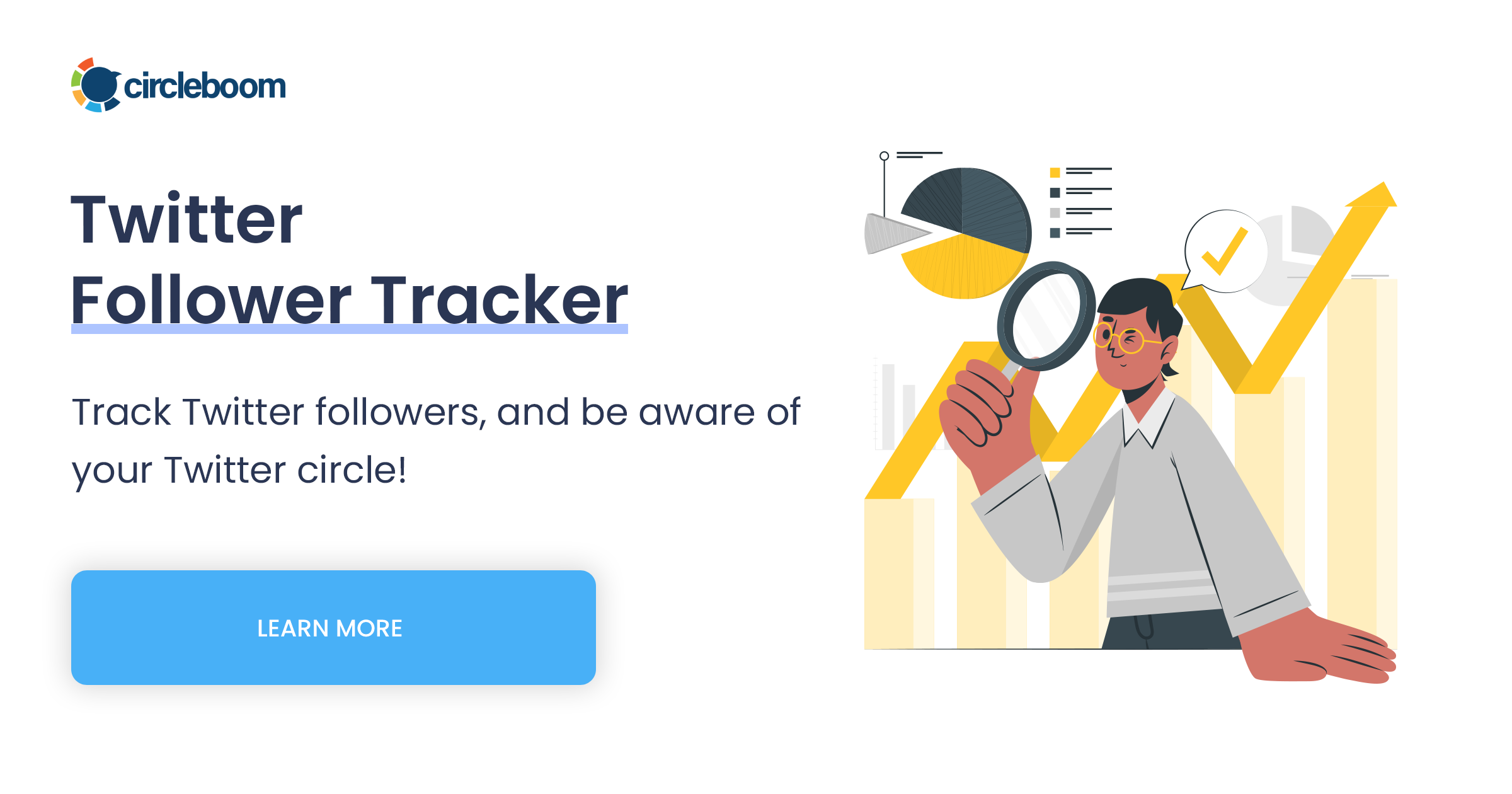
Each check compares the follower list with the previous one. The dashboard's daily chart then shows new followers above the line and lost ones below it, and the list beneath names each account with its profile details.
Two limits are worth knowing before you start. Tracking runs as a paid subscription for each tracked account, and it works from scheduled snapshots, so a change shows up at the next check rather than the moment it happens.
Why a tool's access to your X account matters after a suspension
The account you're watching just came through X's enforcement, so the way a tool reads it matters.
Under X's automation rules, anything an app you've authorized does counts as your own action. Non-API tricks such as scripting the X website can get an account permanently suspended.
Circleboom is one of the companies on X's official Enterprise developers list. It reads follower data through X's official API, with no scraping and no request for your X password.
Counting your X follower recovery from the day you connect
For the total itself, Twitter Follower Growth Stats charts your follower count from the day you connect. The Performance tab draws the overall line, the Daily Change tab puts a bar below zero on each day your count fell, and a time frame selector zooms in on the weeks after your return.
Neither view reaches back before you start, so the suspension itself stays a blank.
What you gain is the recovery from here: whether the count keeps sliding, levels off or climbs as locked followers verify, plus a baseline if X ever limits the account again.
This walkthrough on tracking Twitter follower growth over time shows how to read daily gains and losses against what you posted.
Your Twitter suspension checklist, from the notice to the follower count
An X suspension ends on an event, so the quickest way back is to find that event and act on it:
- Read the whole notice, then check the account's email, including spam and social folders, before trusting any timeline you find online.
- Complete any phone, email or captcha check the moment X shows it, since those locks end on your action, not on a date.
- Delete a flagged post or appeal the removal request, because X keeps the account locked until the post is gone or your appeal succeeds.
- If the suspension looks like a mistake, appeal from the suspended account in a new browser tab, and don't open a second account while you wait.
- Keep mass following or unfollowing slow once you're back, and see this walkthrough on unfollowing Twitter accounts without getting suspended for pacing.
Then give the follower count time to settle as locked followers verify, so you judge the damage on a trend rather than one morning's number.
→ See who stayed and who left after your suspension with the Twitter Follower Tracker
More questions on how long X suspensions last
Can a temporary Twitter suspension turn permanent?
Yes, when violations keep coming. X's enforcement philosophy describes an escalation: first a required post removal, then ownership checks or a posting limit for a set period, and permanent suspension for anyone who keeps breaking the rules after that.
Is "Twitter jail" the same thing as a suspension?
No. "Twitter jail" is a nickname, not an X term, and people use it for the timed states where you can browse but can't post, such as read-only mode or a limited account.
X's page on enforcement options lists read-only mode as its own action, separate from suspension.
Can someone else appeal your X suspension for you?
No. In its April 2023 post on appeals, X's Safety account said the account holder must appeal directly and that nobody can appeal on someone else's behalf. X's help page also starts the appeal by logging in to the suspended account.

