
I can't imagine a business without any online presence. Whatever you do, if you are not on the internet, you are missing a flow!
The best way to present a business online is Google My Business. You can create your account on Google Business and you can promote your products and services by creating content, scheduling "Offers" and "Events", announcing discounts, etc.
One thing is very important for Google Business posts! Google shows them on search results for only one week. This means that you keep posting content to always be visible! Maybe, this is your problem!
Circleboom is the remedy for it! You can automate your Google posts and it makes you always share evergreen content on Google for your business!
Why is my Google Business not publicly visible?
If your business page is not ranked on Google SERP, there could be several reasons.
- Problems with your listing
- Verification issues
- Inaccurate information
- Suspensions
- Issues with content and photos
- Privacy settings
- Indexing takes time
How can you solve these problems?
Here are solutions for your Google Business related problems:
#1 Problems with your listing
Check the "Info" section to see if your listing is marked as "Published."
If it isn't published, you'll need to fill out the appropriate details and take any other actions necessary to publish it.
#2 Verification issues
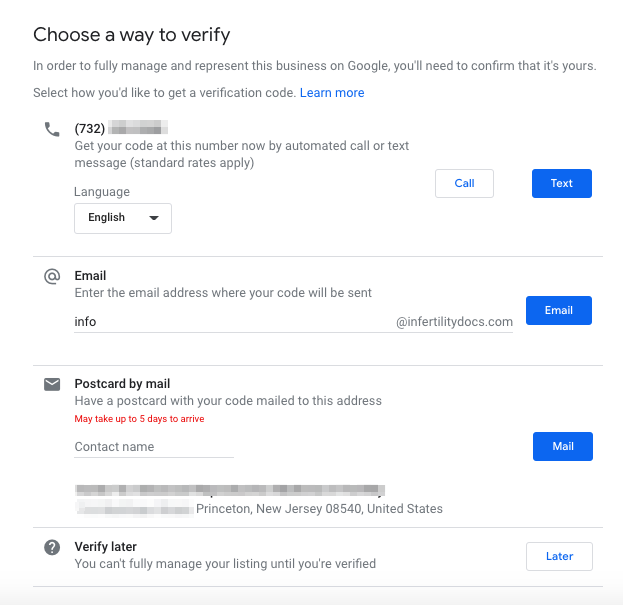
Google occasionally requests that companies go through a verification procedure in order to guarantee the accuracy of the data. Your listing might not be made public if it has not been confirmed.
Follow the instructions Google gives you during the verification process to authenticate your business. Depending on the verification method you select, this frequently entails obtaining a verification code via mail, phone call, or email.
#3 Inaccurate information
Ensure that all of the details on your Google Business listing are true and current. It's possible that inaccurate or lacking information will prevent the listing from being made public.
#4 Suspensions
Your listing may be suspended or taken down from the public display if it transgresses Google's rules or standards. If you receive any warnings or alerts about infractions, check your Google My Business account.
#5 Issues with content and photos
Your Google Business listing should include relevant text and high-quality images. This might increase your listing's visibility and appeal to potential customers.
You can enhance the quality of your Google posts with proper content creation tool. Circleboom's AI Powered Google Post Generator to auto-generate authentic, high-quality Google posts that draw attention and increase visibility on Google.

You can follow these steps to use AI Google Post Generator on Circleboom:
Step #1: Log in to Circleboom Publish with your account.
If you don't already have a Circleboom account, you can get one in seconds for free!
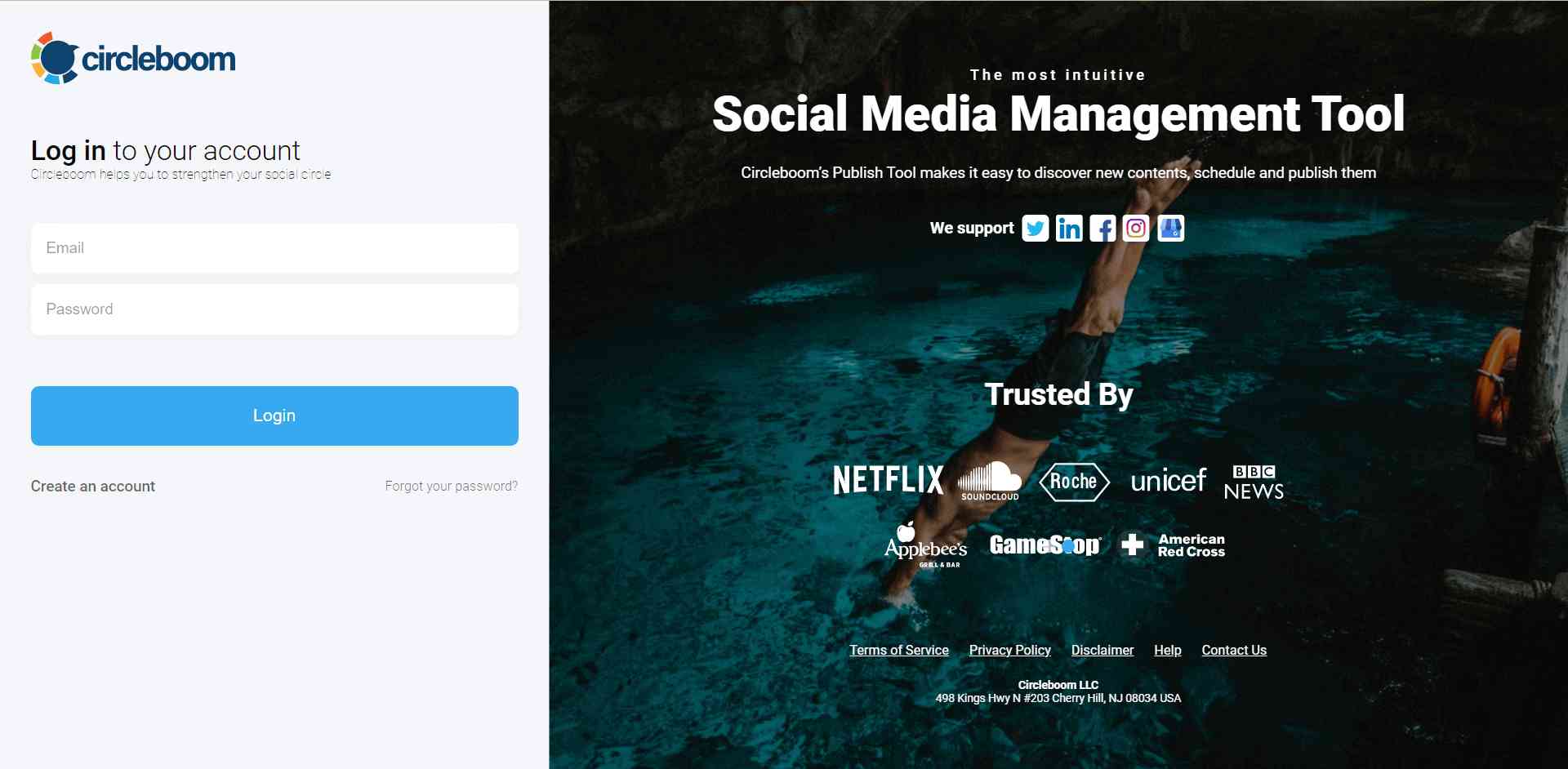
Step #2: If this is your first time using Circleboom Publish, you will see several options for Twitter, Facebook, Instagram, LinkedIn, Pinterest, and Google Business Profile.
Select Google Business Profile and connect your accounts. You can add multiple accounts from each platform.
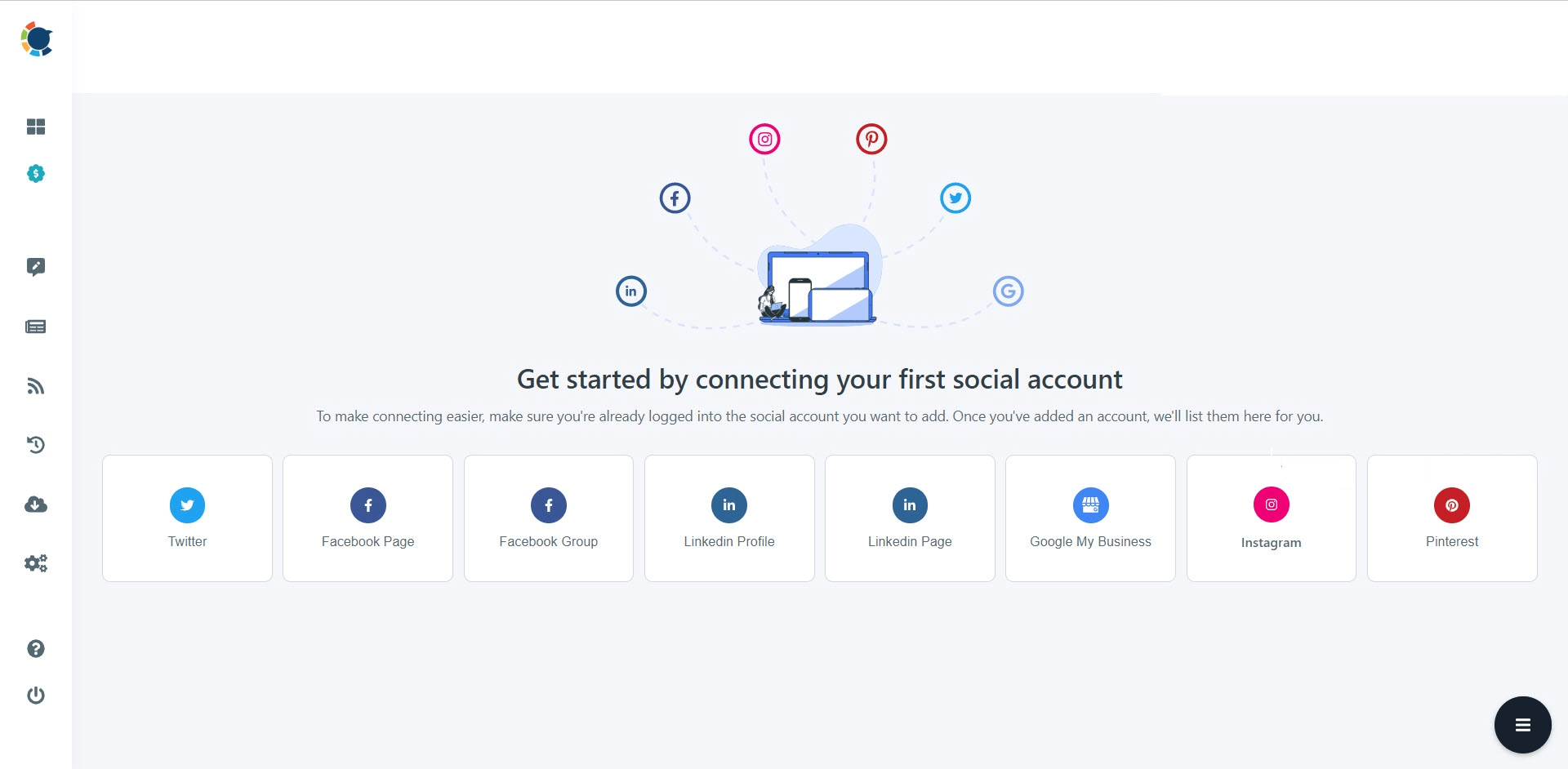
Step #3: You should click on the “Create New Post” button to create your social media posts. As you see, there are specific post options for each platform. You can choose “Google Business Specific,” too.
You’ll proceed to account selection.
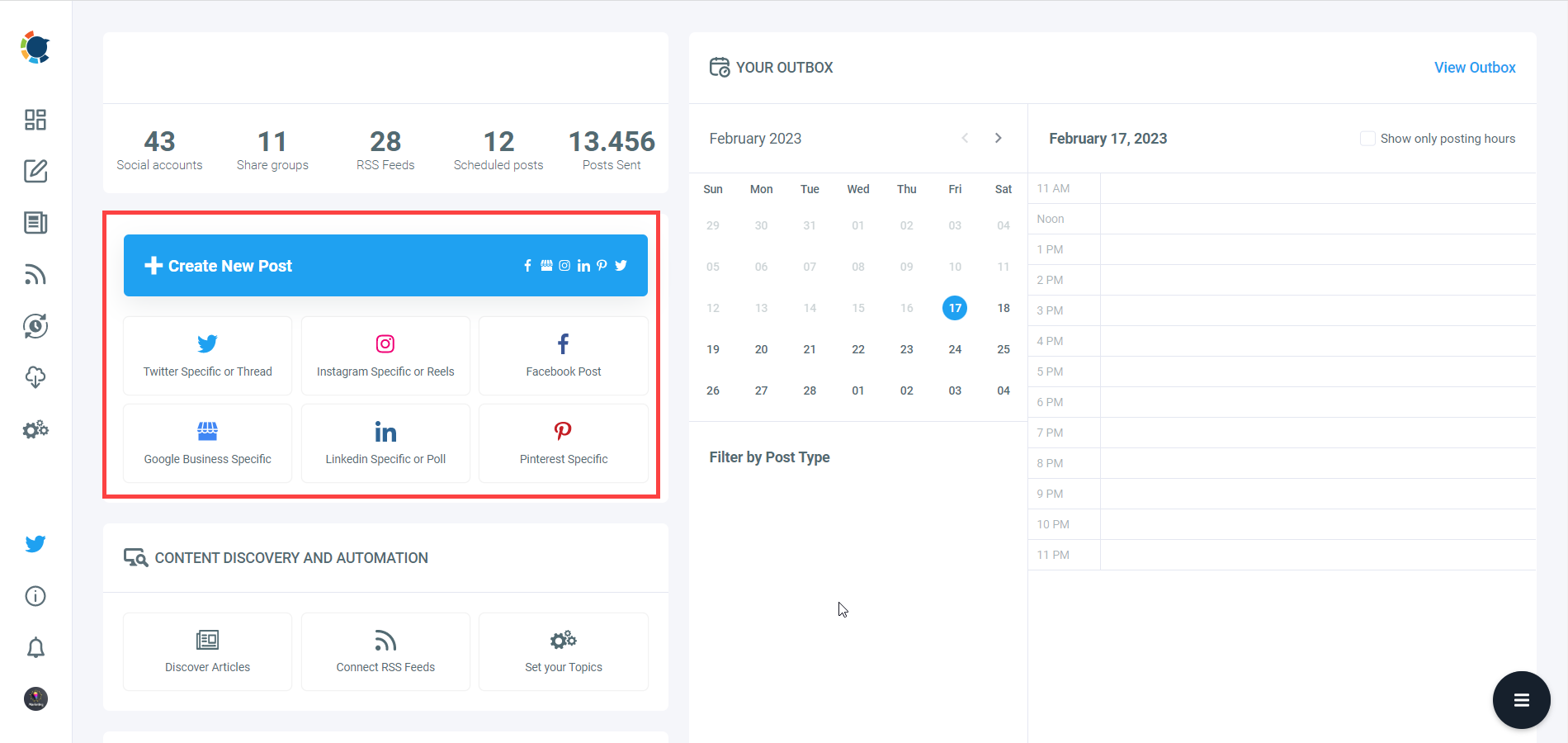
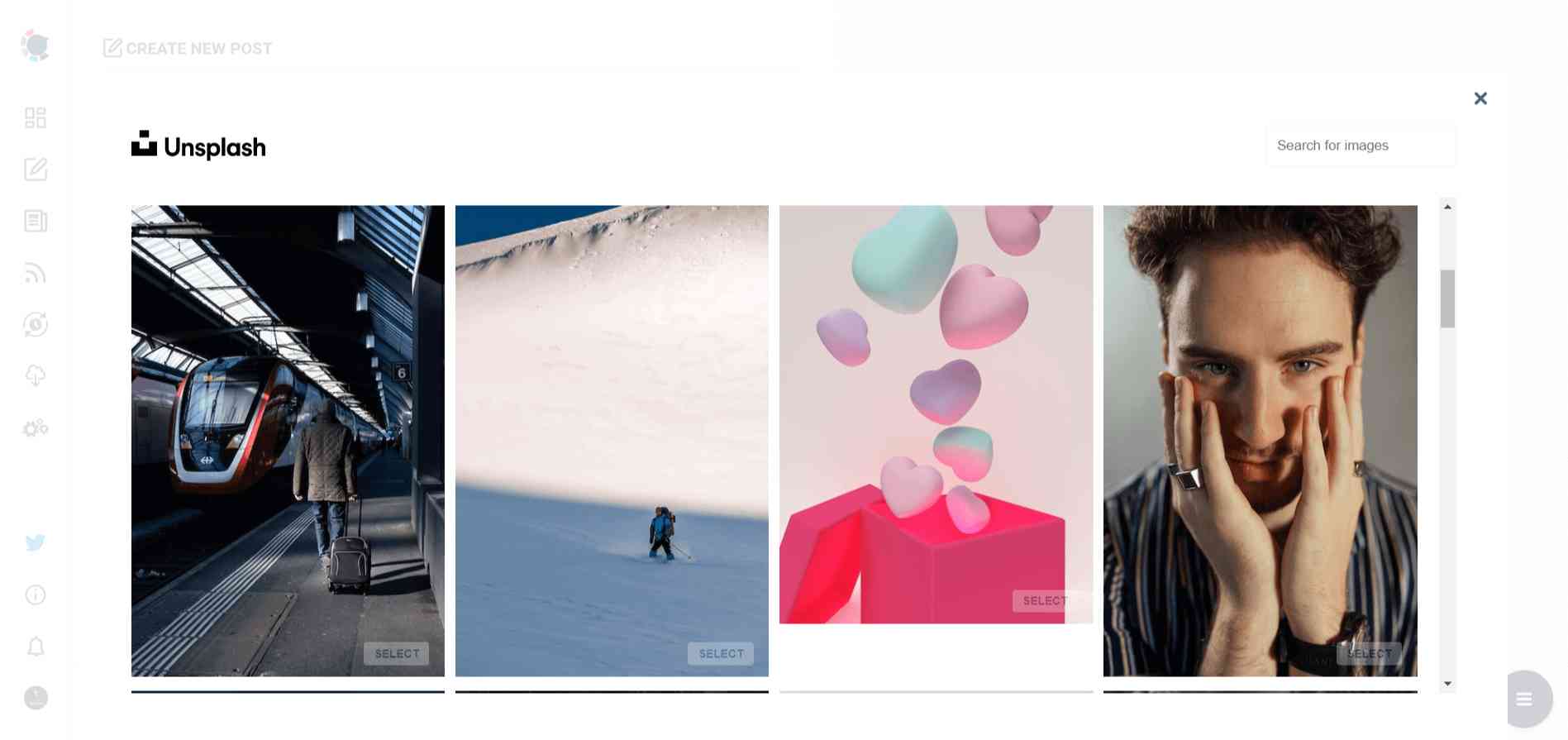
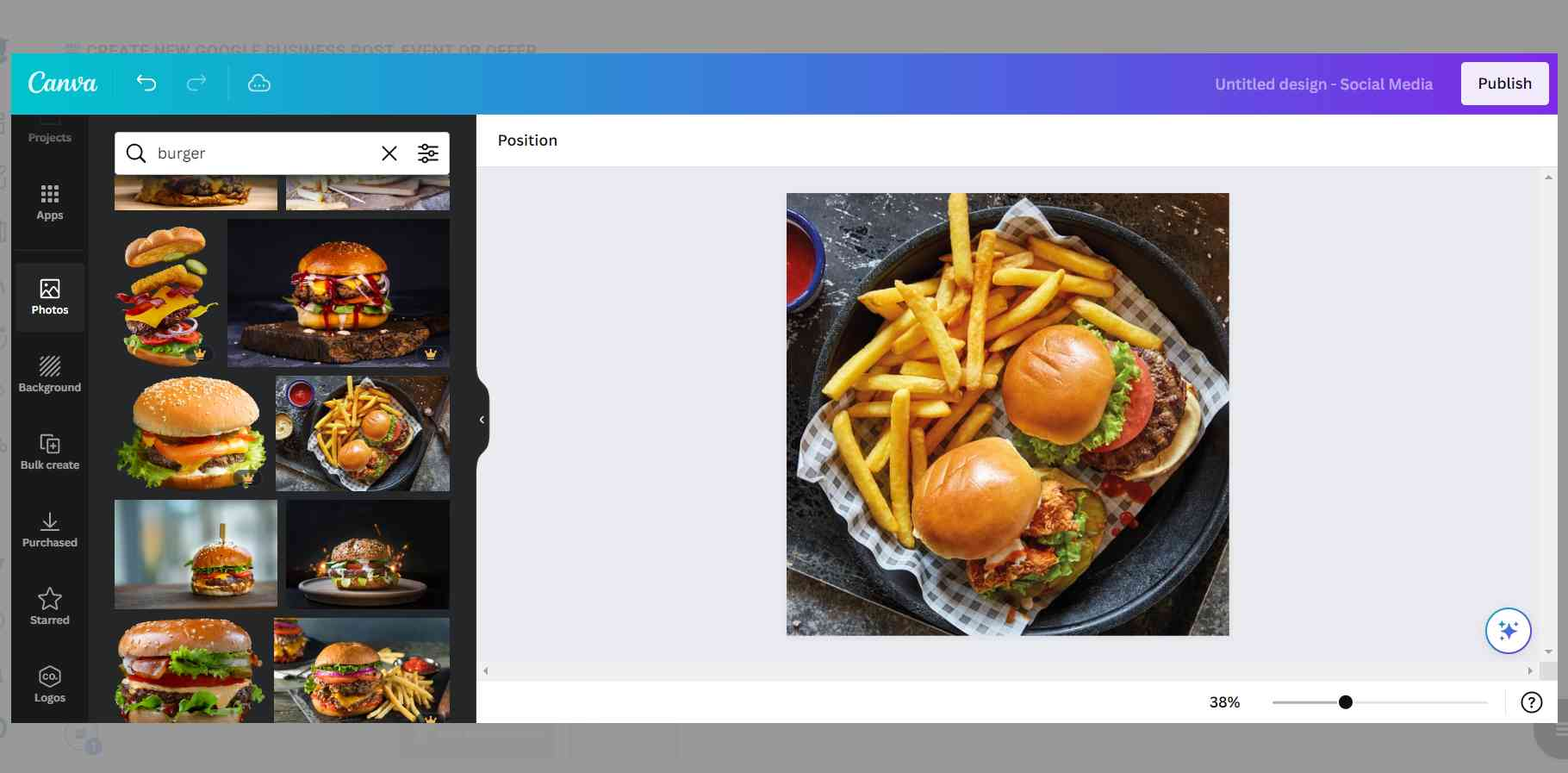
Step #4: Social media image generator on Circleboom has 4 options: Canva, Unsplash, Giphy, and Google Photos. You can also upload your own files to send them directly.
Canva is where you can curate and design images as you wish. You can apply ready-made templates, filters, effects, and other kinds of elements to edit your image.
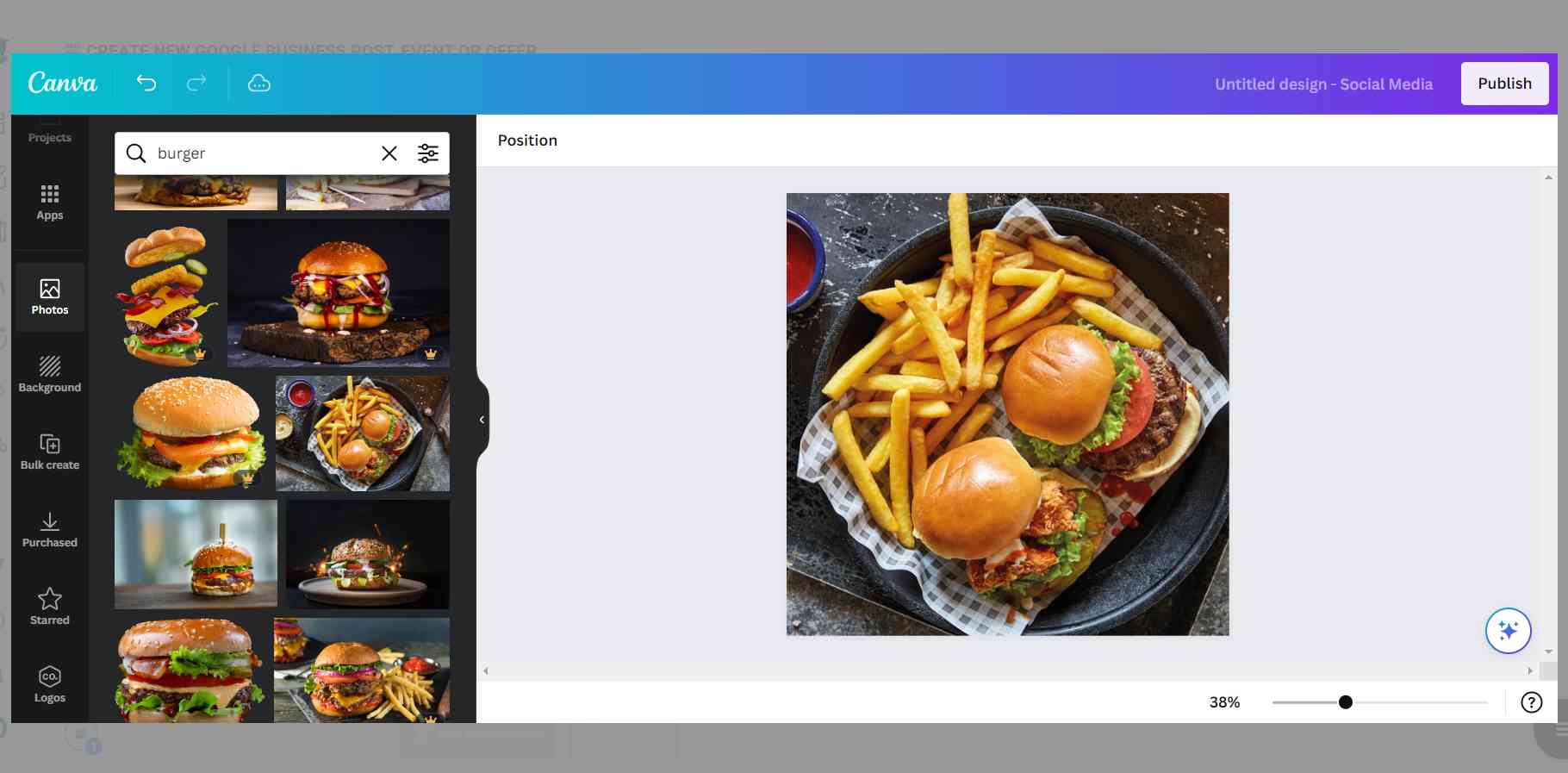
Also, you can use Unsplash to find auto-generated, high-quality images to share on your Google My Business accounts.
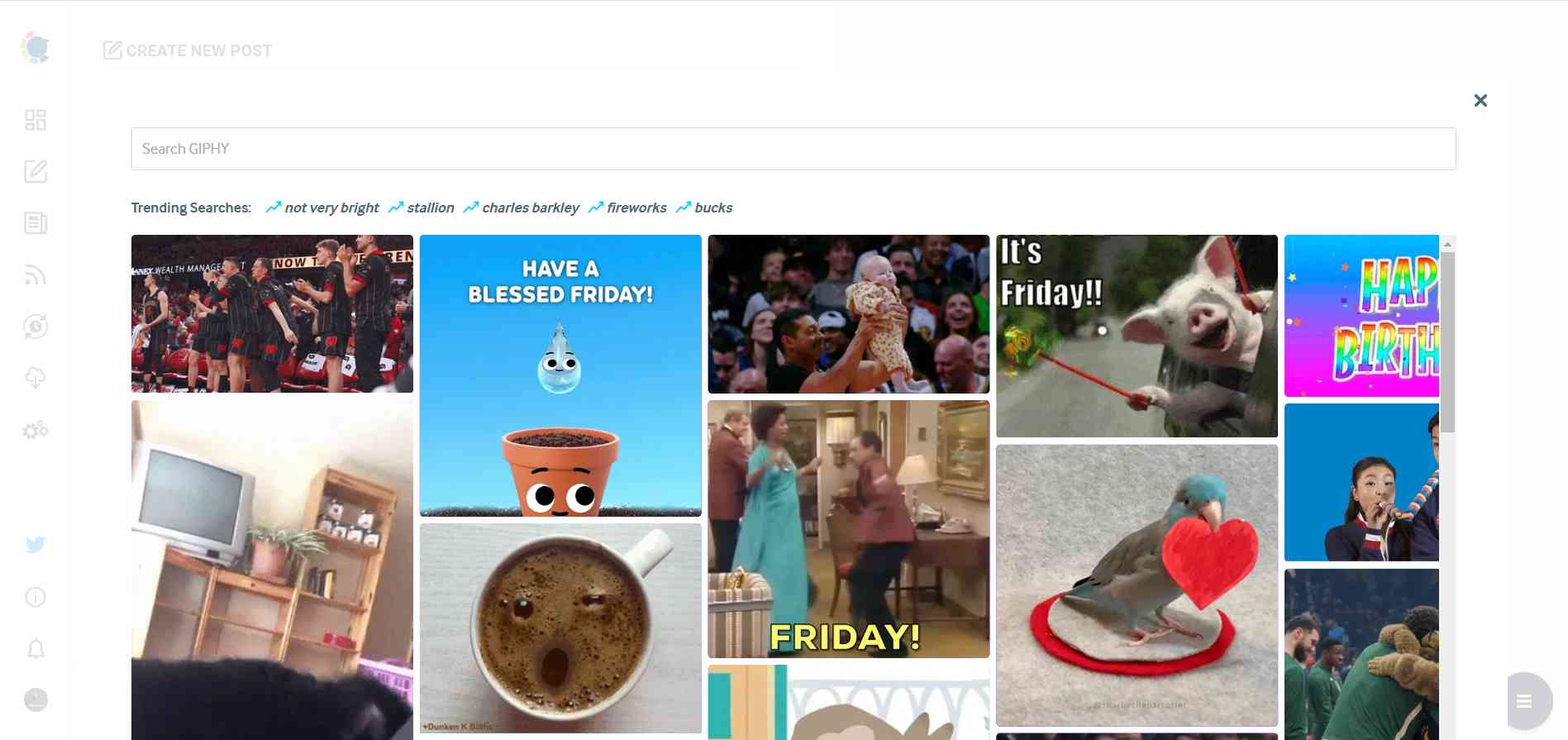
Giphy is where you can generate high-quality GIF images for your auto-generated Google Business posts.
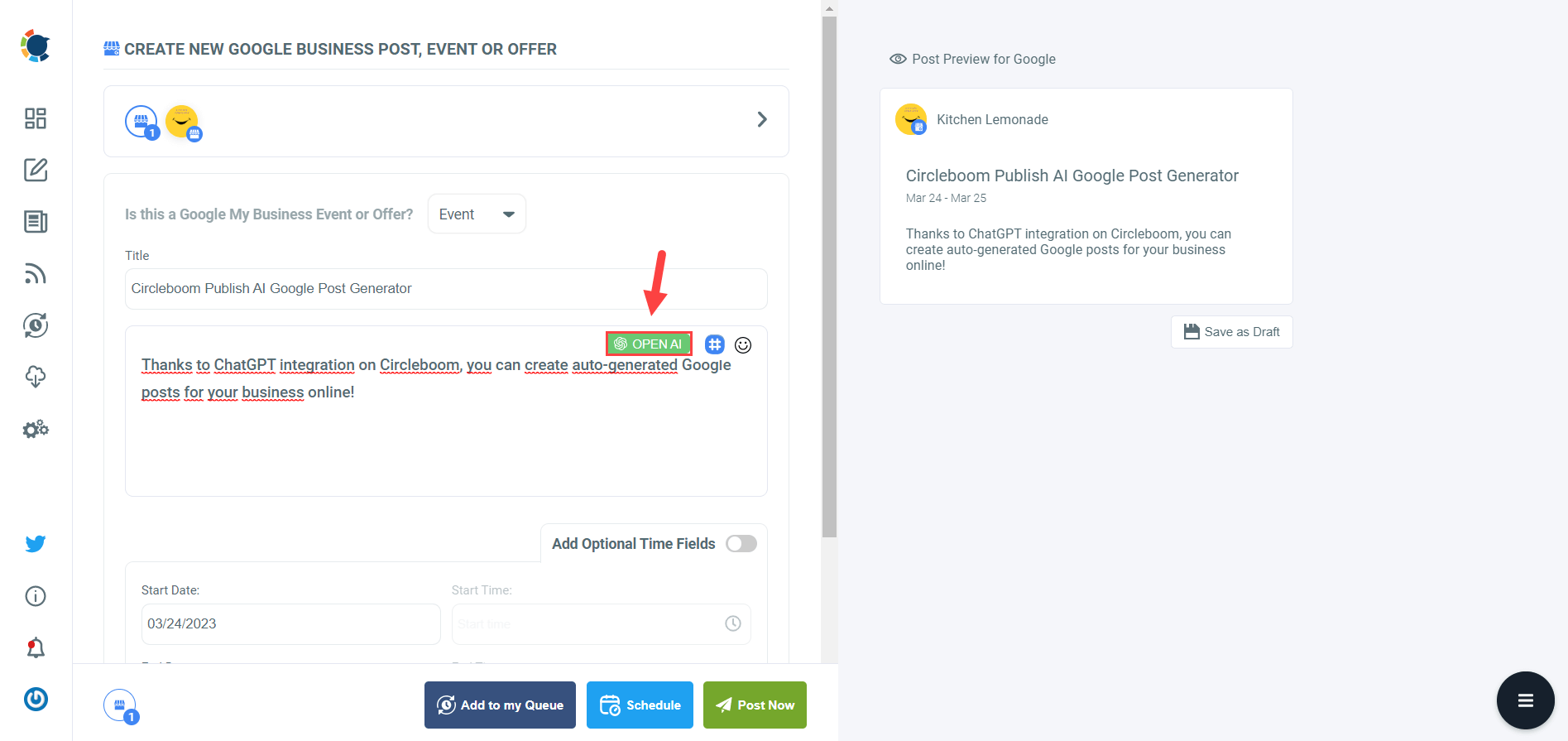
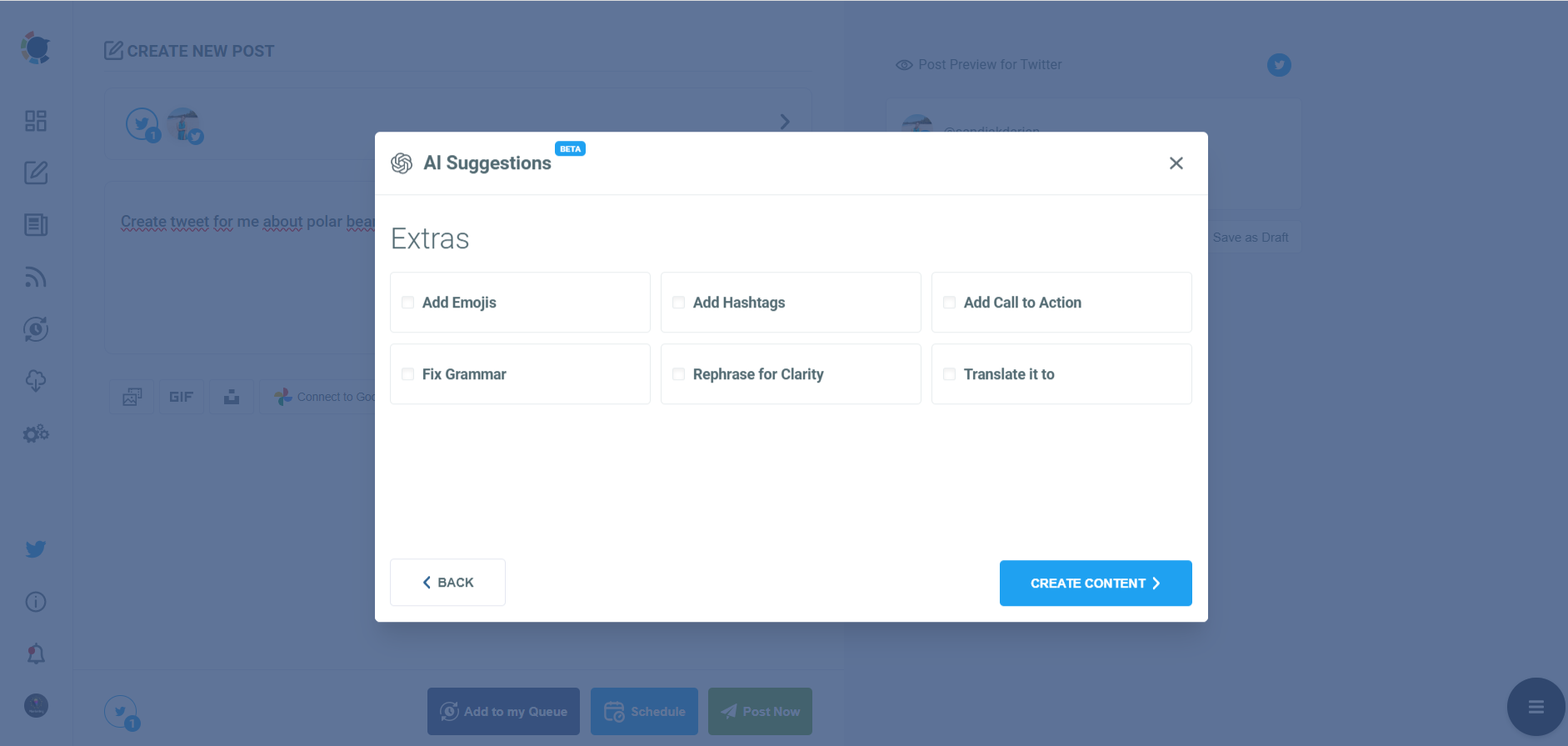
Step #5: Next station is the social media text generator. Thanks to OpenAI integration, you can create auto-generated social media descriptions, captions, texts, and all kinds of texts enriched by AI-generated hashtags, emojis, and other extras like grammar checks or translations.
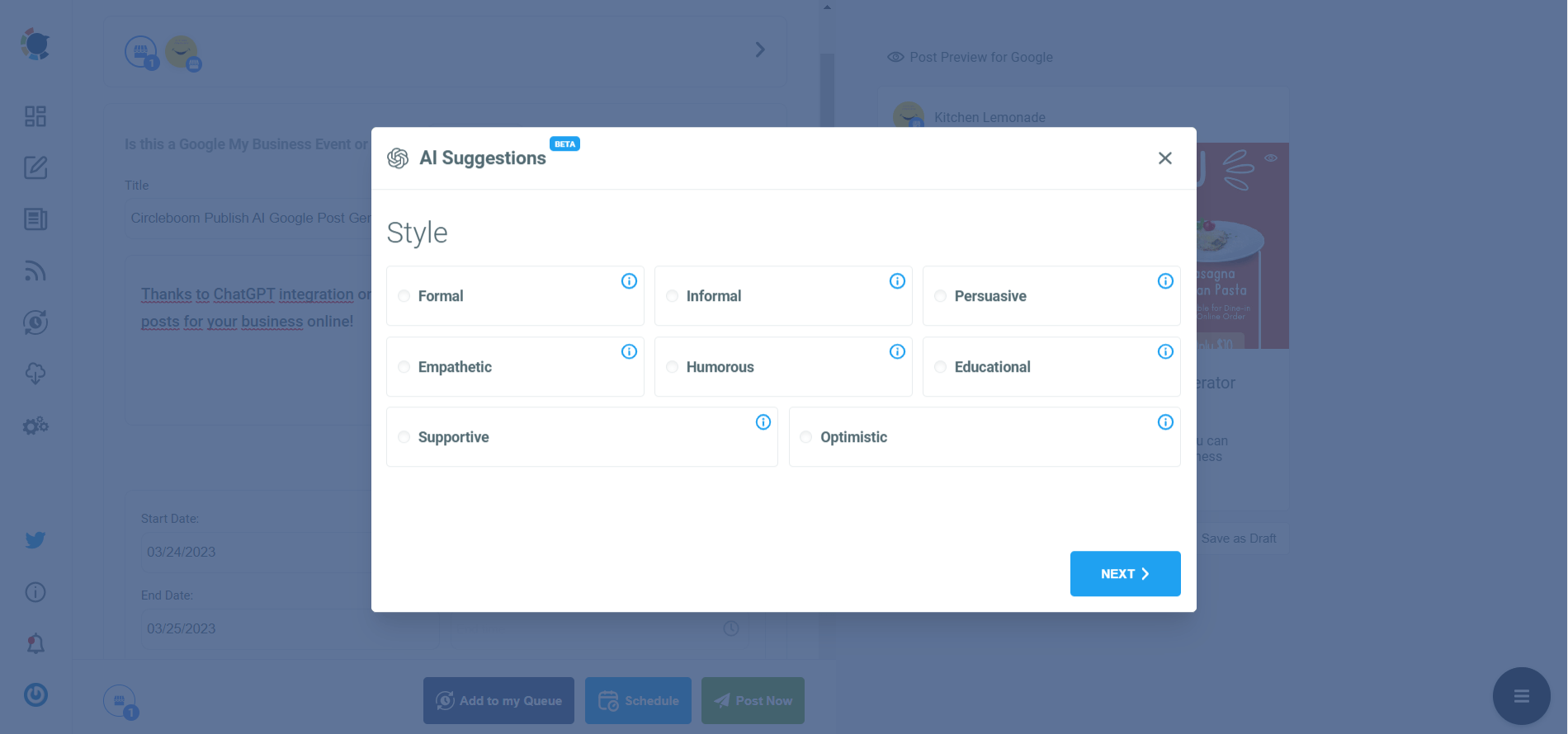
You can define the style of your words, warmth, etc., on Circleboom Publish.
And, you can enrich your auto-generated Google Business posts with extras.
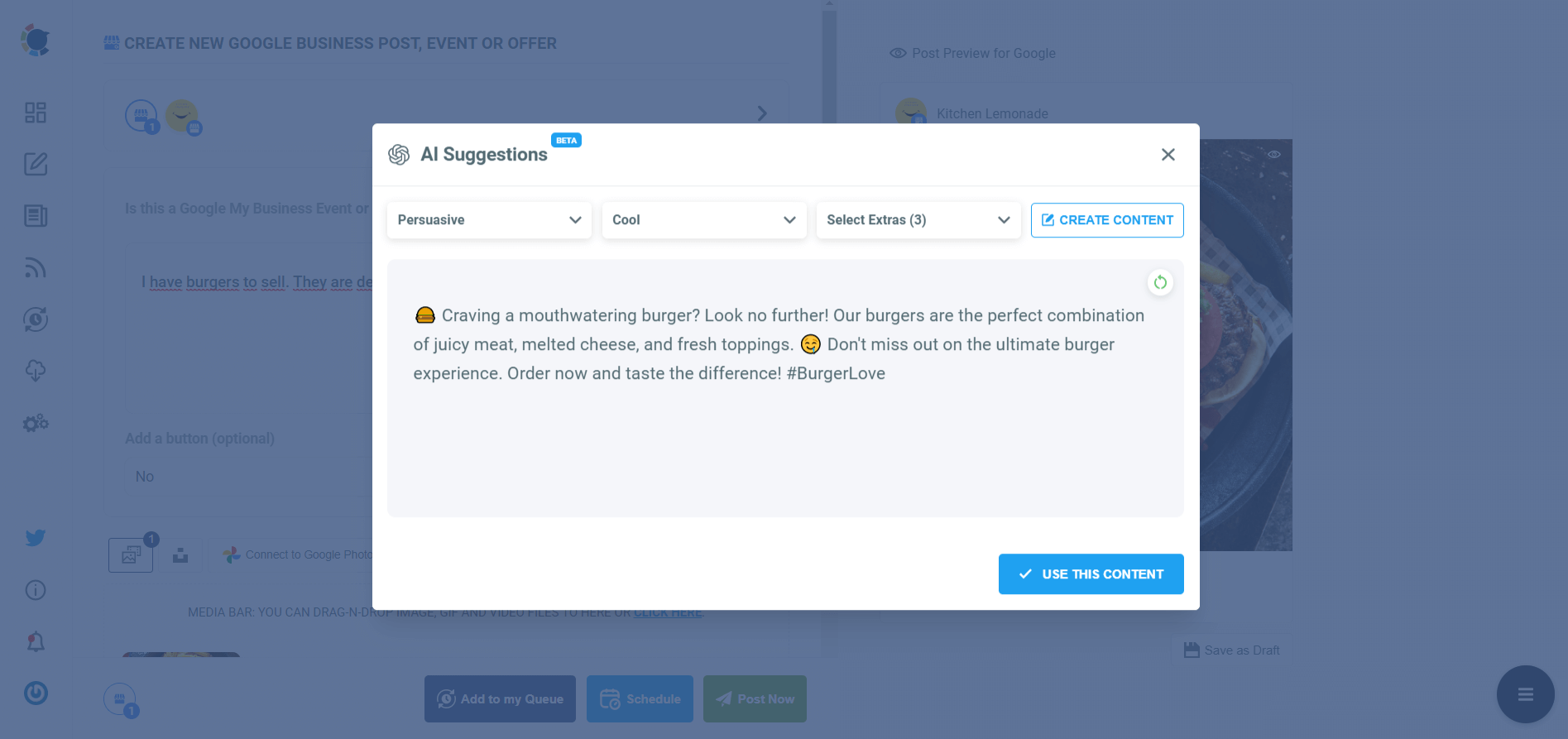
Step #6: Your text is ready for your service and product.
You can easily add it to your Google Business post.
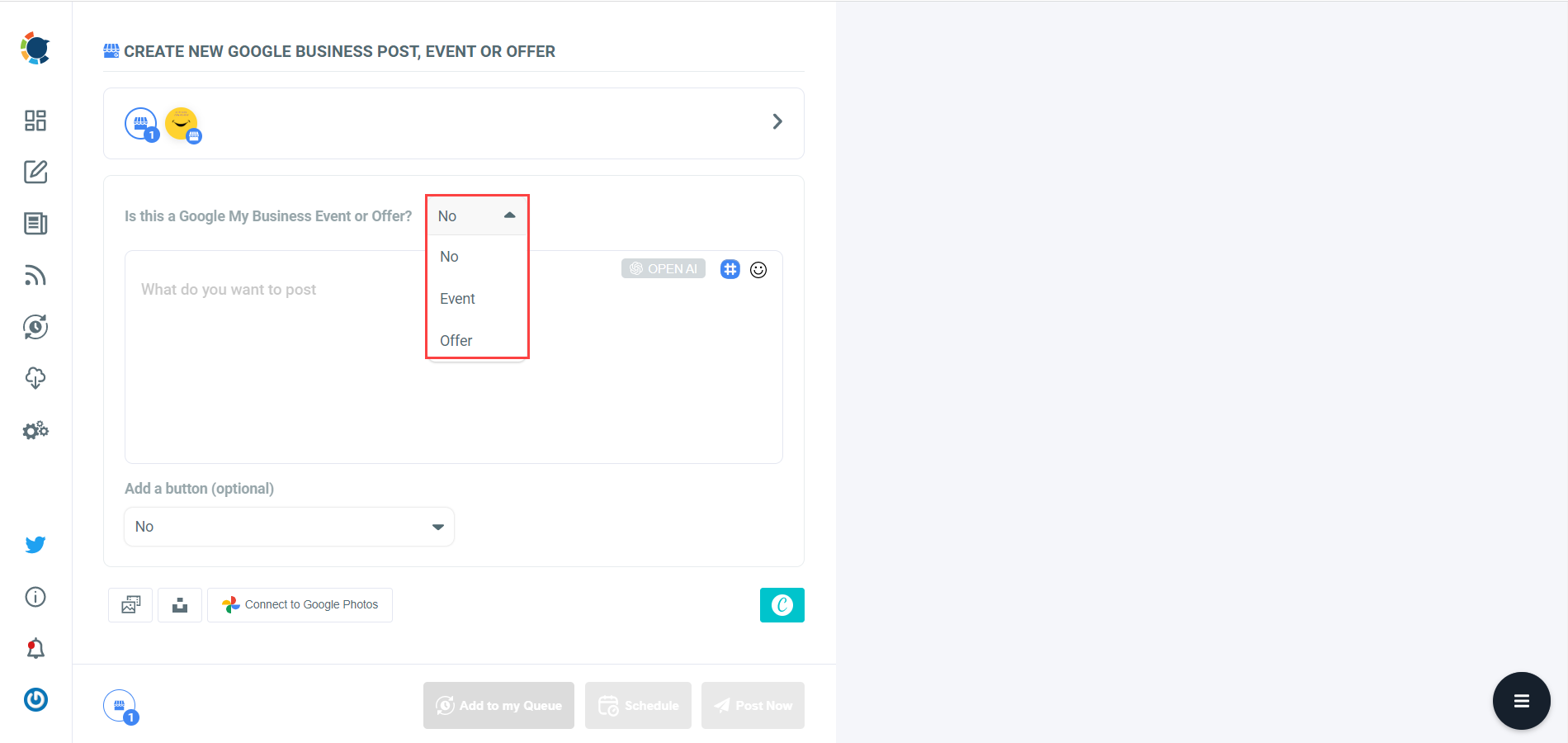
On Circleboom, you can create GMB Event and Offer posts. So, you can add CTA buttons and coupon codes to your posts.
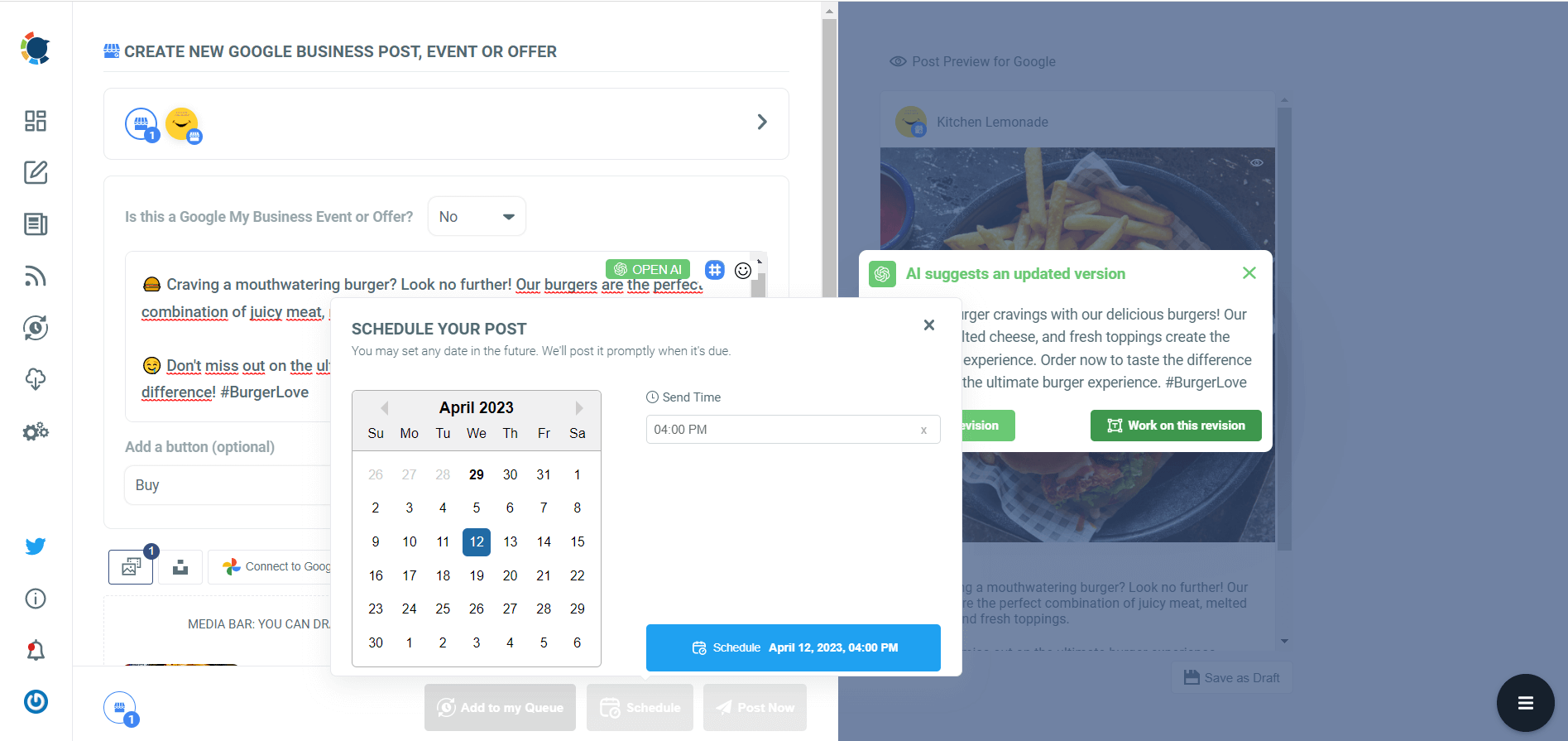
Step #7: Once you generate your Google Business posts, you can share them immediately, Or you can schedule them for the future.
Also, you can set time intervals and automate your Google Business posts.
#6 Privacy settings
Your Google Business listing's visibility may occasionally be affected by privacy settings. To confirm that your listing is configured to be publicly available, double-check the privacy settings in your Google My Business account.
#7 Indexing takes time
It can take some time for Google to update its search index following your listing updates. Give the adjustments a few days to take effect and be patient.
If you've followed all the instructions above and your listing is still hidden, you might consider contacting Google My Business support for help. They can assist with problem-solving and offer advice that is tailored to your circumstances.
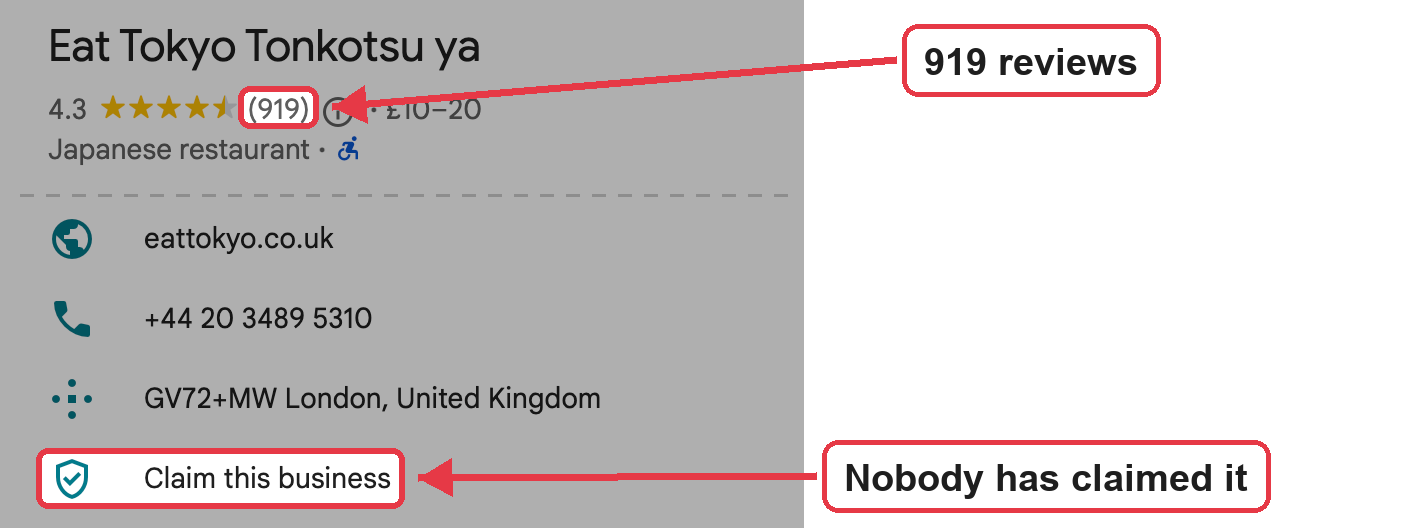
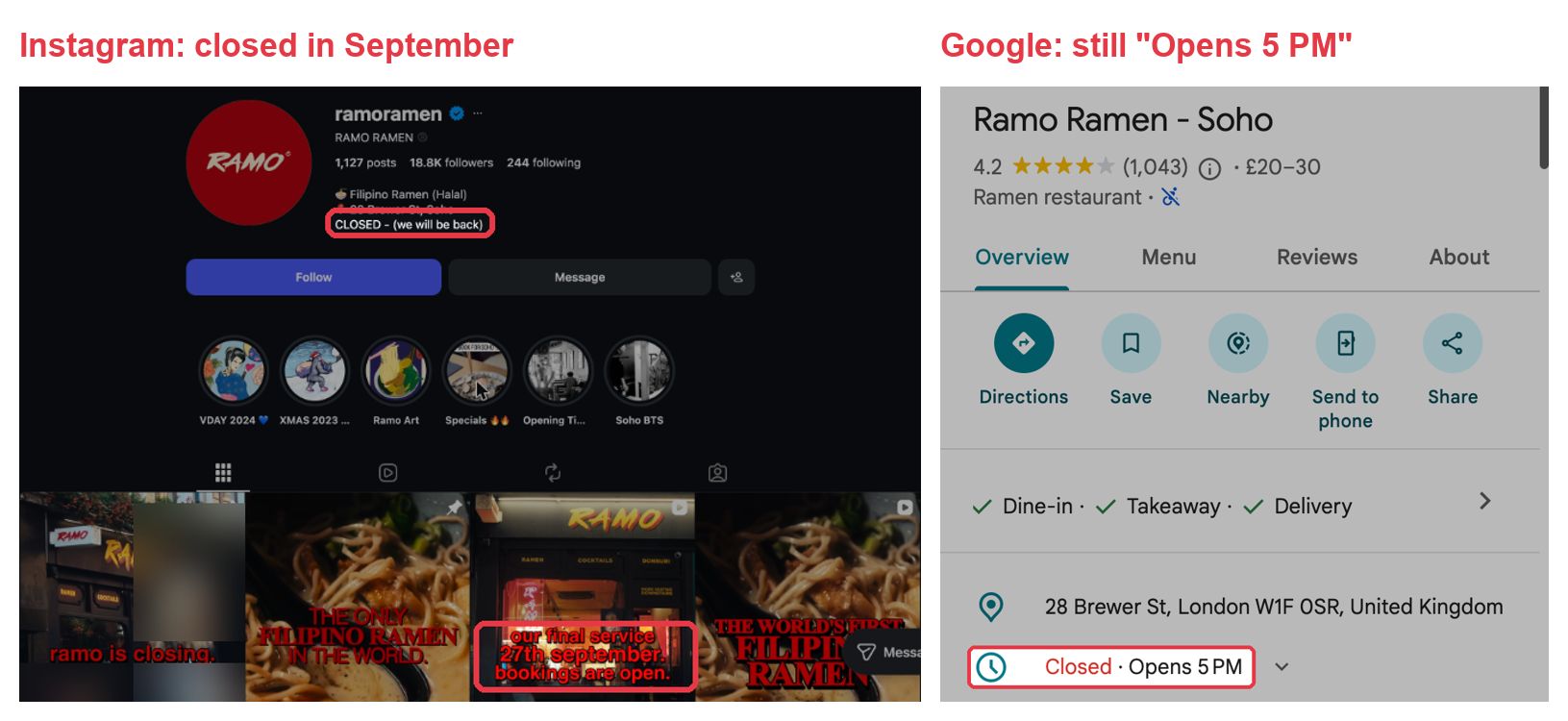
From the London study: The opposite problems are just as common. Eat Tokyo Tonkotsu ya, a Japanese restaurant, was fully visible with 919 reviews, but nobody had claimed the profile, so no one could manage it. Ramo Ramen told its Instagram followers it had closed, yet its Google profile still said "Opens 5 PM" and ranked sixth for "ramen" in Soho.
How to fix if your Google Business is not publicly visible!
The most important thing you can do to fix if your Google Business is not publicly visible is to keep your page updated.
Google loves freshness. So, you should keep posting your latest updates about your business on your Google My Business page.
The easiest way to do this is Google Business automation. You can automate your Google posts and keep your page updated without losing too much time and energy.

Google Business Automation
Auto-post to Google My Business easily with Circleboom!
Circleboom's Google Business Auto Poster helps you automate your content in two ways: RSS Feed and Queue Scheduling.
You can create a RSS Feed of your website or use ready-made RSS Feeds and connect them to Google My Business.
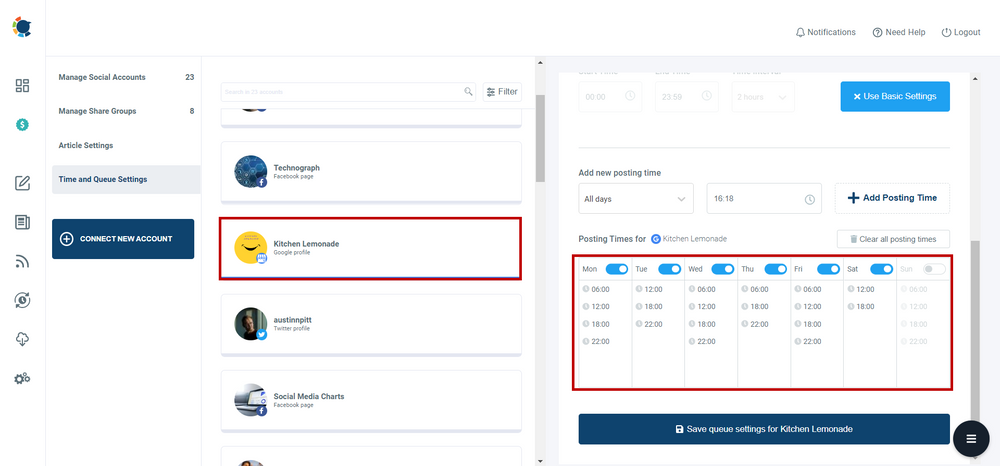
The other way of automating Google posts and keeping updated your Google page is Queue scheduling on Circleboom.
You can set time intervals and share your Google posts automatically on multiple Google Business accounts at once!
Now you know the best way to fix if your Google Business is not publicly visible!
When your Google Business is visible, you can track the performance of your business on Google with Google Map Ranking Checker tools.
Bonus: Do you know how to add your business to Google?
If you want to add your business to Google, you need to follow some simple steps:
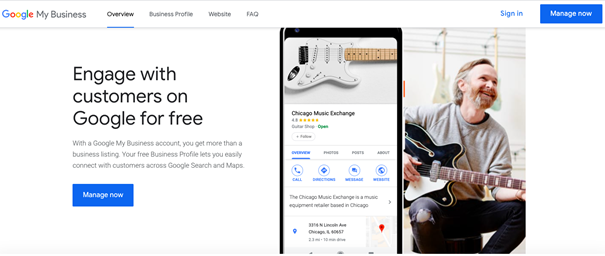
#1 Set up a Google Business account
#3 Create content and share it with your audience
Once the profile is visible, keep it that way. Visibility is not a switch you flip once. Profiles that post, update their hours and answer reviews keep sending Google fresh signals, and in the London study those were the places at the top. Batching a week of posts in one sitting and scheduling them to Google Business Profile keeps the profile active on the days you are too busy to think about it.
Final Words
Google My Business is one of the most effective methods to make your business publicly visible online. But sometimes, Google Business pages are not ranked on Google.
I listed some possible reasons above with solutions. The best method to fix your Google Business, which is not visible publicly, is to automate your Google Business posts.
Circleboom is the best social media management tool that helps you schedule and automate your Google content. You can manage multiple Google accounts in one place.
Circleboom also supports Twitter, Facebook, Instagram, LinkedIn, and Pinterest. You can take advantage of amazing features at affordable prices.