

How to schedule a quote tweet
Quoting someone else's tweet on X means composing your commentary and posting it in the same breath. The native quote tweet box has a Post button, not a schedule option. Whatever take you have on a trending tweet from another account either goes out immediately or gets lost while you mean to come back to it later.
That immediacy is not a rule of how quote tweets work, it is a limitation of the box you are typing into. A quote tweet is still original content, your own commentary, attached to a tweet someone else posted. There is no reason your reaction has to be written and published in the same instant you saw their tweet.
Circleboom's Inspiration feed surfaces high-engagement tweets posted by other accounts in your content interest topics, lets you pick one and generate an AI Quote, a new post of yours that embeds that tweet with your own commentary, and lets you schedule it for a specific date and time instead of publishing it right away.
→ schedule a quote tweet
Why quote tweets get written and lost
X's quote composer offers one path: find a tweet from another account, write your commentary, click Post, done. There is no draft state built for scheduling, no way to prepare your reaction to someone else's tweet now and queue it for a smarter moment. The result is a familiar pattern: a good take on a trending tweet either gets written under time pressure right when it is noticed, or gets mentally filed as "I should quote that" and forgotten by the time there is room to actually write it.
The discovery problem compounds this. X has no feed scoped to your specific content interest topics with engagement data attached, so finding a tweet from another account that is actually worth quoting means scrolling and guessing rather than browsing a list built around what you cover.
A quote tweet is also a different commitment than a reply. Even though it is built around someone else's post, it shows up on your own profile as your own content, not nested under their thread. That makes the lack of a scheduling option more costly than it looks, since a rushed or thin quote becomes a permanent part of your own timeline rather than a comment buried in someone else's reply chain.
Which tweets are worth quoting
A quote tweet stands on its own, which means the bar for picking a tweet to quote is different from the bar for picking one to reply to. A few signals separate a tweet, posted by another account, that is worth quoting from one that adds nothing once you do.
- A breakout view count. A tweet from another account pulling far more views than that author's typical reach is already getting unusual attention, and a quote attached to it inherits some of that visibility.
- Room for a real take, not a restatement. If your quote would just repeat what the other account's tweet already said, it adds nothing. The strongest quotes contribute an angle, a disagreement, or a piece of context the original post is missing.
- A debate-worthy or ambiguous claim. Tweets that split opinion or leave room for a counterpoint give your quote something substantive to respond to, rather than just amplifying agreement with someone else's point.
- Topic overlap with your own audience. A trending tweet outside your followers' interests will not convert into engagement on your account, no matter how popular the original poster's tweet is.
Tweets that pass all four checks make the strongest quote candidates, because your commentary is contributing something the timeline did not already have.
How to schedule a quote tweet
Because Circleboom is an official X Enterprise Developer, the entire discovery, generation, and scheduling process runs through sanctioned API access, so your account stays compliant from the first scroll to the final publish.

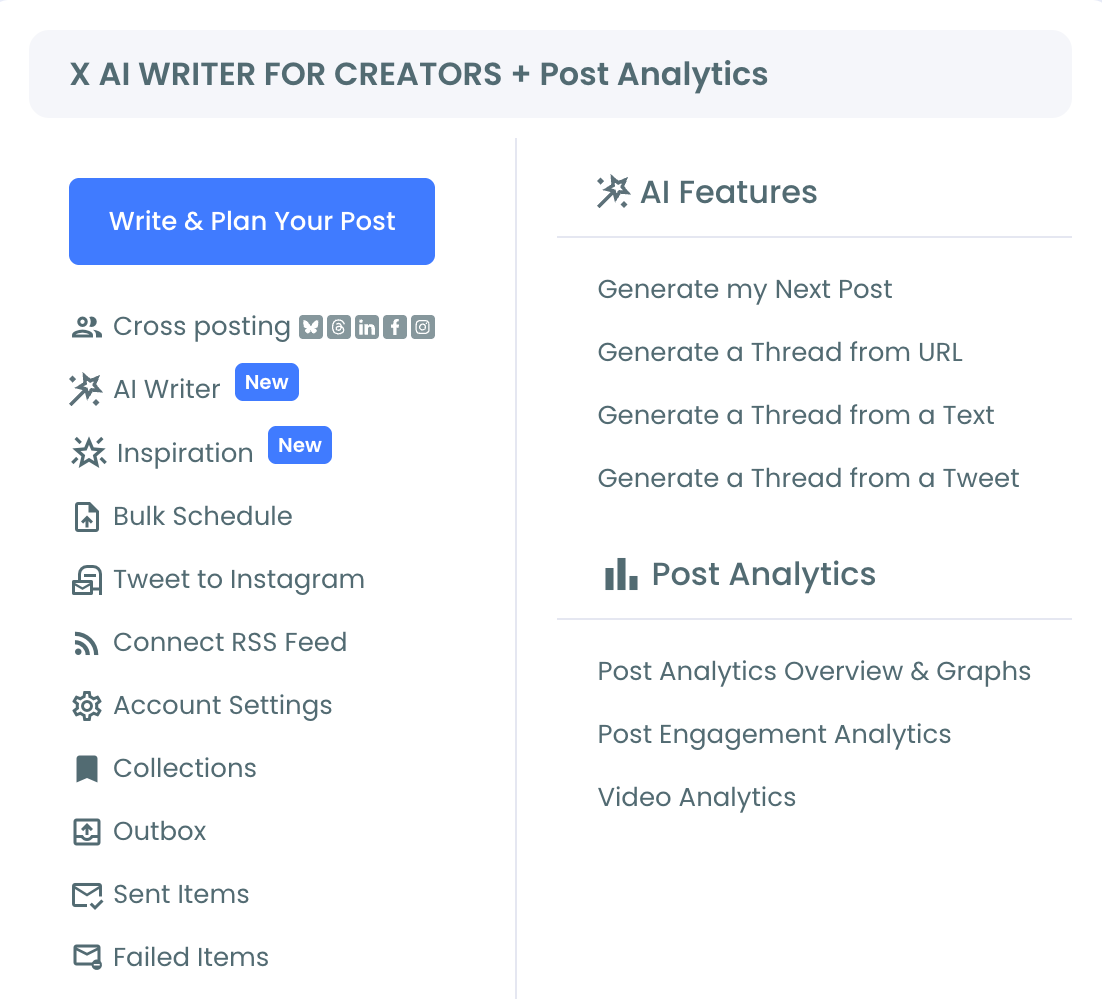
1. Open Inspiration and find a tweet from another account worth quoting: Go to Inspiration. The feed shows tweets posted by other accounts, filtered by your content interest topics, set in Account Settings → AI Preferences, with engagement data, views, replies, retweets, likes, and bookmarks, visible on every card. Use the topic chips or the search field to narrow the feed to the angle you are looking for.
2. Generate the quote with AI Quote: Hover over the tweet card you want to quote and click the AI Quote icon. Circleboom generates a new post of yours that quotes and comments on that tweet, shown in a modal with the original post, the one written by the other account, embedded below your generated commentary.
3. Refine the commentary and pick a style: Use the "Describe and improve tweet" field to adjust your generated commentary with a plain instruction, or switch the My Style dropdown between Minimalist, Listicle, The Hook & Bridge, or Contrarian Split to change the structure. Regenerate as many times as needed until your commentary actually says what you want it to say about their tweet.
4. Schedule the quote tweet for the right time: Click Schedule to open the scheduling panel. Set the date and time, or click "Find your best posting time" to let Circleboom suggest a slot based on your followers' activity. Toggle on any connected platforms under Cross-post if a related post should also go out to LinkedIn, Threads, Bluesky, Facebook, or Instagram, then confirm.
That sequence separates spotting another account's tweet from writing your commentary from publishing it, which the native quote composer compresses into a single rushed action. Each part gets its own attention instead.
What scheduling quote tweets changes
A quote tweet scheduled in advance turns reacting to other people's content into part of your actual content calendar instead of an occasional impulse. Instead of quoting whatever crosses your timeline at the moment you happen to be online, a planning session through Inspiration lets you browse tweets from other accounts across your topic areas, pick the strongest candidates, and queue several quotes at once, each for the time it is most likely to perform.
Because your quote tweet appears on your own profile as your own content, even though it is built on someone else's post, visibility around it works differently than a reply. It contributes to your own posting frequency and shows up in your own followers' feeds directly, not just to people already reading the original poster's thread. Scheduling it for your own audience's most active hours, rather than the moment you happened to see their tweet, makes that visibility work in your favor.
The cross-posting toggle extends the same idea across platforms. A strong reaction to another account's trending tweet can become the basis for a related post scheduled to other platforms at the same time, turning one piece of someone else's content into coordinated commentary across your full presence instead of a single isolated reaction on X.
X trains you to think commentary has to be instant
The reason scheduling a quote tweet feels unusual is that X's interface only shows one path: see someone else's tweet, quote it, post it. There is no visible alternative, so the assumption that your reaction has to happen the moment you see their tweet goes unquestioned. That assumption is a product of the composer box, not a fact about how commentary works.
Original posts already get planned ahead of time as a matter of course. Sourcing ideas and inspiration for those posts is treated as a normal part of a content workflow. A quote tweet is the same category of content, your own commentary, attached to a tweet someone else posted, just with a built-in source of other people's content that the platform never offers a planning option for.
The mistake to avoid
The most common mistake when scheduling a quote tweet is setting the time too far out. Unlike a reply, a stale quote does not just look out of place under the other account's thread, it sits permanently on your own profile as a piece of content tied to a conversation that has already moved on. Keep scheduled quotes within a window where the tweet you are quoting is still recognizable as part of an active conversation, generally the same day or the next.
The second mistake is publishing a quote that only restates what the other account already said instead of adding a genuine angle. A quote that just agrees, with no new information or perspective of your own, reads as filler to anyone who already saw their original tweet. Before scheduling, check that your commentary would still be worth reading even by someone who has not seen the tweet you are quoting.
Common questions
Am I quoting my own tweet or someone else's?
Someone else's. Inspiration surfaces high-engagement tweets posted by other accounts in your content interest topics, not your own past posts. AI Quote generates your commentary and embeds the tweet you selected, written by another account, below it.
Do scheduled quote tweets get the same impressions as ones posted in the moment?
Yes. Once published, a scheduled quote tweet is functionally identical to one composed and posted manually. Impression counting works the same way for quote tweets regardless of whether the quote was scheduled in advance or written on the spot.
Is quoting a tweet the same as quoting inside a reply?
No. A quote tweet is a new standalone post of yours that embeds another account's tweet and appears on your own profile. Quoting inside a reply is a different action that nests the quoted content within a reply thread instead of creating an independent post. AI Quote in Inspiration generates the standalone version.
What happens if the tweet I'm quoting gets deleted by the other account before my scheduled quote posts?
If the original tweet is no longer available at the scheduled time, your quote cannot publish since there is nothing left to embed. Check time-sensitive scheduled quotes if the tweet you are quoting involves a fast-moving or controversial topic, where deletion by the other account is more likely before your scheduled slot arrives.
Your next move
Your reaction to someone else's tweet does not have to be written the second you see it. Browse Inspiration, generate your commentary on a tweet worth quoting, refine it until it adds something the timeline does not already have, and schedule it for the time your own audience is paying attention. Find their tweet, add your take, schedule it.

