
In Circleboom's tests, low-budget Reach campaigns aimed at an account's own engaged followers returned at least 4 to 5 times better engagement and impressions on the promoted tweets. Nobody found that audience with interest targeting. It was exported from the account's retweet history and uploaded to X Ads as a list.
The full method, from the first export to the launched campaign, is set out below.
What you will be able to do after this page.Export your engaged followers from Circleboom as a CSV of account IDs.Turn that file into a list custom audience inside X Ads.Run a low-budget Reach campaign that shows one tweet to that audience.
Circleboom builds the list of followers who retweet you on Twitter through X's official Enterprise APIs. Start here to promote a tweet.
Why a standard promotion skips your Twitter followers
A standard promotion is designed to find new people, so it has no setting for "the accounts that already follow and repost me."
You describe an audience by traits, set a budget, and X looks for matching accounts. That is useful for growth. It does nothing for the announcement your existing audience never saw.
And most of them do not see it. Organic delivery is short-lived, and there is an open debate about whether Twitter reduced organic reach for small to mid accounts on top of that.
I see the same reaction every time an important post underperforms: the author posts it again. A free repost through Auto Retweeter does give the tweet a second window, but it still depends on who is online in that window.
To promote a tweet to people who already follow you, you have to name them, not describe them. That means a list.
The source for that list is the part most walkthroughs leave out. You can promote your tweet to the followers you already have only after something has identified which followers are worth the impressions.
What the engaged-follower method does on X
The method replaces a described audience with an uploaded one: the followers who have already retweeted your posts.
Circleboom's Engaging & Loyal Followers feature produces that audience from your retweet history on X. It reads up to your last 3,200 tweets, collects the retweeters of each one, and keeps the accounts that also follow you.
The pipeline runs in four stages, shown on screen while it works:
- Fetching your tweets from X.
- Fetching the retweeters of each tweet.
- Removing duplicates and fake, suspended or locked accounts.
- Finalizing the list against your current followers.
The result is a table where every follower has a Times Retweeted count. No other Circleboom follower list has that column.
Because Circleboom is one of the companies on X's official Enterprise developers list, the retweet records come from X itself. You can hand the export to an ads account without wondering where the data came from.
Unlike interest targeting, which pays to discover who might care, this approach pays only to deliver a post to accounts with a record of sharing your work.
What the exported CSV contains
The export is a structured CSV with one row per account, and the first column is the one X Ads needs.
Each row carries:
- The profile ID and username.
- Name and location.
- Tweet, following and follower counts.
- Flags such as protected, verified, fake, inactive and overactive.
- The account creation date and bio.
For a promotion you only need the IDs. The other columns are useful when you want to review who is on the list before you pay to reach them.
The same thinking runs through Circleboom's low-cost strategies to increase reach and impressions. That article is written for large X accounts.
Once the list exists, the rest is file handling. Open the feature and begin your tweet promotion to engaged followers from there.
Which tweet should you promote to your followers?
Promote the tweet whose message you most need existing followers to see, and confirm the choice against your own engagement data.
Two kinds of tweets qualify. The first is a post with a job to do: a launch, a new article, an event, a pricing change. The second is a post that loyal followers have already responded to, which tells you the topic lands with them.
Circleboom's Post Engagement Analytics helps with the second kind. It is a per-tweet table with sortable engagement metrics, so the posts that attracted the most engagement rise to the top. Open Circleboom's Twitter engagement analytics and sort before you decide.
A quick test for any candidate tweet:
- It still makes sense a day or two after posting.
- It asks for one clear action or carries one clear message.
- It does not depend on a reply thread to be understood.
A tweet with a deadline measured in hours is a poor candidate, because the audience takes hours to prepare.
If you want a broader method for ranking your posts, the article on which tweets are performing well covers it.
What to have ready before you promote a tweet on X
Five things need to be in place before the first step.
- An X Ads account that is allowed to advertise. X applies eligibility criteria to advertisers, including verification, and an account that does not meet them cannot launch.
- A finished Engaging & Loyal Followers list. The first run takes 1 to 3 hours.
- Enough export tokens. Exports in Circleboom are token-based, and the remaining balance is shown on the Export button.
- A CSV of account IDs. The export includes a profile ID for each account. X accepts tab, comma, semicolon or bar (|) as the delimiter.
- The tweet itself. It has to be published, or at least chosen, before you build the campaign.
The detail that catches people is the file format. X Ads asks you to upload "a list of your customers", which sounds like email addresses. A list of X account IDs is one of the accepted identifiers, as X explains under List Custom Audiences.
How many accounts the list will hold
Expect the engaged-follower list to be a small fraction of your follower count, and treat that as the point.
Circleboom's documentation gives an illustrative split for an account with 10,000 followers: about 200 accounts that have retweeted several times, about 1,800 that have retweeted once, and about 8,000 that have never reposted anything. Your own split will differ, and the Times Retweeted column shows it exactly.
A small list is what keeps the campaign cheap. You are buying impressions for a few thousand accounts, not for everyone.
How long the two waiting periods take
Plan for roughly 3 to 5 hours between opening the feature for the first time and being able to launch.
The first wait is on the Circleboom side. Building the list means one request per tweet across up to 3,200 tweets, which is why the preparation takes 1 to 3 hours. You get a notification when the result is ready.
The second wait is on the X side. After you upload the CSV, X processes the list, typically within about 2 hours. Until that finishes, the audience cannot be selected in a campaign.
Only the first run carries the full wait. Circleboom stores each finished result, and a date selector on the results page reopens earlier runs without processing them again.
The engaged-follower list has its own preparation time. Circleboom's pacing for other actions, such as follows and list changes, is published under processing times on Circleboom Twitter.
How to promote a tweet to your own followers step by step
From the Circleboom channel: finding the followers who extend your reach on Twitter, the list this whole method depends on.
The flow has ten steps in four phases: open the list, export it, build the audience, launch the campaign.
Open the engaged-follower list in Circleboom
- Open Circleboom Twitter Management and sign in with the X account that owns the tweet.
- Go to the Followers and Following menu and select Engaging & Loyal Followers.

- Wait for the preparation screen to complete. A progress bar and a step list show what Circleboom is doing. When it reaches the end, the page header reads "Displaying your All N Engaging Users".
Select and export the accounts
- Sort the table by Times Retweeted. Descending order puts the followers who have reposted the most of your tweets first.
- Apply filters only when the tweet needs a narrower group. Filter Options covers language, location, verification status and follower count, among others. An Active Filters bar shows what is applied.
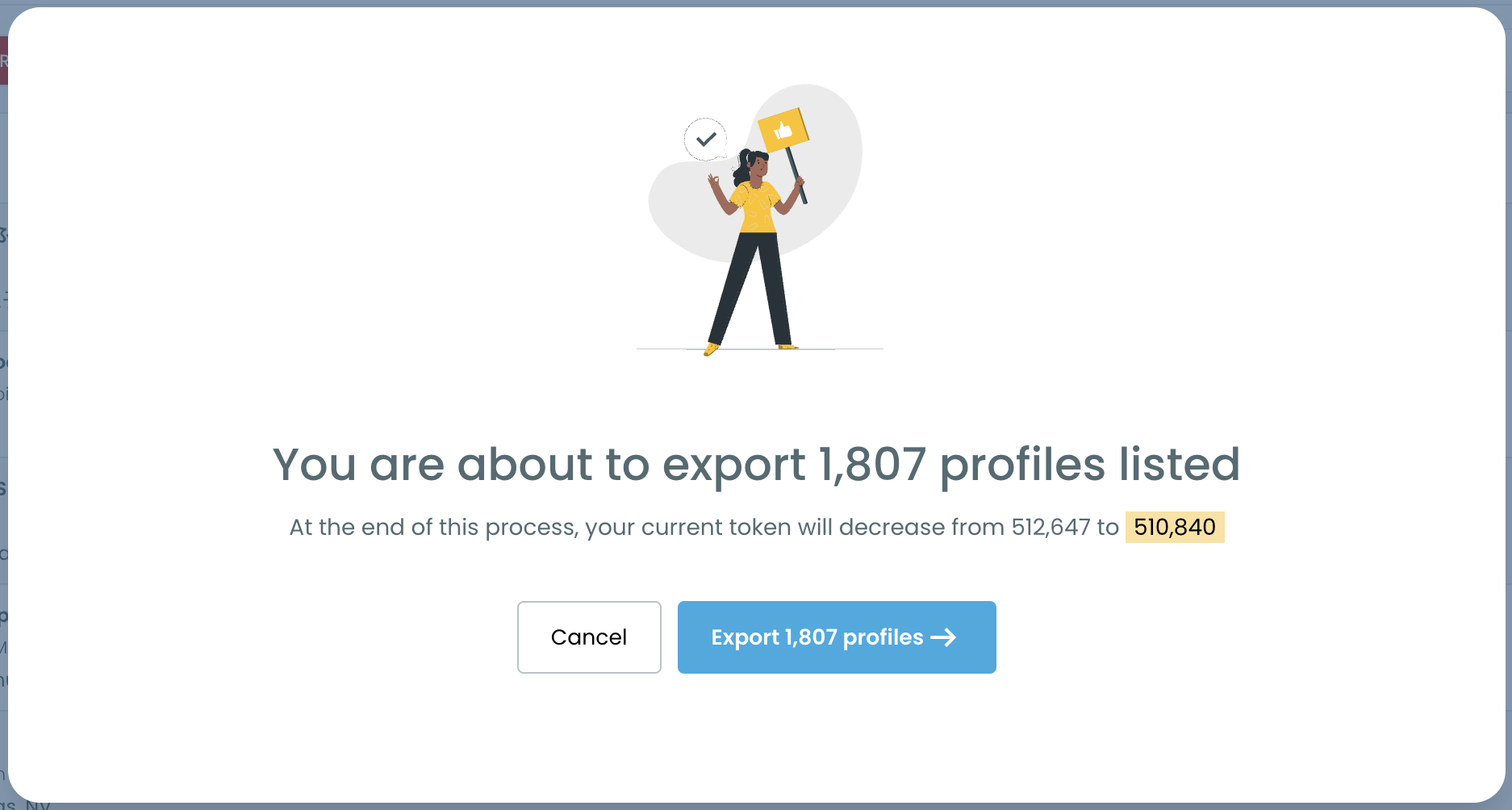
- Select the accounts and click Export. Use the checkbox on each row, or the master checkbox for all visible accounts. Confirm the pop-up, and the CSV downloads.
On a first campaign I leave the filters alone and export everyone on the list. Every account there has already reposted the author, and a narrower audience is easier to justify once you have one result to compare against.
Create the list audience in X Ads
- Open Tools in X Ads and choose Audiences. Click Create Audience, then pick "List - Upload a list of your customers".
- Upload the CSV with the account IDs. Give the audience a name you will recognize later, such as the export date. X then processes the file.
Launch the campaign on the tweet
- Create a campaign with the Reach objective. An Advanced campaign with Reach is the example in Circleboom's documentation. Reach aims at unique people and is billed per 1,000 impressions, as X sets out in its guide to campaign objectives.
- Select your list in the Audiences section, choose the tweet, and set the budget. Review the summary and launch.
Each phase leaves something behind that the next one consumes: a ranked list, then a file, then a processed audience. Open the campaign builder before that audience exists and there is nothing to select in the Audiences section.
How to tell if the promotion reached more Twitter followers
Compare the promoted tweet against your normal posts on two numbers: impressions and engagements.
A simple way to read the result:
- Note the impressions and engagements of three or four recent tweets that were not promoted.
- Let the campaign run its course.
- Read the same two numbers for the promoted tweet.
- Look at how many of the new retweets came from accounts on your exported list.
For context on what to expect, Circleboom's tests showed that the lift follows coverage roughly in a straight line. Reaching about half of the engaged-follower audience brought about a 50% boost in engagement for a few dollars.
Those figures come from tests by Circleboom's co-founder with enterprise customers and Circleboom's own X account, not from X.
Circleboom gives you the trend view. Its Twitter impression analytics show impressions over time, so a promoted day is easy to set against ordinary ones.
One caution on reading a single campaign. A tweet that performs well when promoted may also be a better tweet, so repeat the method on a few posts before you draw a firm conclusion.
If you have not used the native numbers before, start with how to see tweet analytics on X itself.
What a good result looks like
A good result is a fresh round of retweets from familiar names.
The accounts on your list were chosen because they repost you. When the campaign delivers the tweet to them, some will repost it again, and each repost carries it to their own followers for free.
Circleboom's documentation frames it for a brand: 1,000 exported loyal followers, used as a custom audience for a product launch, are people who already spread that brand's posts.
You pay for a small audience and borrow a much larger one.
That is also why the tests point toward repetition. Circleboom's conclusion from those tests is that running these targeted Reach campaigns continuously, for every tweet that matters, is the most cost-effective way to use X Ads for reach.
Limits of the list that affect your targeting
Three limits shape who ends up in the audience, and none of them can be changed from the ads side.
- The 3,200-tweet window. Engagement is analyzed across your most recent 3,200 tweets, because that is as far back as the X API goes. Followers who retweeted only older posts will not appear.
- The snapshot. The list reflects the last run. Someone who began retweeting you recently shows up after the next one.
- Engagement is not the same as fit. An account can repost you often and still sit outside the market a given tweet is for. Use the language, location or bio filters when the tweet is that specific.
Your checklist for the next promoted tweet
The surprise in this method is how little of the work happens in the ads account. Most of it is preparation, and preparation can be done days ahead.
Before your next important post, run through this list:
- Open Engaging & Loyal Followers early, so the 1 to 3 hour preparation is finished before you need it.
- Export the list and upload it to X Ads the day before, which absorbs the 2-hour processing time.
- Confirm that your ads account can launch a campaign.
- Publish the tweet, then start the Reach campaign with a small budget.
- Compare impressions and engagements with your recent unpromoted posts.
→ Build the audience and promote your tweet
What to know before you fund the campaign
How much does it cost to promote a tweet to only your followers?
About $20 to $50 is usually enough, according to tests by Circleboom's co-founder with enterprise customers and Circleboom's own X account. X does not publish a fixed price, because Reach campaigns are billed per 1,000 impressions at auction. As an illustration from Circleboom's documentation, a $100 campaign shown to 2,000 exported loyal followers spends its whole budget on people who already retweet and reply.
Is it within X's rules to upload your followers as an ad audience?
Yes. A list of account IDs is one of the audience types X Ads accepts. The list itself is built from public retweet data, which Circleboom retrieves as a company listed on X's Enterprise customer directory. No DMs or other private interaction data are accessed.
Are followers who only like your tweets included?
The list is built from the retweeters of your last 3,200 tweets on X, so a follower who has only liked your posts is not collected by that step. A retweet is also the action that carries a tweet to new timelines, which is why this list suits a promotion.