
A weekly newsletter that used to get one announcement tweet can come out of the same work with a scheduled thread and a signup post that appears three times. That is the outcome of the routine below: more chances to be seen, set up once per issue.
If you want to grow your newsletter with Twitter, the deciding factor is usually consistency, and consistency survives only when the work fits into one sitting.
Manual: one announcement tweet after every issue, a reminder you forget to post, and a link most followers never see. Circleboom: an official X Enterprise developer that schedules one thread and one signup post with repeat windows on X, in one session.
→ Schedule the weekly routine that helps grow your newsletter with Twitter
One issue, one thread, two repost windows.
Routines like this fail for one reason more than any other: they depend on memory. Posting a reminder two days after an issue sounds easy, and it rarely happens during a busy week.
One boundary before the setup: Circleboom has no subscribe form and no subscriber count. It handles visibility on X, and your email platform handles the signup page and the list.
Why a fixed routine beats a good week on X
A fixed routine beats occasional effort because X rewards regular publishing and a short tweet life punishes one-off posts. A planned week also gives your followers a predictable reason to come back.
An account that posts three times a week for six months builds more momentum than one that posts ten times a week for three weeks and then goes silent.
Newsletter owners are well placed for this. The issue already forces a weekly deadline, so the routine can hang from something that happens anyway.
That is why the plan to schedule posts that grow your newsletter with X starts the moment the issue is finished, while its best ideas are still fresh.
The routine costs time rather than ad spend. Readers building their channels from scratch can pair it with generating website traffic with a zero marketing budget.
The thread and signup post also fit inside wider content marketing strategies to boost blog traffic when your issues live on a public web page.
Email keeps its own job in this plan, and the question of whether email marketing still earns its place has a separate answer. The routine below assumes you have decided it does.
How to turn a newsletter issue into a thread
Paste the section into AI Writer and ask for a thread, or add the issue's public URL with Add article or tweet and ask for the same. AI Writer splits the material into tweet-sized parts with a clear sequence, and you can state the number of tweets or let it choose.
Two details decide the quality of the result:
- The input. Remove filler, state the main point and organize the key ideas before generating.
- The source type. A paywalled or login-gated URL gives limited or no content, so a paid issue goes in as pasted text.
A 1,500-word issue makes a reasonable 7-tweet thread.
The limit is 25 tweets per thread through Circleboom, and each tweet stays subject to its own character and media limits. Most issues should come nowhere near that ceiling, because a reader who sees "1/25" in the first tweet has every reason to scroll on.
Check the draft against the source before you accept it. The AI restructures as it summarizes, so emphasis can shift.
The first tweet deserves the most attention since it is the only part most people see in the timeline.
If you use Auto Numbering, remember that its labels count toward each tweet's character limit, which can push a tightly written tweet over.
The thread maker for Twitter page shows this feature on its own.
How to grow your newsletter with Twitter every week
Here's the flow, in order, in four parts, and it fits in one sitting after the issue is finished.
Circleboom is listed on X's Enterprise customer directory, so the scheduled actions run through approved access to the account your readers follow.
You can also start planning posts that grow your newsletter with Twitter and return to these steps as you go.
Connect your X account and open X Post Planner
- Log in to Circleboom and connect your X account.
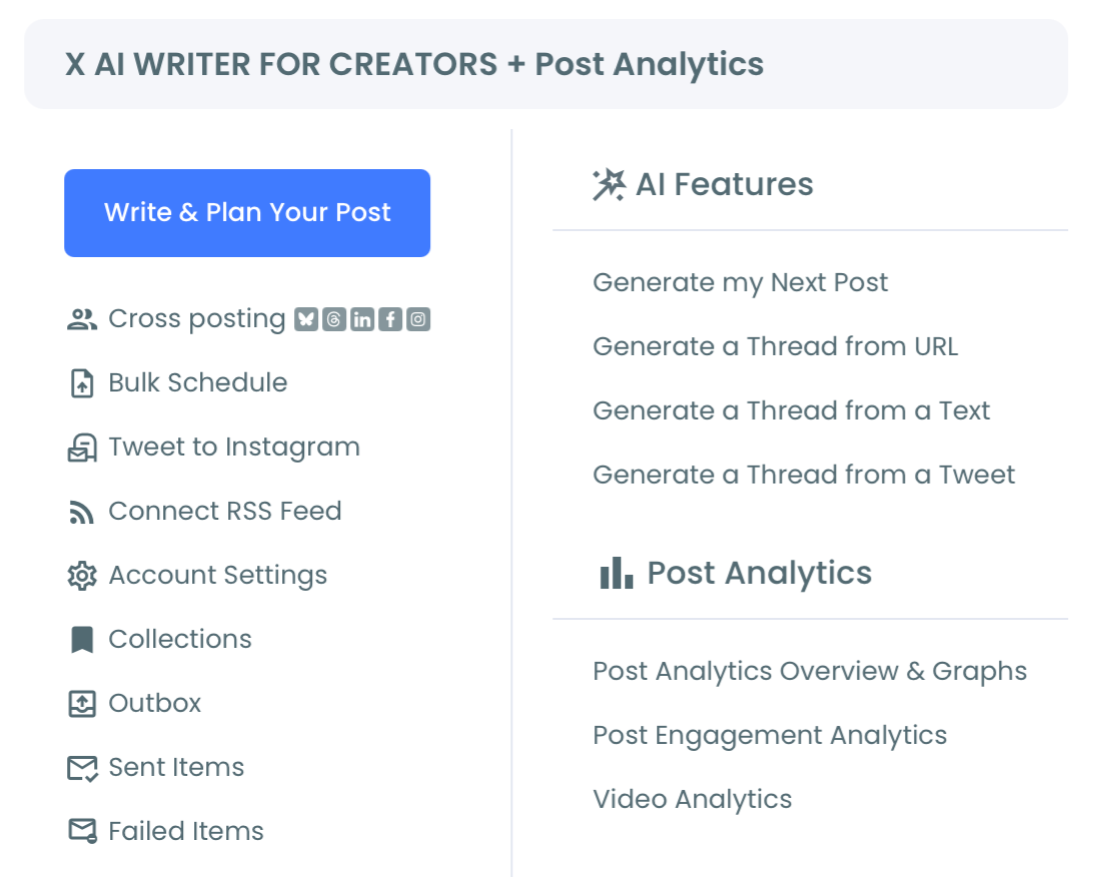
- Open the X Post Planner menu and choose Write & Plan Your Post.
Build the thread for this week's issue
- Load the thread into the editor from AI Writer with Use Post, or write it with Add another post.
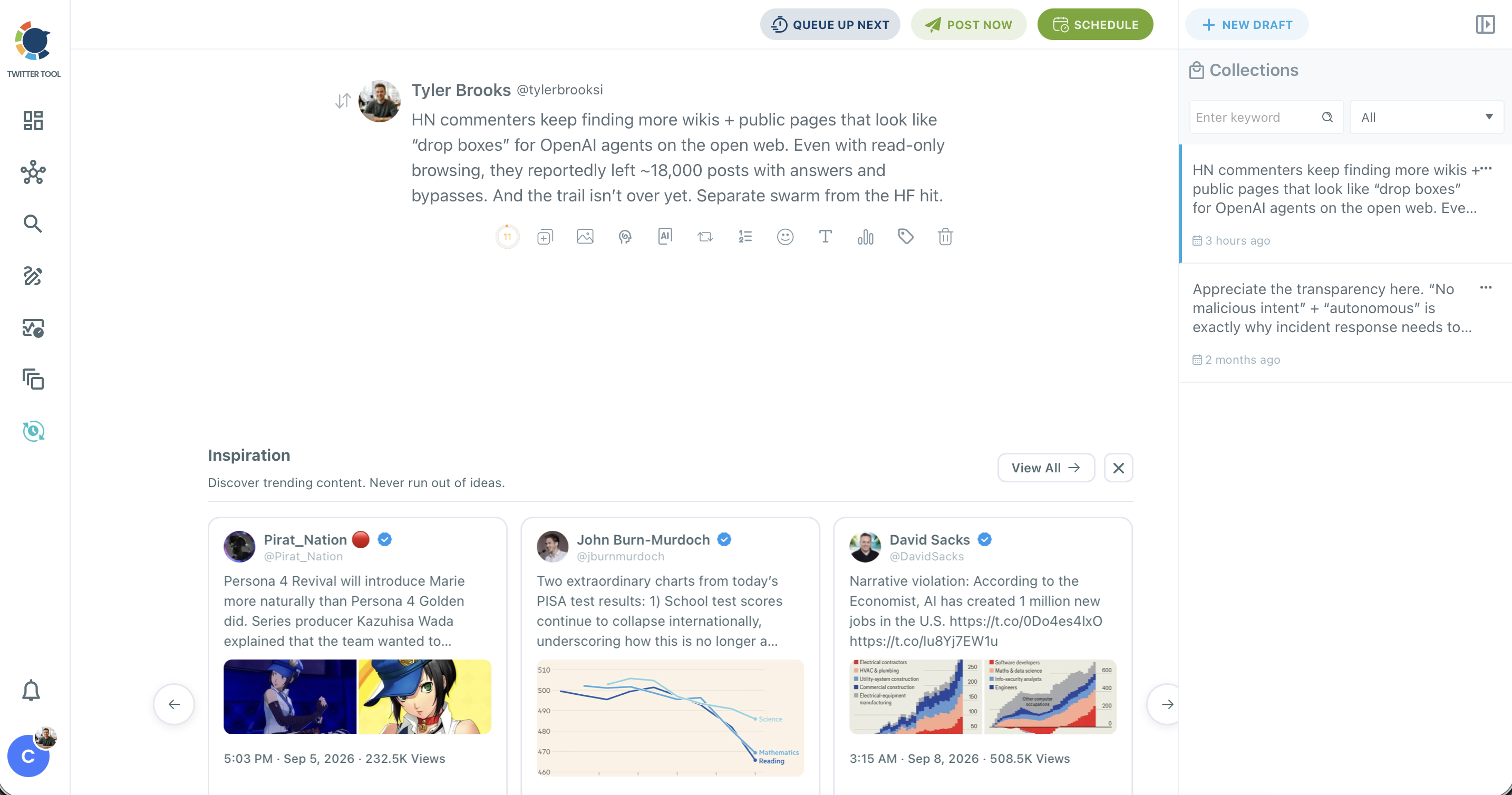
- Drag the reorder handle to fix the sequence and put the subscribe link in the last tweet.
- Click Schedule and set a date and time at least 15 minutes ahead, because scheduled posts must sit at least that far in the future.
Write a separate signup post
- Click New Draft and write one post that names the reader, the promise and the signup link.
- Remove any wording that expires, such as "out today", since this post will return later.
Set two repost windows on the signup post
- Click the auto repost icon in the toolbar to open the Auto Repost / Un-RePost panel.
- Set RePost after, Un-RePost after and Repeat this cycle to 2 times with the stepper controls.
- Click Schedule and choose a slot on a different day from the thread.
The order matters because each stage protects the next: a connected account makes the schedule possible, a checked thread gives the signup post something to stand on, and clean wording keeps every repost accurate.
The signup post is deliberately separate, so the ask can return without repeating the whole argument.
Quick recap:
- One thread, scheduled, with the link in the last tweet.
- One signup post, written to stay true.
- Two repost windows, so three appearances in total.
How often to resurface a signup tweet before it annoys people
Two repost windows a week on one signup post is a modest level, and spacing matters more than the count. Three cycles spread across a day work better than six reposts inside three hours, because tight cycles show the same words to the same followers and lower engagement per impression.
Space the windows by audience activity rather than by round numbers. Followers who were online at 09:00 are unlikely to need the post again at 10:00.
A repost roughly 4 or 8 hours later reaches a different part of the day. Data on the best times to post on X tells you which part is worth the slot.
Whether you can retweet your own tweet more than once is settled; the useful question is how much repetition this post deserves.
Three limits are easy to miss when you plan a cycle:
- Un-repost removes only the repost. The original tweet and its likes and replies stay on your account.
- A deleted original fails the cycle. If you delete the tweet between cycles, the repost fails for that interval, so correct errors before the schedule starts.
- Automation has a ceiling. Excessive automated reposting of the same tweet may be flagged as spam-like under X's automation policies, and API rate limits apply to high-frequency cycles across several posts.
I would also retire a signup post before it goes stale. Once it has cycled for a few weeks, rewrite the first line rather than running the same words again.
What one week of this routine looks like on X
One illustrative week for a newsletter that ships on Tuesday looks like this, and the days are examples to adjust to your own audience:
| Day | Post | Setting |
|---|---|---|
| Tuesday | Issue goes out by email | No post yet |
| Wednesday | Thread from the issue | Scheduled, link in last tweet |
| Friday | Signup post | RePost after 4 hours, Un-RePost after 2 hours, 2 cycles |
| Monday | Review | Sort by URL clicks |
The gap between the issue and the thread is deliberate. It gives you a day to read the draft again, and that review window catches what instant posting misses: weak hooks, broken links and off-tone lines.
Before you confirm the schedule, run one final check on each post:
- The date and time zone match the slot you meant.
- The signup link opens the right page, and that page is live.
- The media is attached and the tone fits the issue.
Most publishing mistakes happen at this last stage, after the idea is already good. A broken link is especially costly on a signup post, since the same broken link would return in every window.
Busy weeks need a fallback. Queue Up Next puts a post in the next available slot, and Collections holds drafts you are not ready to schedule, so an unfinished thread can wait without getting lost.
Keep the signup post running in those weeks if its wording is still true, because that one post needs no new writing.
I would skip one common temptation here: stacking extra posts onto a week that is already working.
Three moments a week that you keep up are worth more than ten you drop after a month.
How to see which tweets sent people to your signup page
Sort your posts by URL clicks in Post Engagement Analytics to see which tweets sent the most people to your link. The table ranks every tweet by the metric you choose, and URL clicks is the column that matters for a signup page, more than likes or impressions.
Read it once a week, right before you plan the next issue's thread.
The wider Twitter content performance analysis page shows the overall trend around those single posts.
When clicks stay low across the board, the wider tactics in how to drive Twitter traffic to your website are the next read.
Look for patterns in format and subject rather than one winner. Your most retweeted tweet tells you what people share, which may differ from what makes them click, and the two signals answer different planning questions.
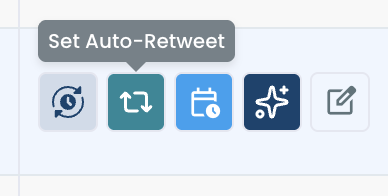
When a post earns clicks, the action row in X Post Analytics has a Set Auto-Retweet button, so the same post can get another run.
A click count shows which post worked on X, and subscriber growth is read in your email platform.
Circleboom does not count subscribers, so comparing the two on the same date is the closest honest view of what the routine did.
The same post can also go further with little extra work. The Schedule panel's cross-post destinations include LinkedIn and Threads, within each platform's character limit.
A newsletter with a public feed has one more option. RSS feed to Twitter can carry new issues to your account, and the thread stays the part you write by hand.
Which version of the routine fits your newsletter
The routine bends to the issue you have, and the right version depends on one question each:
- If your issue is public, add its URL to AI Writer and build the thread from the page.
- If your issue is paywalled, paste one chosen section as text and link to the signup page instead.
- If you publish less than weekly, keep the same stages and stretch the windows across the longer gap.
- If the announcement is time-sensitive, skip the repost cycle unless every return falls inside the valid period.
Pick the line that matches your newsletter and run it for your next issue.
A common mistake is waiting for the perfect signup wording before scheduling anything, when a true and plain post in three windows will teach you more than another rewrite.
→ Plan this week's issue to grow your newsletter on Twitter
Weekly routine questions from newsletter owners
Where should my subscribe link go in a thread?
Put it in the last tweet, because the first tweet decides who opens the thread and the reader is readiest to act after finishing it. Circleboom keeps your order when the thread is scheduled on X, so the link stays at the end.
How should I write my Twitter bio for newsletter promotion?
State who the newsletter is for and what it covers, then add the signup link to your profile. These 40 ideas for your Twitter bio help you say it within the character limit.
What interrupts a scheduled repost cycle?
Account suspension, a password change or revoked app permissions can interrupt a cycle, since the X account must stay authenticated and active. Check that the connection is still live when you plan each week in Circleboom.