
X is changing the way people interact with content.
For years, the main signal was simple: you either liked a tweet or ignored it. But that wasn’t enough to fully understand what users actually want to see.
Now, X has started testing a dislike button, and it is expected to become available to everyone. This small change has a big impact on how your feed is shaped.
It’s no longer just about what you like.
It’s also about what you don’t want to see.
What Is the Dislike Button on X?
X has introduced a dislike button as part of its ongoing updates to improve content quality.
This button appears next to the like button, making it easy to react both positively and negatively to tweets.
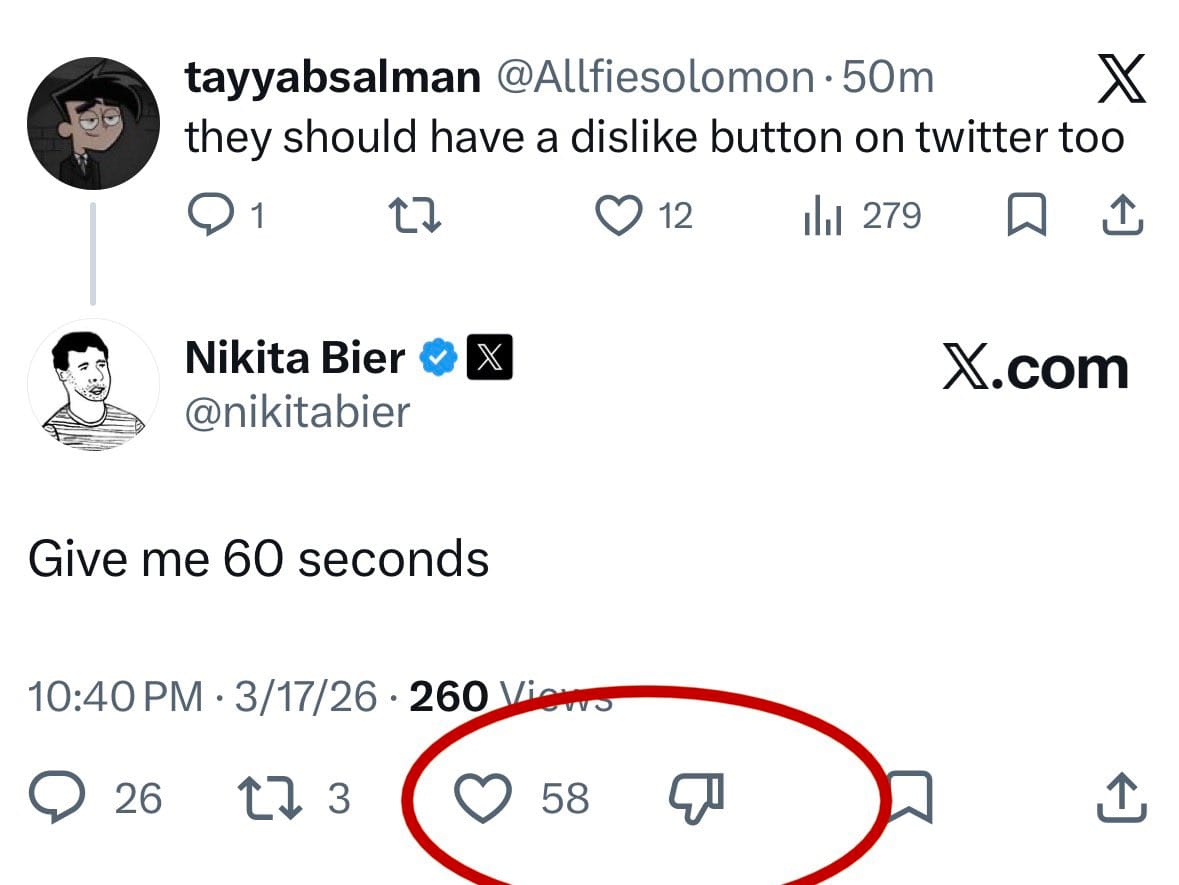
Instead of only rewarding content, you can now also signal that a tweet is not relevant, useful, or interesting to you.
How the Dislike Button Works
The logic behind it is straightforward, but powerful.
- When you like a tweet → X shows you more similar content
- When you dislike a tweet → X reduces similar content in your feed
Over time, these signals help X better understand your preferences.
This means your feed becomes more personalized, but it also means that every interaction matters more than before.
Why You Should Be Careful with Likes and Dislikes
With this new system, your past behavior becomes even more important.
If you:
- Like tweets randomly
- Engage with content without thinking
- Interact with low-quality posts
Then your feed will reflect that.
Many users have a habit of liking tweets generously. While this feels harmless, it actually sends mixed signals to the algorithm.
The result is a feed that feels inconsistent and less relevant.
Now that dislikes are part of the system, you have more control. But you also need to be more intentional with your actions.
 Arif Akdogan
Why I Decided to Clean My Likes
After realizing how much likes affect the feed, I started looking at my own activity.
I had liked a lot of tweets over time, often without thinking much about it. Some were useful, but many were random or not relevant anymore.
This created a problem:
- My feed was not consistent
- I kept seeing content I wasn’t really interested in
- The algorithm was working with outdated signals
Instead of trying to fix it slowly, I decided to reset things and start fresh.
The Solution: Delete Your Old Likes
Cleaning your old likes is one of the fastest ways to improve your feed.
By removing past interactions:
- You eliminate outdated signals
- You give the algorithm a clean starting point
- You regain control over what appears in your feed
The problem is that X does not provide a built-in way to delete all your likes at once.
That’s where a third-party tool becomes necessary.
The Tool I Use: Circleboom Twitter
To handle this, I use Circleboom Twitter.
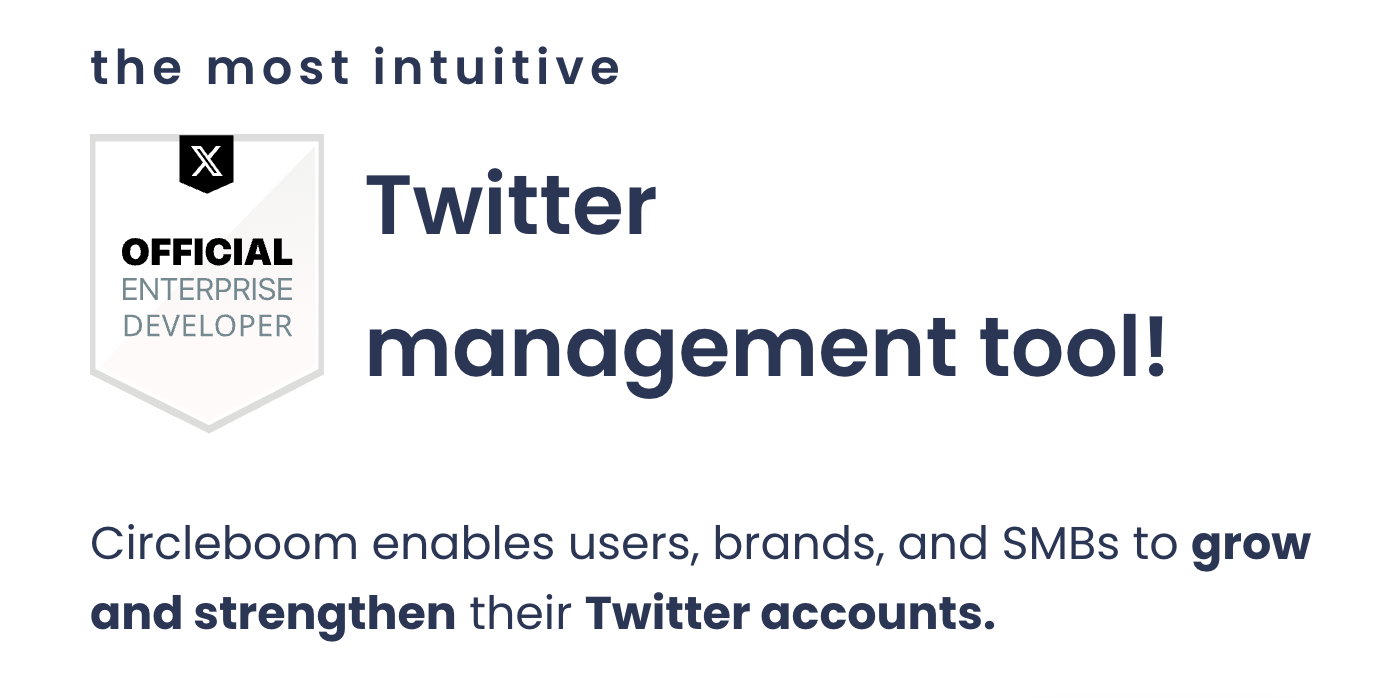
It is an official X Enterprise Developer, and it provides tools specifically designed to manage your account more effectively.
One of its most useful features is the ability to delete all your likes or unlike tweets in bulk.
 infocircleboom.com
Instead of manually going through tweets one by one, you can clean your entire like history in a much faster and more controlled way.
How to Delete All Your Likes with Circleboom Twitter (Step-by-Step)
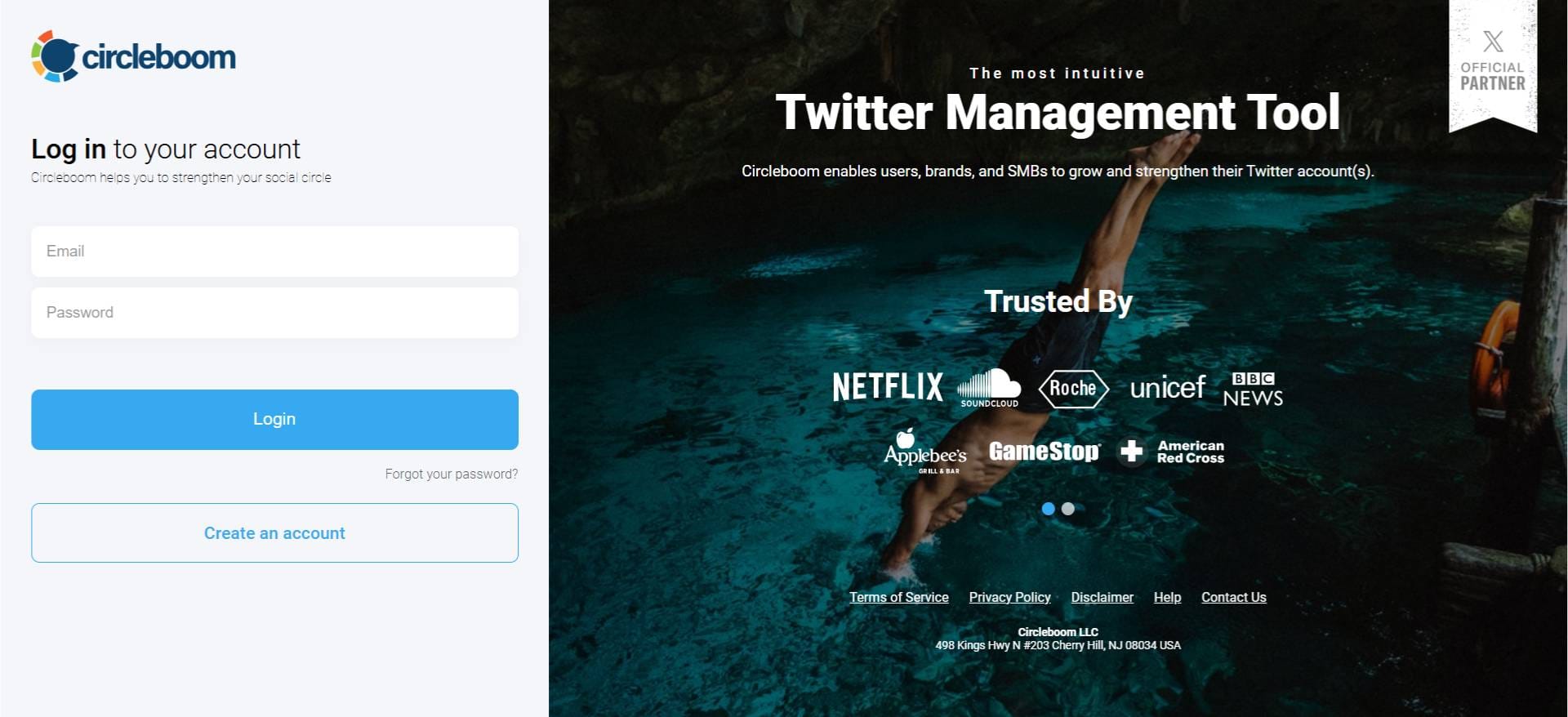
Step 1: Logging into Circleboom Twitter
If you don't have a Circleboom account yet, you can get one quickly with a few clicks.
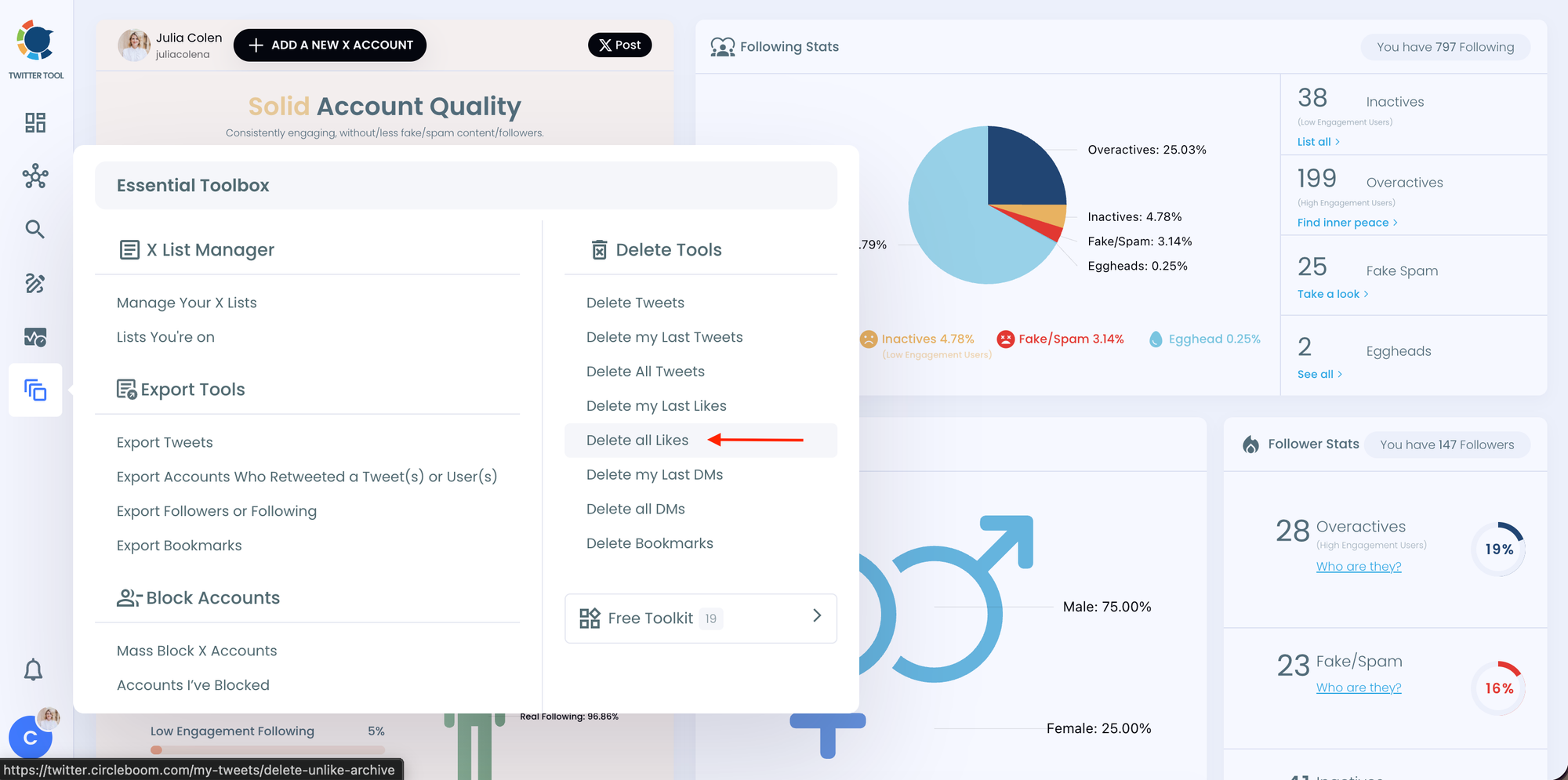
Step 2: Navigate to the left menu and find the "Essential Toolbox" section on the list
Then, you should click on "Delete All Likes" to delete all your X likes.
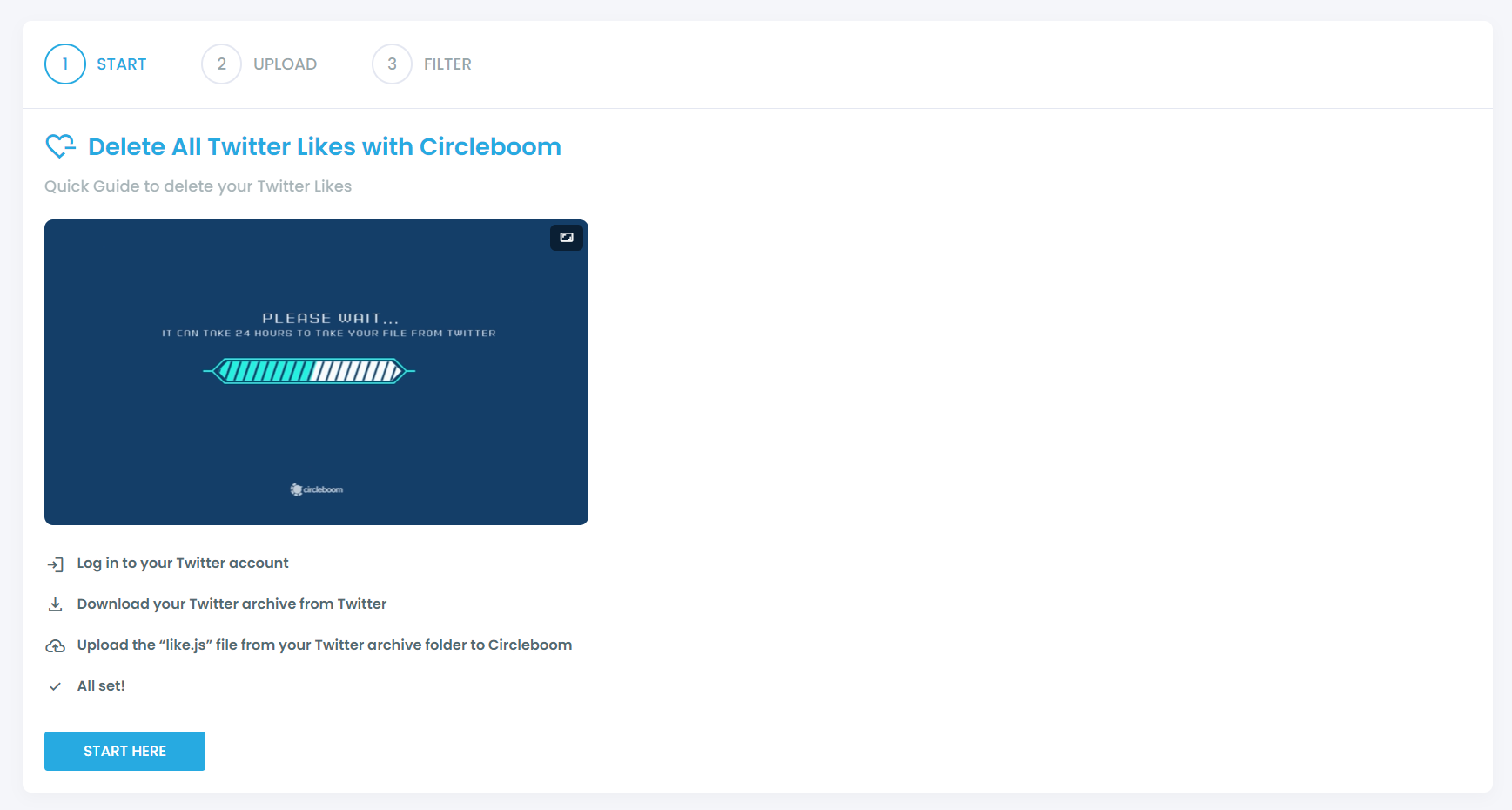
In the next stage, you should click on "Start Here" to proceed.
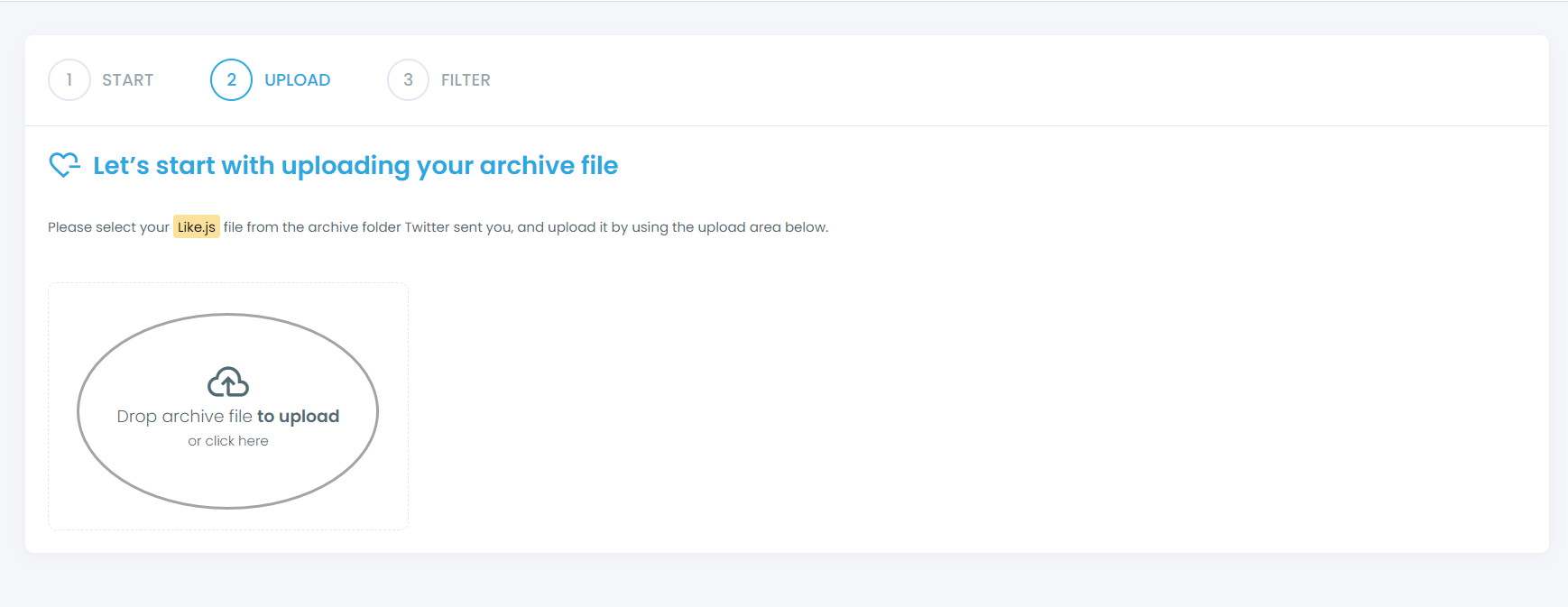
You should find your "like.js" file from your Twitter archive and upload it on Circleboom.
Step 3: Filter your liked tweets and approve your cleaning process
If you want to keep/delete only certain liked tweets, you can apply filters, though this is optional. Our filters give you the flexibility to keep or delete some tweets matching with selected hashtags, keywords, usernames, dates, and more.
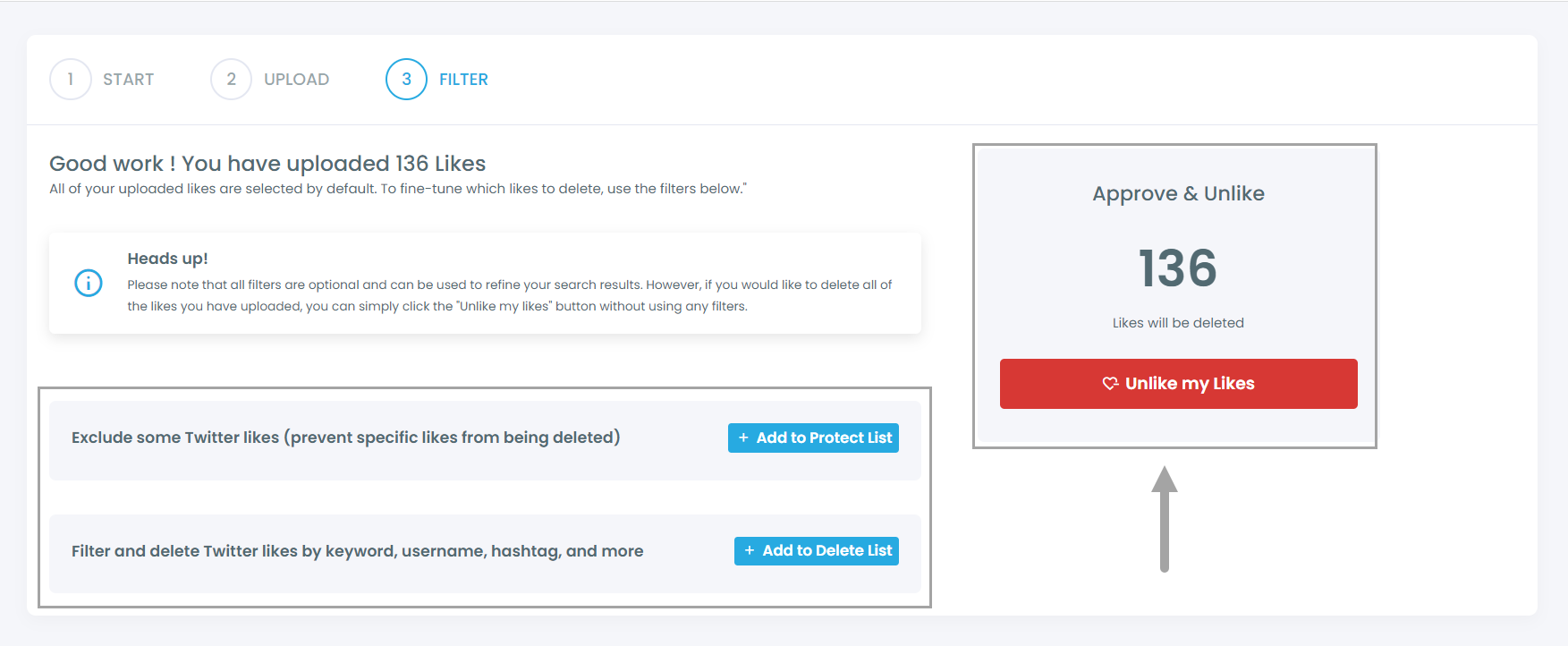
After you confirm your deletion requests, all set! We'll take care of the rest in a timely manner.
What Happens After Cleaning Your Likes
Once you remove your old likes, the difference becomes noticeable.
- Your feed becomes more relevant
- You stop seeing content you no longer care about
- New interactions shape your experience more accurately
Combined with the dislike button, this gives you much better control over your feed.
Best Strategy Going Forward
To maintain a high-quality feed:
- Be intentional with what you like
- Use the dislike button to filter unwanted content
- Avoid engaging with low-quality tweets
- Periodically clean your old interactions
These small habits make a big difference over time.
Final Thoughts
The introduction of the dislike button is a simple feature, but it changes how X works.
You now have more control over what you see, but that control depends on how you use it.
By managing both your likes and dislikes carefully, and by cleaning your past activity when needed, you can build a feed that is much more relevant and enjoyable.
It’s no longer just about consuming content.
It’s about actively shaping your experience.
)