
Most businesses spend hours creating content for Instagram and Facebook.
But when it comes to actually getting customers, those platforms are not where the journey usually starts.
People don’t open Instagram when they need a dentist, a restaurant, or a service nearby.
They search on Google.
They type things like:
- “best dentist near me”
- “restaurant open now”
- “car repair near me”
And within seconds, they land on Google Business Profiles.
That’s where decisions happen.
That’s why Google Posts are not just important, they are one of the highest-converting content types for any business.
 Kevin Frank
Why Google Posts Matter More Than Social Media Posts
Let’s be direct.
Social media is for attention.
Google is for action.
According to internal data and analysis conducted at Circleboom:
- More than 85% of local business discovery starts on Google Search or Maps
- Users coming from Google have 2–3x higher purchase intent than social media visitors
- Profiles that are updated regularly can see up to 40% more interaction (clicks, calls, directions)
This means one thing:
A single Google Post can be more valuable than multiple Instagram posts combined.
Because it appears exactly when someone is ready to choose.
So, How Often Should a Business Post on Google?
Here’s the practical answer, based on performance data and usage patterns:
Minimum
- 1 post per week
This keeps your profile active. Anything less makes your business look outdated.
Recommended
- 2–3 posts per week
This is the sweet spot for most businesses.
Circleboom usage data shows that businesses posting at this frequency:
- get up to 2x more profile interactions
- maintain higher visibility in local results
High-Activity Businesses
- 3–5 posts per week
For businesses with:
- frequent promotions
- active campaigns
- changing inventory
- regular announcements
More content = more visibility opportunities.
Why Consistency Is the Real Growth Factor
Posting frequency matters.
But consistency is what actually drives results.
Based on Circleboom analysis:
- Businesses that post consistently for 4+ weeks see:
- +35% increase in profile views
- +25% increase in customer actions
- Inconsistent posting leads to sharp drops in engagement within 2–3 weeks
That means:
Posting regularly beats posting a lot once.
What Happens If You Don’t Post Regularly?
This is where businesses lose customers without realizing it.
If your last post is old:
- Your profile looks inactive
- Trust drops immediately
- Competitors with fresh posts stand out more
- You lose visibility in decision moments
Circleboom data shows:
- Profiles with no posts in the last 30 days receive up to 50% fewer interactions
Even if your service is great, your profile may not reflect it.
What Should You Post on Google?
You don’t need complex strategies.
You need consistency and relevance.
Here are high-performing content types based on Circleboom insights:
Promotions & Offers: Can increase clicks by up to 30%
Product / Service Highlights: Helps users understand your value instantly
Announcements: Keeps your business looking active
Seasonal Campaigns: Increases relevance during peak periods
Events: Drives direct engagement
Tips & Informational Content: Builds trust and authority
Operational Updates: Reduces confusion and improves customer experience
The Real Challenge: Execution
Most businesses don’t struggle with ideas.
They struggle with:
- time
- consistency
- planning
- remembering to post
Posting becomes random.
And random posting leads to weak results.
The Smart Way to Build a Google Posting Calendar
Instead of asking:
“What should I post today?”
The better question is:
“What will I post this week and next week?”
This is where Circleboom Publish becomes essential.

With Circleboom Publish, businesses can:
🟢 manage their Google My Business account
🟢 create posts with AI easily
🟢 schedule Google posts in advance
🟢 build a consistent posting calendar
And consistency is where the real growth happens.
How to Post on Google My Business with Circleboom Publish
Here’s how to turn posting into a system:
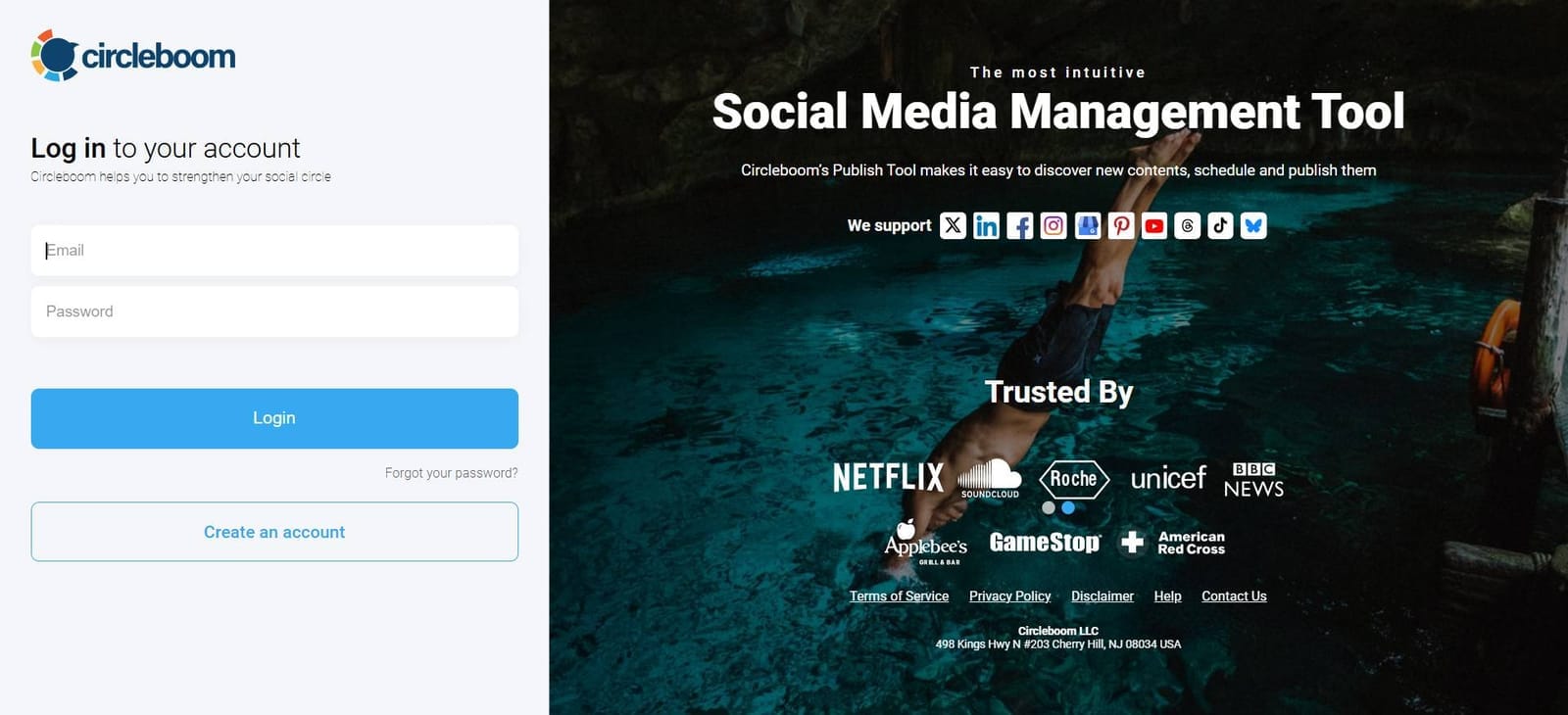
Step #1: Log in to Circleboom Publish with your account.
If you don't already have a Circleboom account, you can get one in seconds for free!
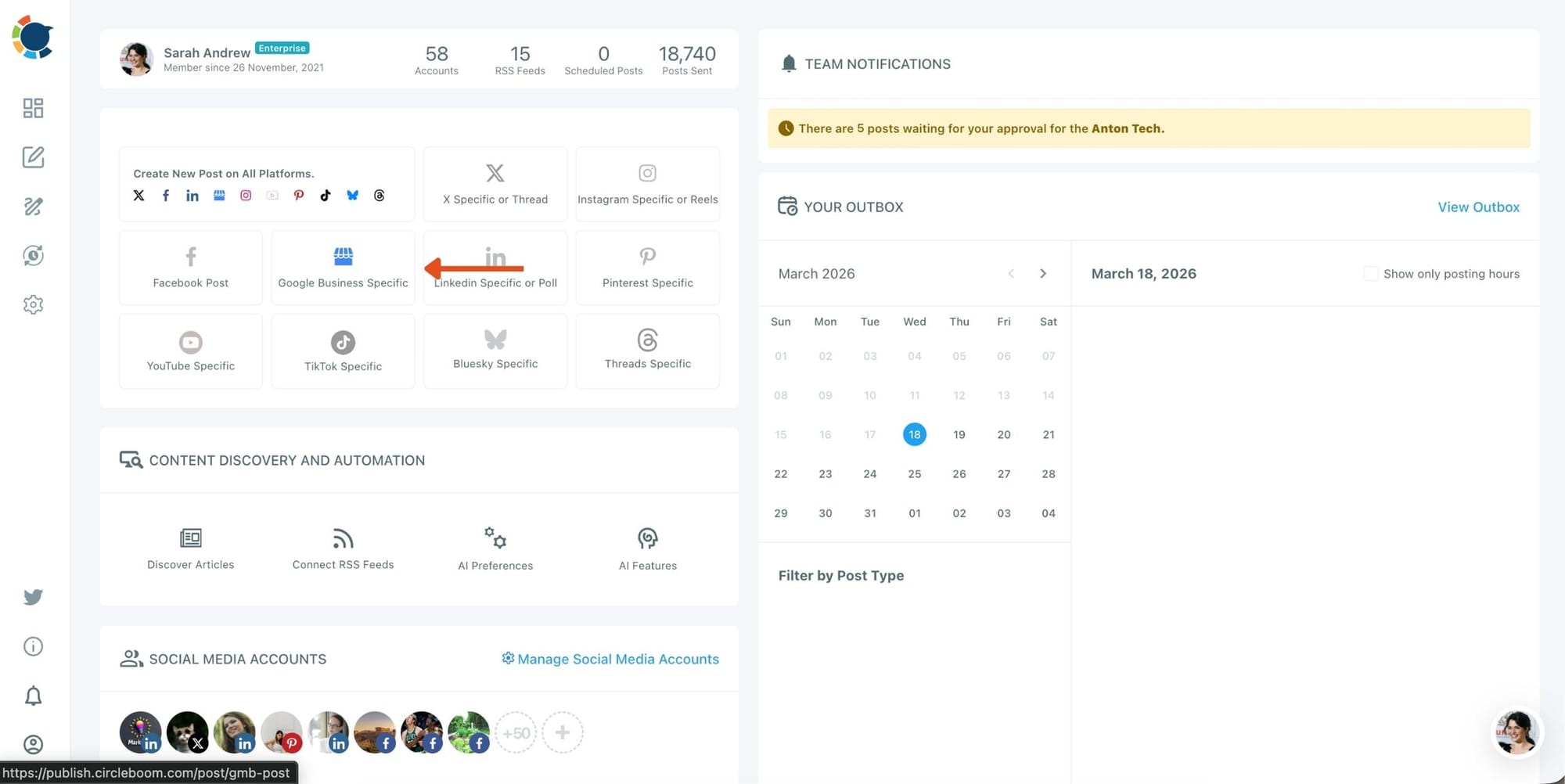
Step #2: You should click on the “Create New Post” button to create your social media posts. As you see, there are specific post options for each platform.
You can choose “Google Business Specific,” too.
You’ll proceed to account selection.
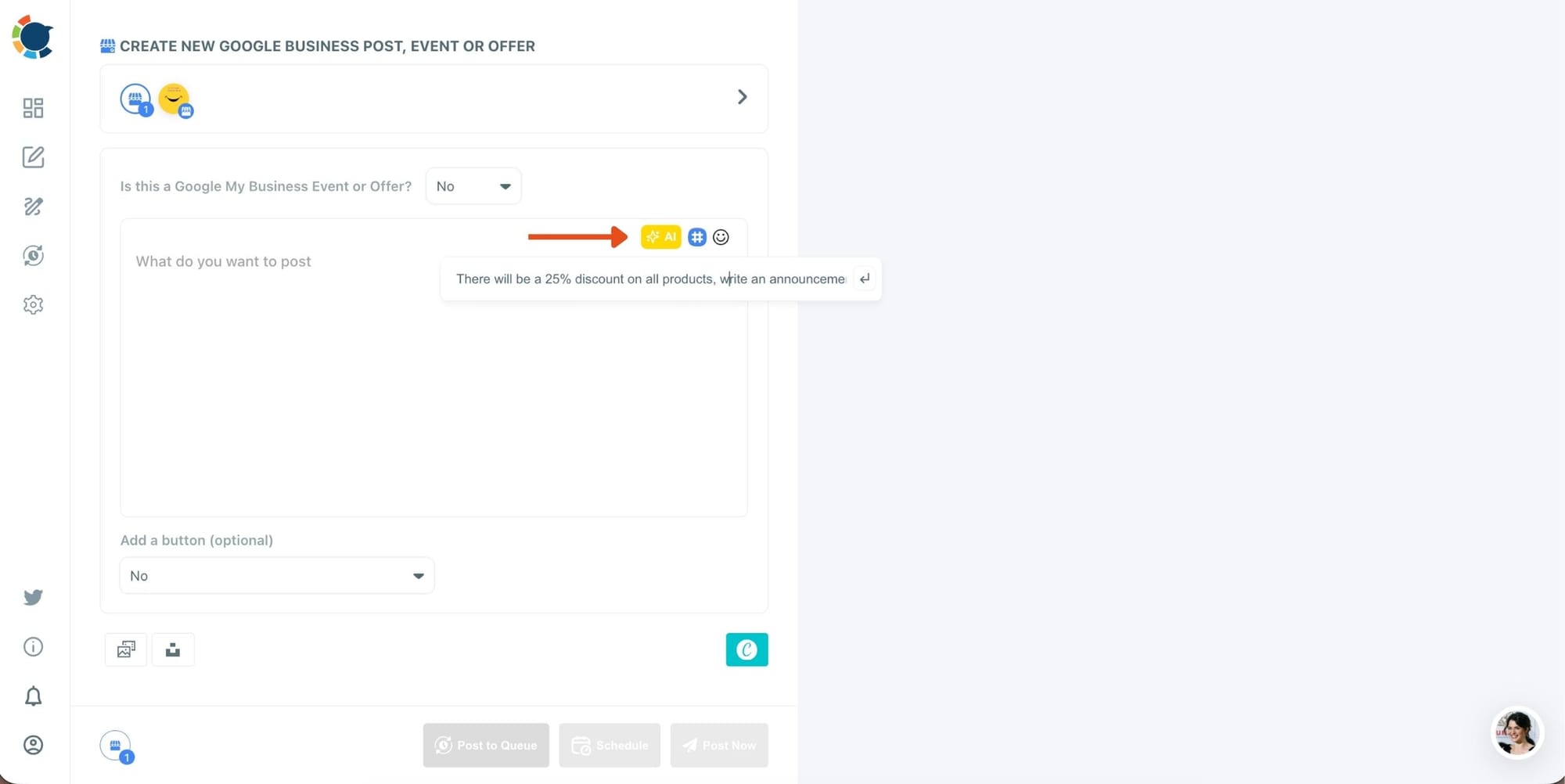
Step #3: Next station is the social media text generator.
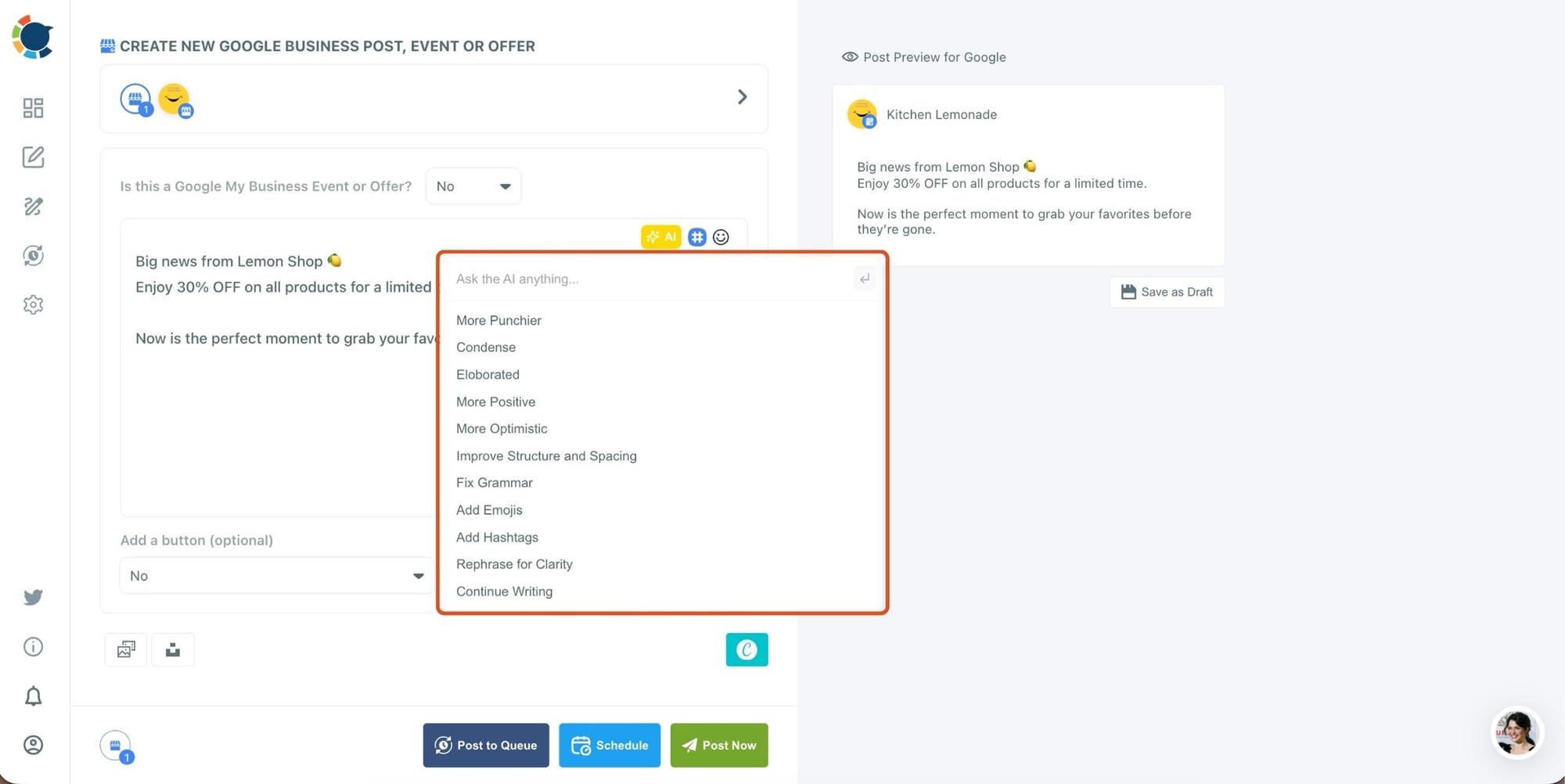
Thanks to OpenAI integration, you can create auto-generated social media descriptions, captions, texts, and all kinds of texts enriched by AI-generated hashtags, emojis, and other extras like grammar checks or translations.
You can define the style of your words, warmth, etc., on Circleboom Publish. And, you can enrich your auto-generated Google Business posts with extras.
Also, on Circleboom, you can create GMB Event and Offer posts. So, you can add CTA buttons and coupon codes to your posts.
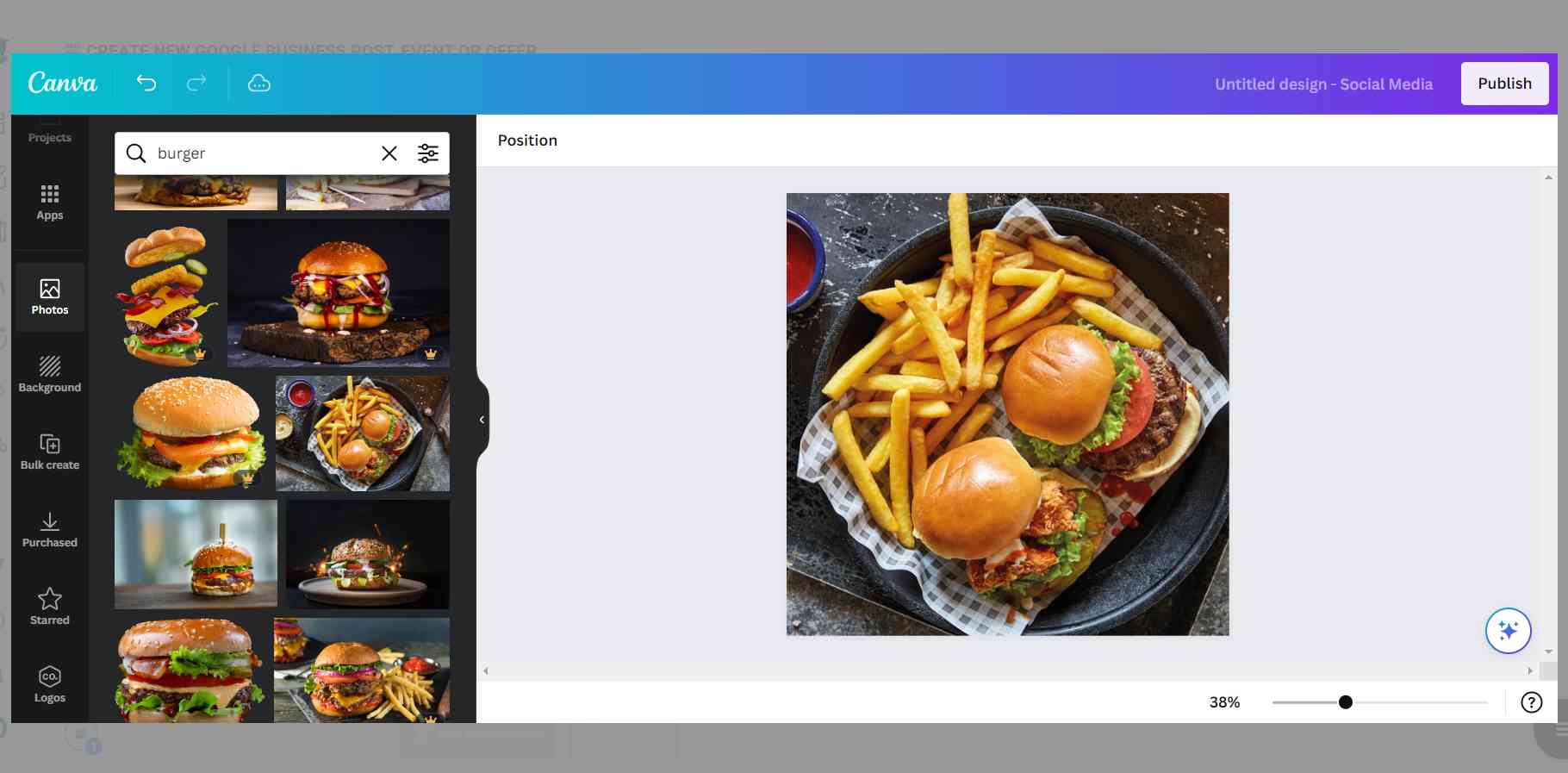
Step #4: Social media image generator on Circleboom has 3 options: Canva, Unsplash, and Giphy. You can also upload your own files to send them directly.
Canva is where you can curate and design images as you wish. You can apply ready-made templates, filters, effects, and other kinds of elements to edit your image.
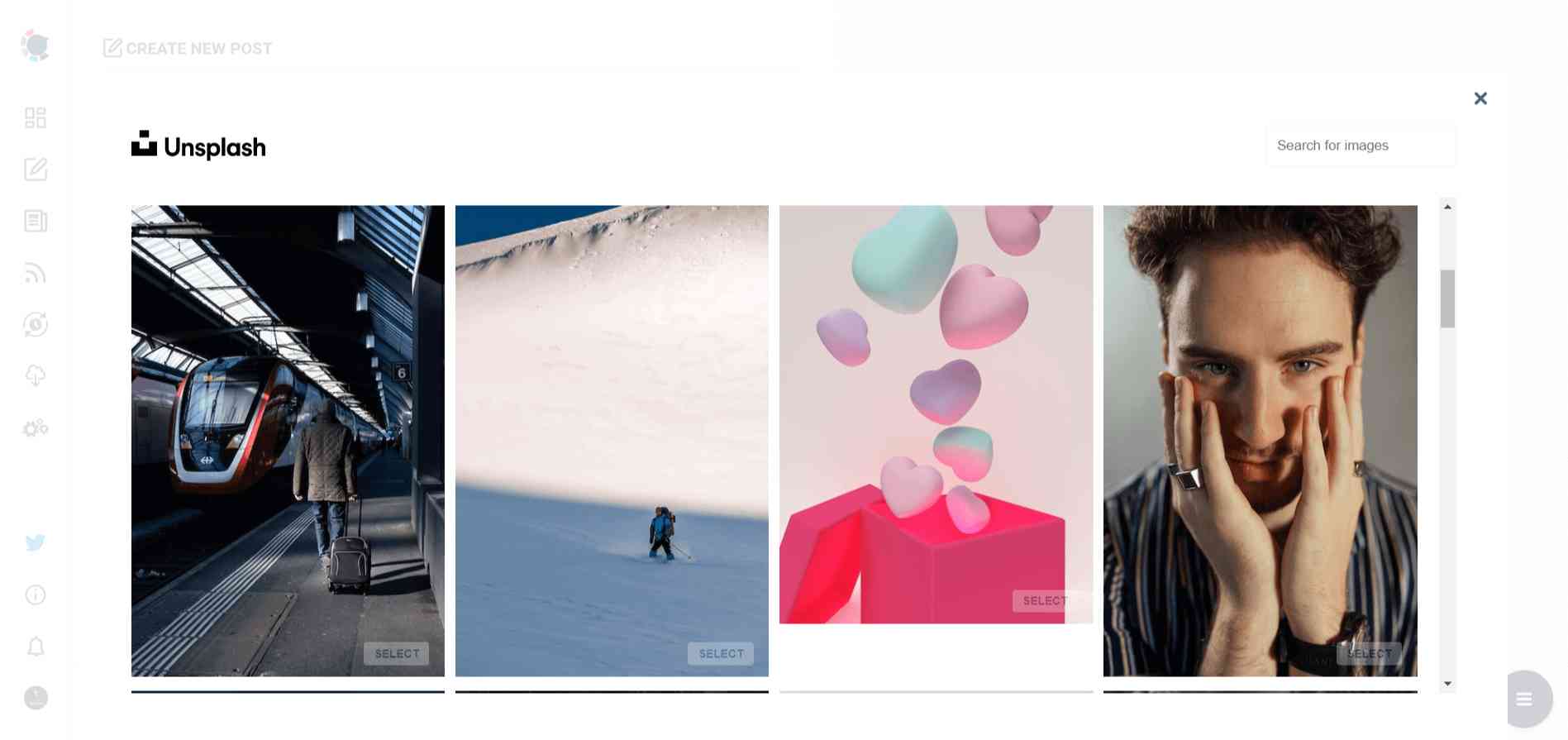
Also, you can use Unsplash to find auto-generated, high-quality images to share on your Google My Business accounts.
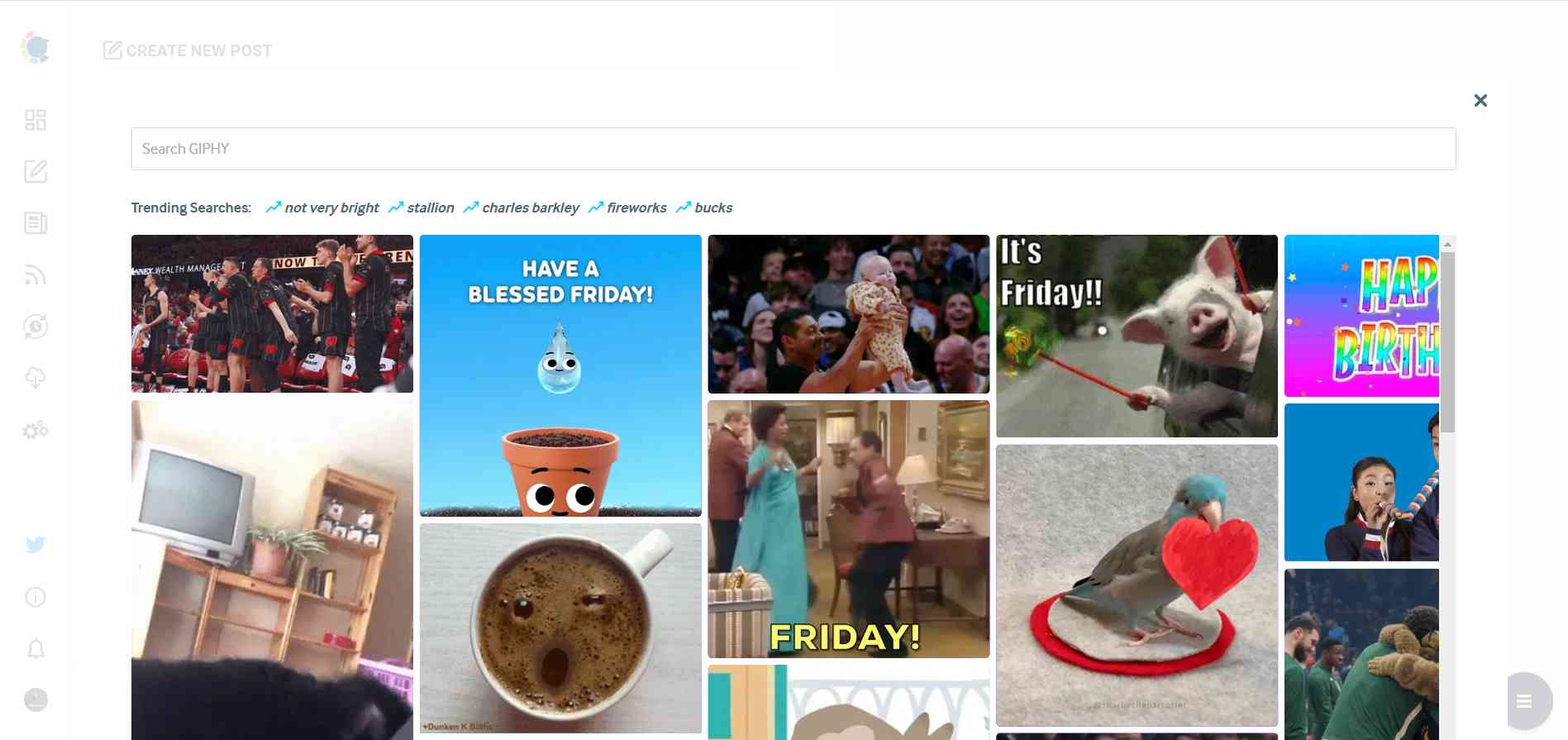
Giphy is where you can generate high-quality GIF images for your auto-generated Google Business posts.
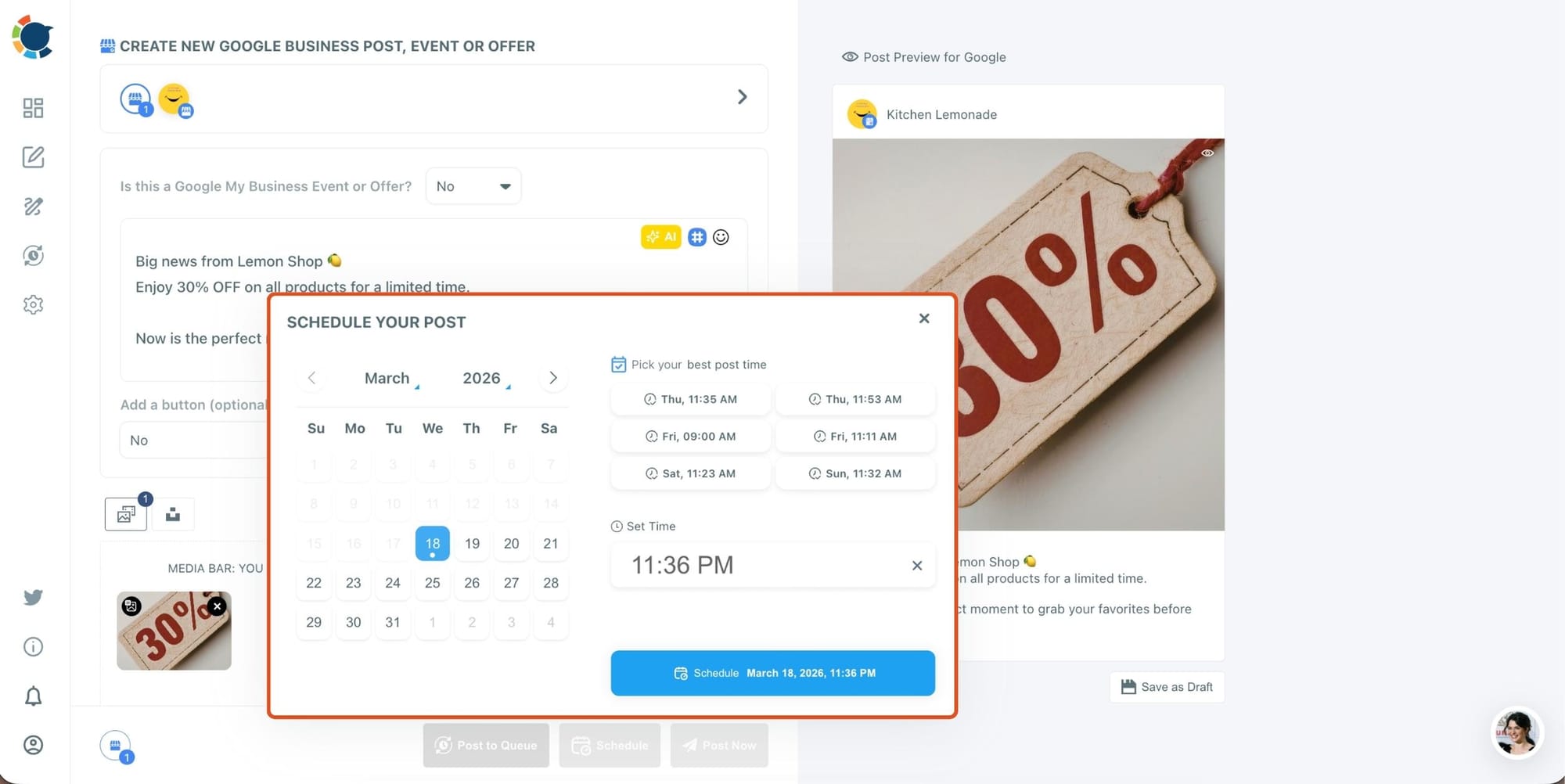
Step #5: Once you generate your Google Business posts, you can share them immediately, Or you can schedule them for the future.
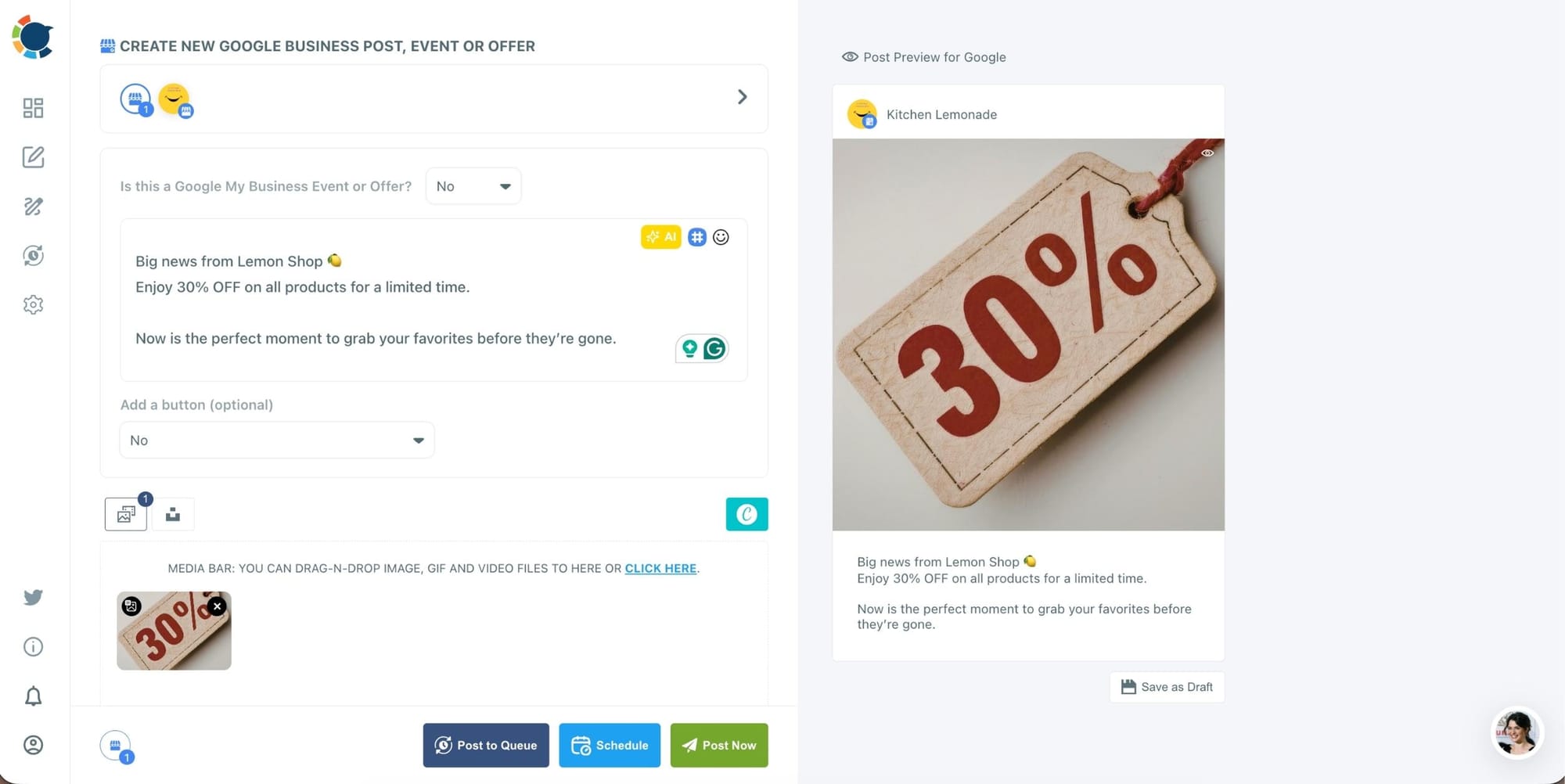
Also, you can set time intervals and automate your Google Business posts.
Why Circleboom Publish Makes a Big Difference
Manually posting leads to inconsistency.
Circleboom Publish solves that by:
- Saving hours every week
- Helping maintain a steady posting rhythm
- Preventing missed opportunities
- Keeping your profile always fresh
- Allowing structured content planning
Circleboom user data shows that businesses using scheduled posting:
➡️ are 3x more consistent
➡️ achieve significantly higher profile activity rates
The Bigger Picture: Visibility Drives Revenue
Every Google search is a potential customer.
Every profile visit is a decision point.
And every post increases your chances of:
- being seen
- being trusted
- being chosen
Businesses that post regularly don’t just look better, they convert better.
Conclusion
Google is where customers find your business.
That alone makes Google Posts one of the most powerful tools available.
To stay competitive:
- Post at least once per week
- Aim for 2–3 times per week
- Increase frequency if your business is active
- Stay consistent over time
And most importantly, build a system.
With Circleboom Publish, you can plan, schedule, and manage your Google posts in advance, so your business stays visible, active, and ready when customers are searching.