
Twitter polls are often seen as a simple engagement feature, but they are actually much more strategic than they look.
A poll allows people to interact with a tweet with just one click. That small action can significantly increase engagement because voting is easier than writing a reply or composing a quote tweet.
When more people interact with a tweet, it is more likely to gain momentum and reach more users.
This is why polls can be a powerful tool on Twitter (X). They are not just for asking random questions.
When used strategically, polls can increase engagement, reveal audience preferences, and help shape future content.
I personally use polls as part of my Twitter strategy to understand my followers better and encourage interaction on my posts.
 Altug Altug
Why Polls Matter Strategically on Twitter
Polls are strategically valuable on Twitter for several reasons.
- They make engagement extremely easy. Voting requires only one click, so followers are more likely to interact compared to writing a reply.
- Polls naturally trigger curiosity. People often want to see what others think and check the results after voting.
- Polls can help a tweet gain early engagement. If people start voting shortly after the tweet is posted, it increases the chances that the tweet will continue reaching more users.
- Polls can also start conversations. After voting, many users continue the discussion in replies, explaining why they chose a particular option.
Finally, polls are a quick way to understand your audience. The results show what your followers think about a topic, which can help guide your future content.
Tips to Create Effective Twitter Polls
Not all polls perform the same way. Some receive many votes, while others get very little attention.
A few simple strategies can make polls much more effective.
Keep the question clear: The best polls are easy to understand at first glance. If followers need to think too much about the question, they are less likely to vote.
Use simple answer options: Poll options should be short and easy to compare. Too many complicated choices can discourage people from participating.
Ask questions people want to answer: Good polls often involve opinions, experiences, or curiosity. People enjoy voting when they feel their perspective matters.
Make the poll relevant to your audience: Polls related to your niche or community are more likely to get votes than random questions.
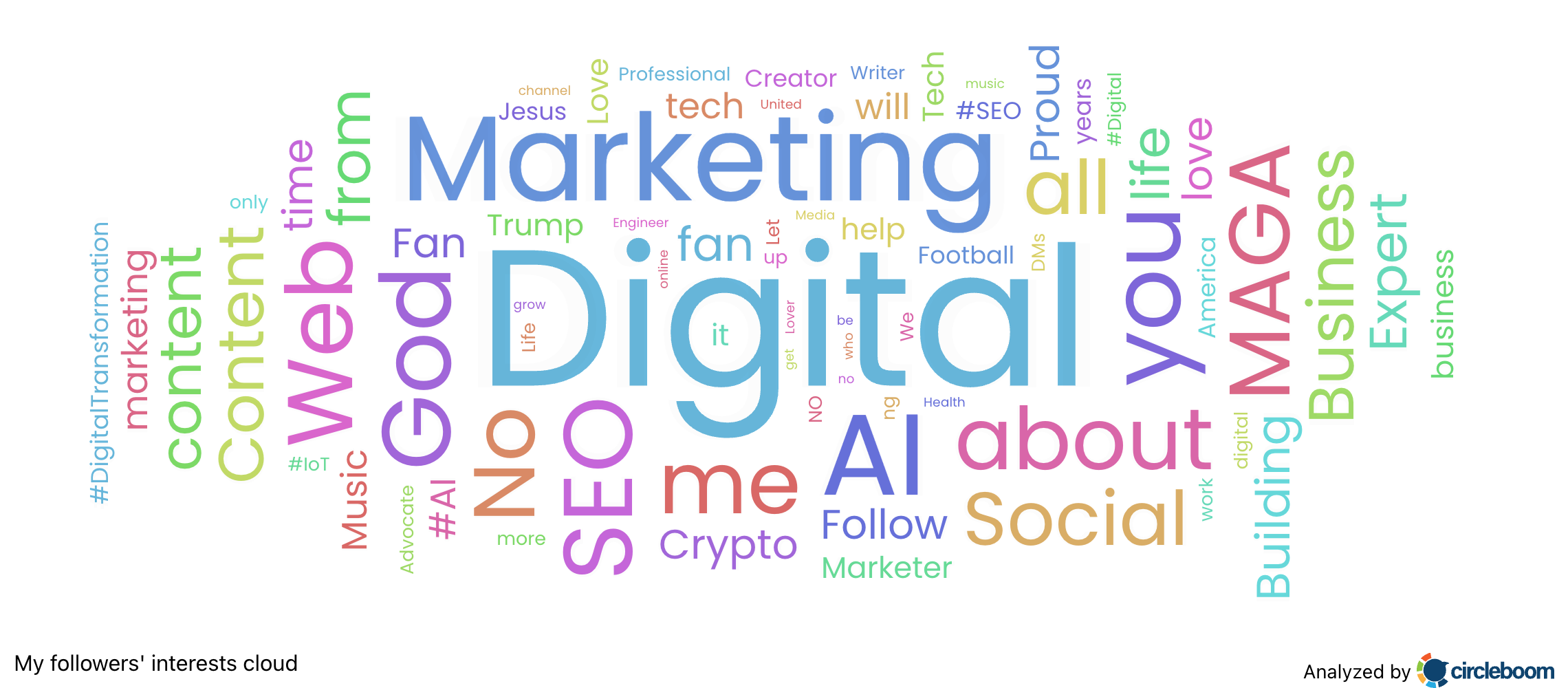
Write a strong sentence above the poll: The tweet text above the poll should make people curious or encourage them to participate.
Post at the right time: Even a good poll may perform poorly if followers are not online when it is posted.
Why Timing and Visibility Matter for Poll Performance
Timing can make a big difference in how well a poll performs.
If your followers are not online when you publish the poll, it may receive very little engagement in the beginning. On Twitter, early engagement often determines whether a tweet will continue reaching more people.
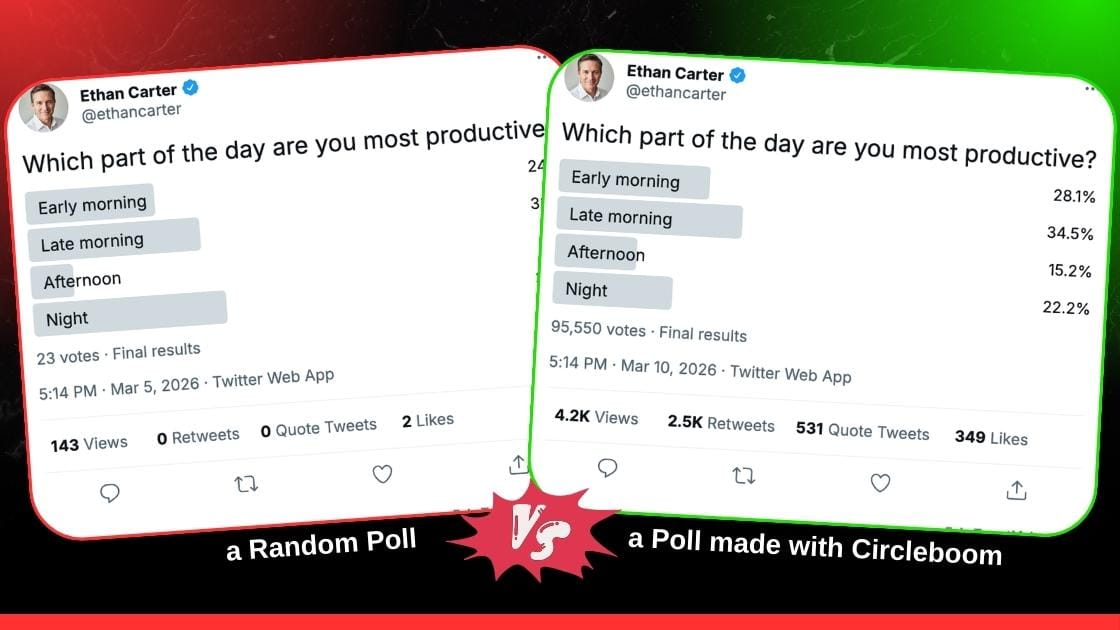
This is why posting at the right time increases the chances of getting more votes.
Another factor that helps polls perform better is retweeting. When a tweet gets retweeted, it appears in timelines again and can reach people who missed it the first time. This gives the poll another chance to collect votes.
Instead of managing all of this manually, I use Circleboom Twitter to handle it more strategically.
How I Use Circleboom Twitter for Polls
Circleboom Twitter is a Twitter management tool and an official X Enterprise Developer. I use it to create, schedule, and manage my tweets more efficiently.
One feature I find particularly useful is the ability to analyze follower activity and identify the best times to post. Circleboom studies when followers are most active on Twitter, including when they post, reply, and engage with tweets.
By scheduling polls during those time slots, the chances of early engagement and higher participation increase.
Circleboom also allows me to set auto retweets for my tweets.
Retweets increase impressions because they push the tweet back into timelines. With Circleboom’s auto retweet feature, I can automatically repost a tweet after a certain period.
Circleboom allows you to:
- Repost the tweet automatically
- Unrepost it later
- Repeat the repost cycle
This helps keep the poll visible longer instead of relying only on the first publishing moment. More visibility means more people see the poll and more people vote.
How to Create and Schedule a Twitter Poll with Circleboom Twitter
Here is how I create and schedule polls using Circleboom Twitter.
Step #1: Log in to Circleboom Twitter.
As an official Twitter partner, Circleboom is safe and compliant with all platform policies.
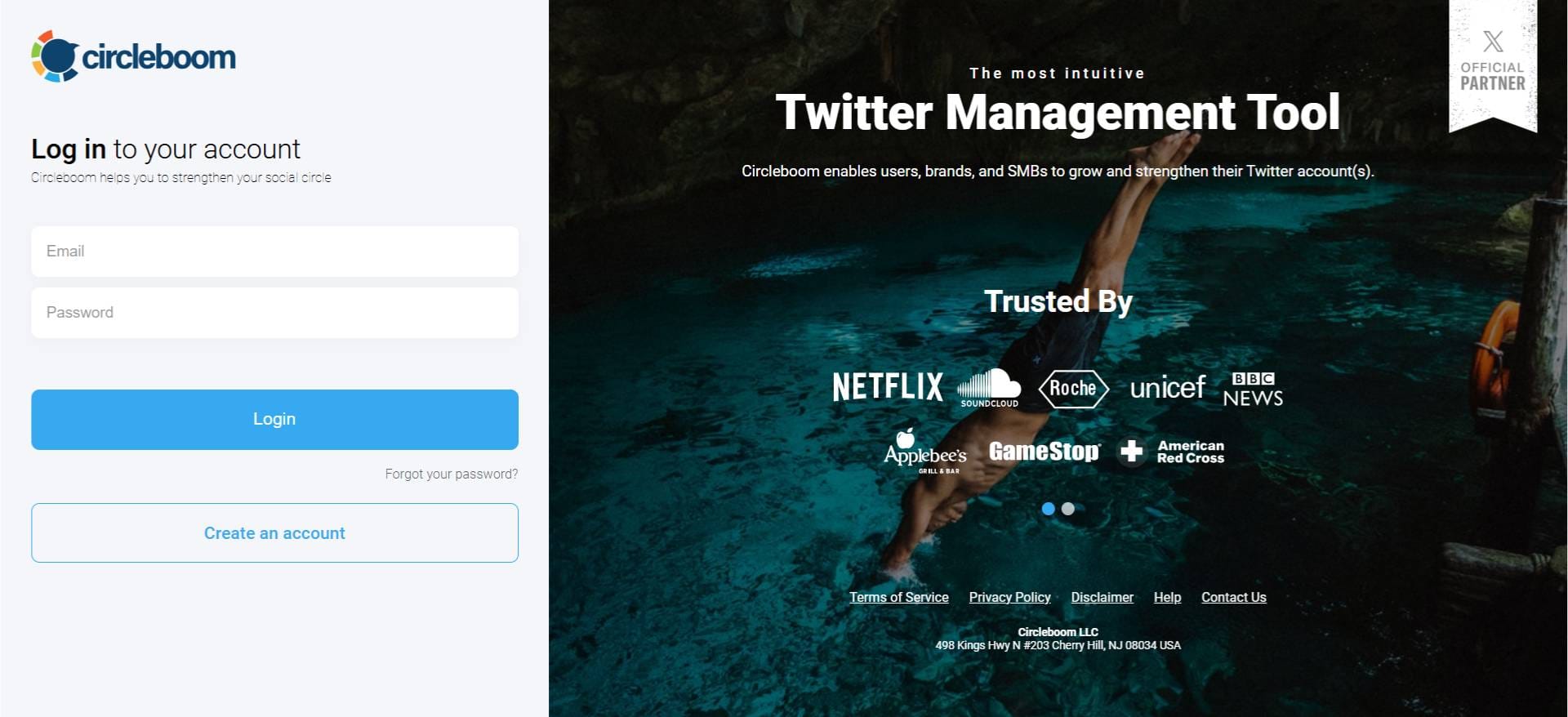
Step #2: From the left-hand menu, click on X Post Planner to open the new publishing dashboard.

This section gives you access to advanced scheduling, poll creation, AI tools, and more.
Step #3: On this new dashboard, you'll see many features like Tweet design tools, Twitter thread maker, AI Tweet Generator, etc., as buttons.
"Add poll" is one of these buttons. So type in your question and click on that button.
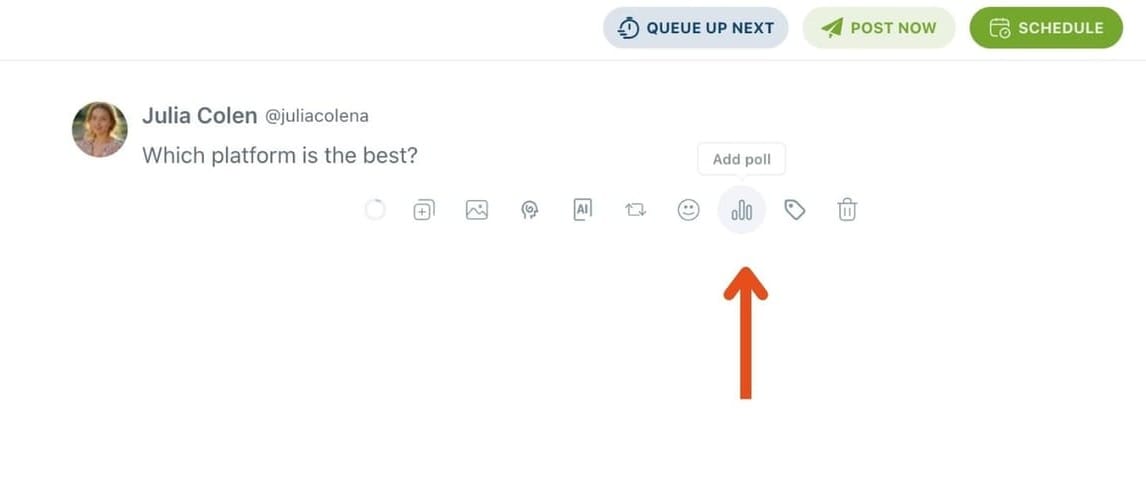
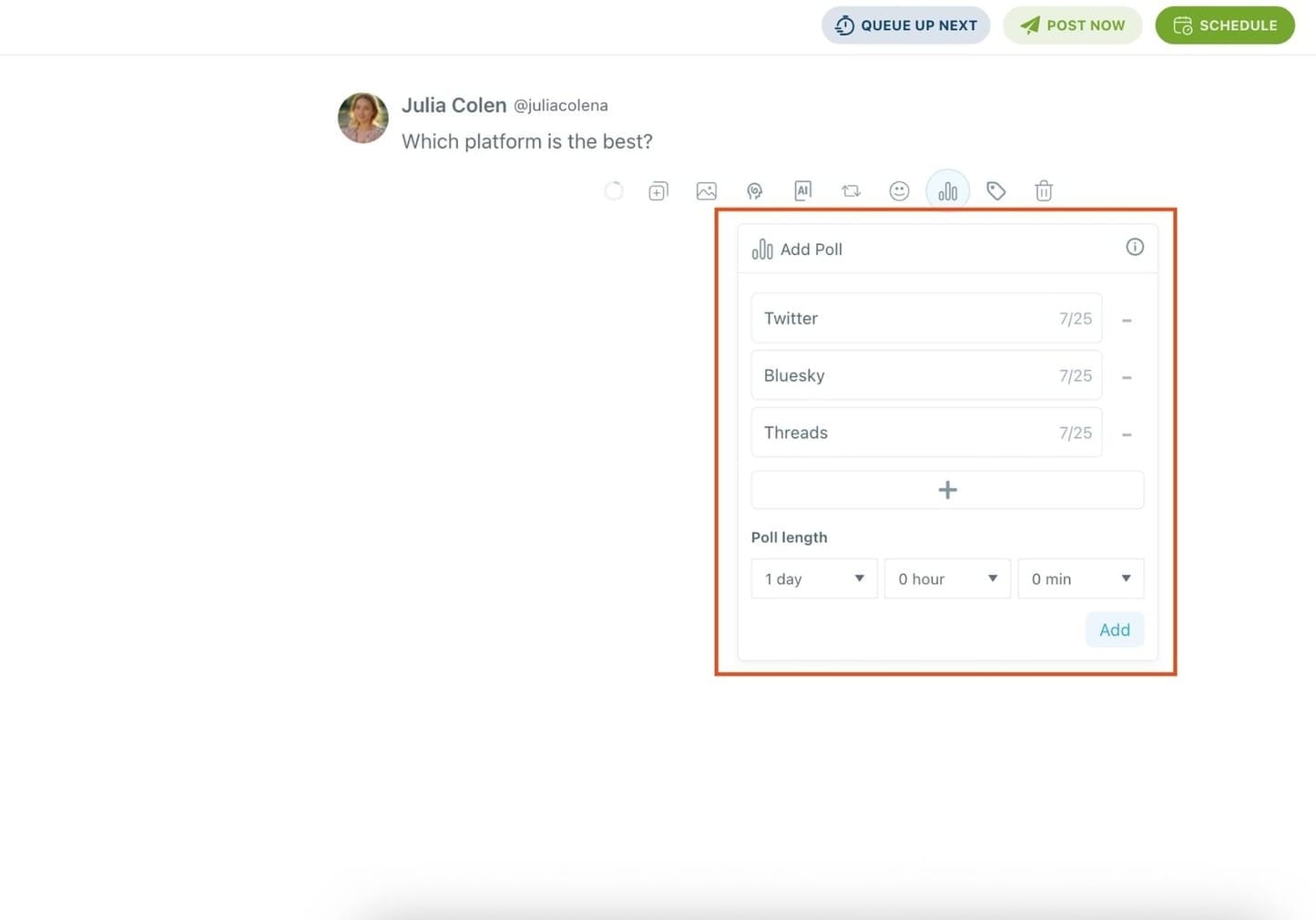
Step #4: After asking your question, all you need to do is craft your poll as you would natively on Twitter.
Enter your different answer options (up to 4 answers), and set how long the poll will stay active (up to 7 days).
You can also turn your Twitter poll into a thread or use Circleboom's built-in AI to enhance your text by rewriting, shortening, or adding relevant hashtags.
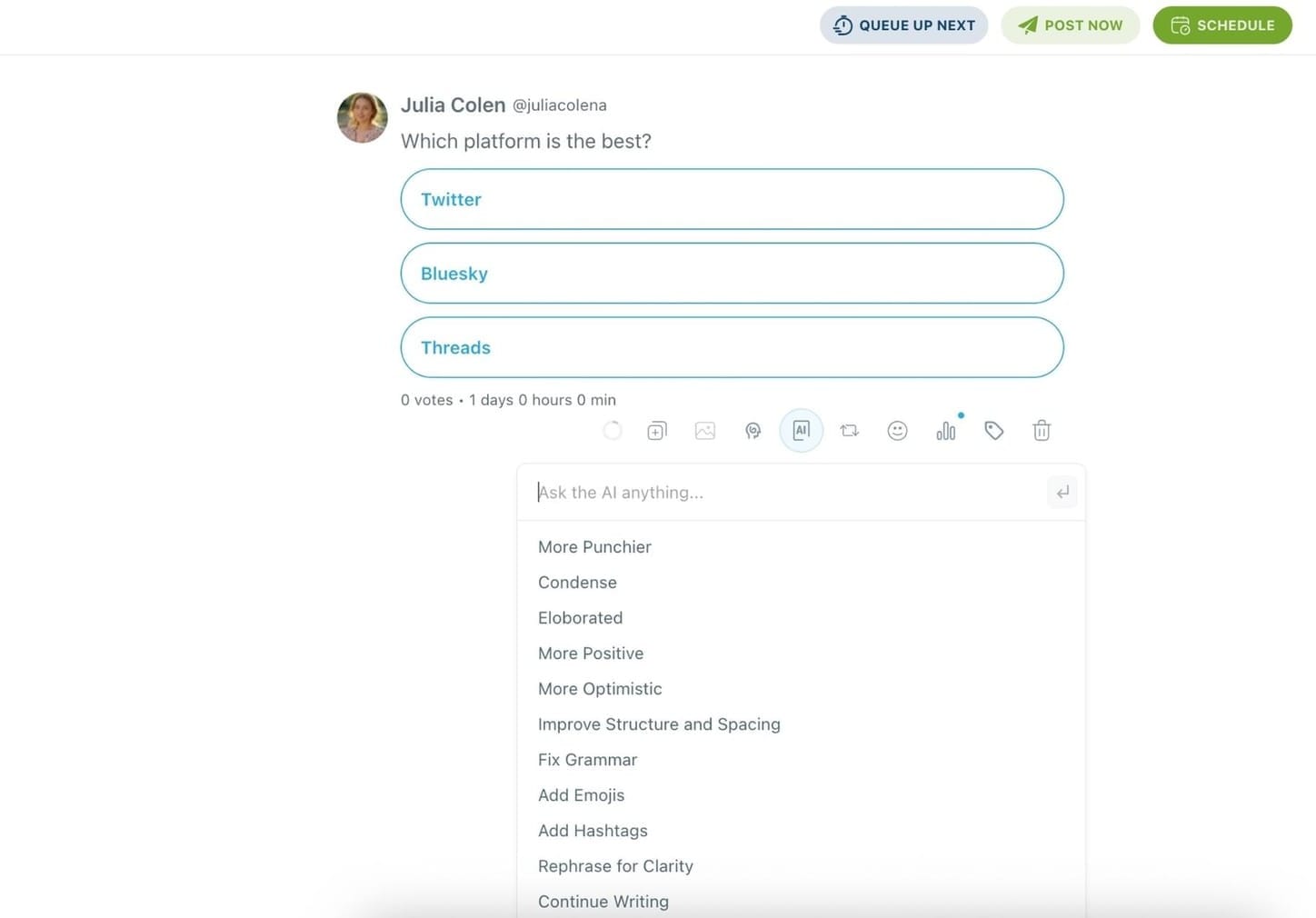
🌀 Bonus: You can even set your poll to auto-retweet after posting using Circleboom’s Auto Repost feature, boosting its reach automatically!
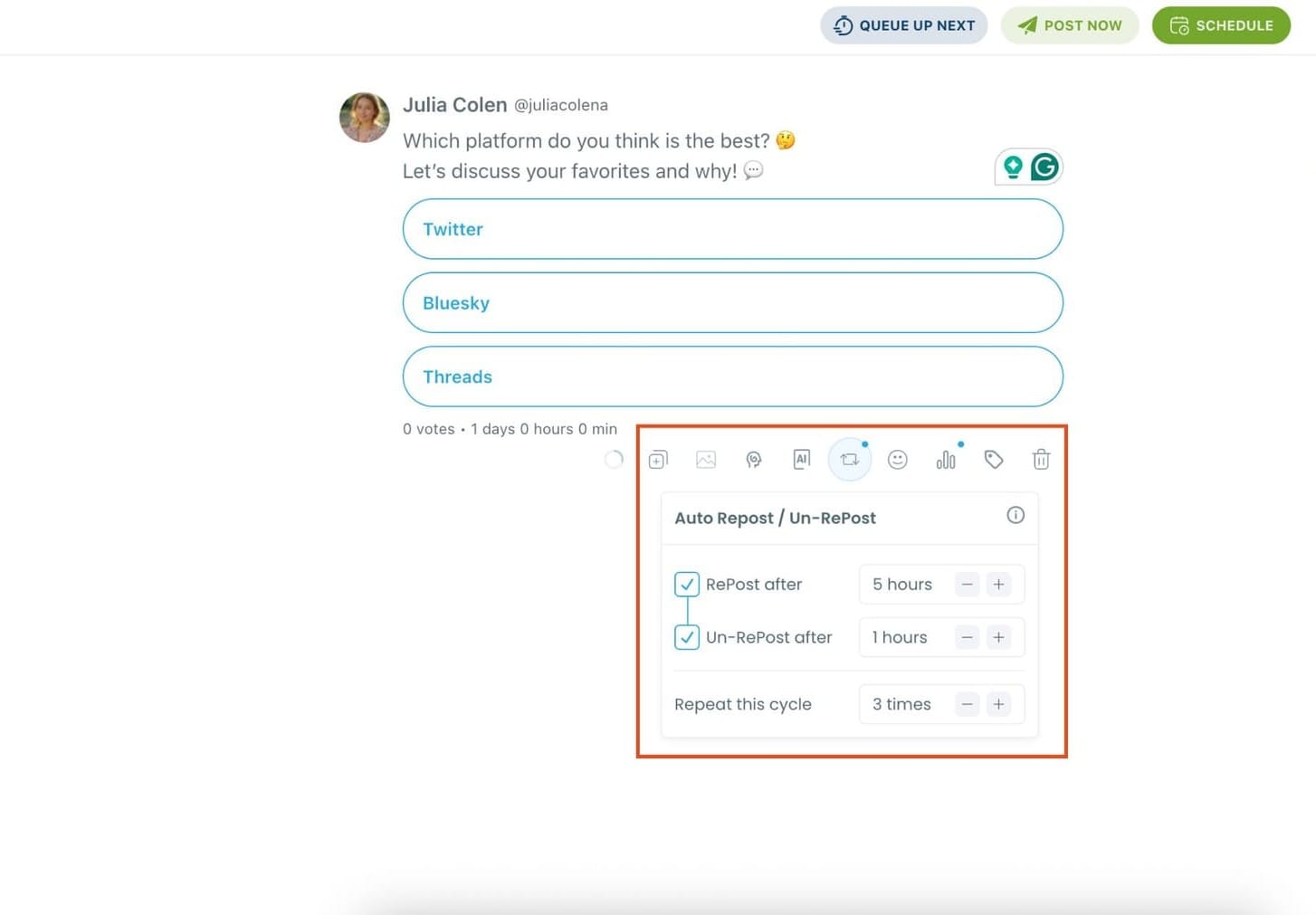
Step #5: Once your poll is ready, you can post it immediately or schedule it for later, a feature not available on X itself.
Pick a specific time manually or use your best time to post based on Circleboom's smart suggestions.
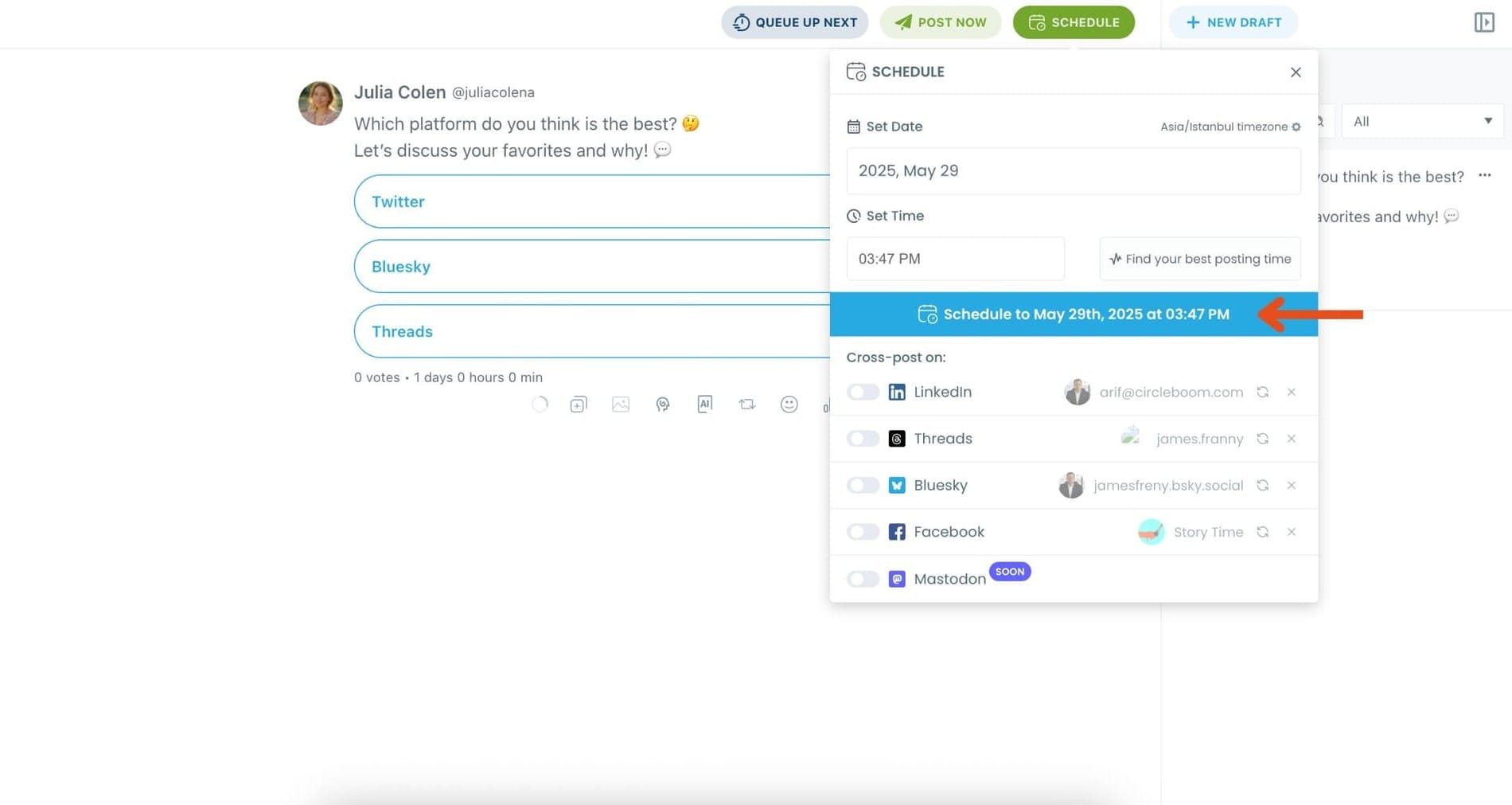
Once it’s scheduled, Circleboom will automatically publish the poll at the optimal time.
Final Thoughts
Polls are strategically important on Twitter because they make engagement simple, encourage participation, and reveal what followers think.
They help tweets gain interaction quickly and can even guide your future content decisions.
By combining effective poll questions with the right timing and visibility strategies, it becomes much easier to increase participation.
Using Circleboom Twitter, an official X Enterprise Developer, makes this process even more powerful by helping you schedule polls at the best time and automatically retweet them to maximize their reach.





%2C%20and%20you%20will%20learn%20how!)
%20Poll%20affect%20participation%3F)